

Why is Camera Raw Filter Missing My Profiles? [Mac]
Short Version:
Hello, I created, and imported some custom profiles in Camera Raw. When I open a raw image, I can click on profiles and they all show up. However, if I'm already in photoshop, and attempt to apply a Camera Raw Filter, none of the custom profiles are listed—only the Adobe defaults. Why is this and how do I fix it?
__________________________________________
Long Version & Extra Details:
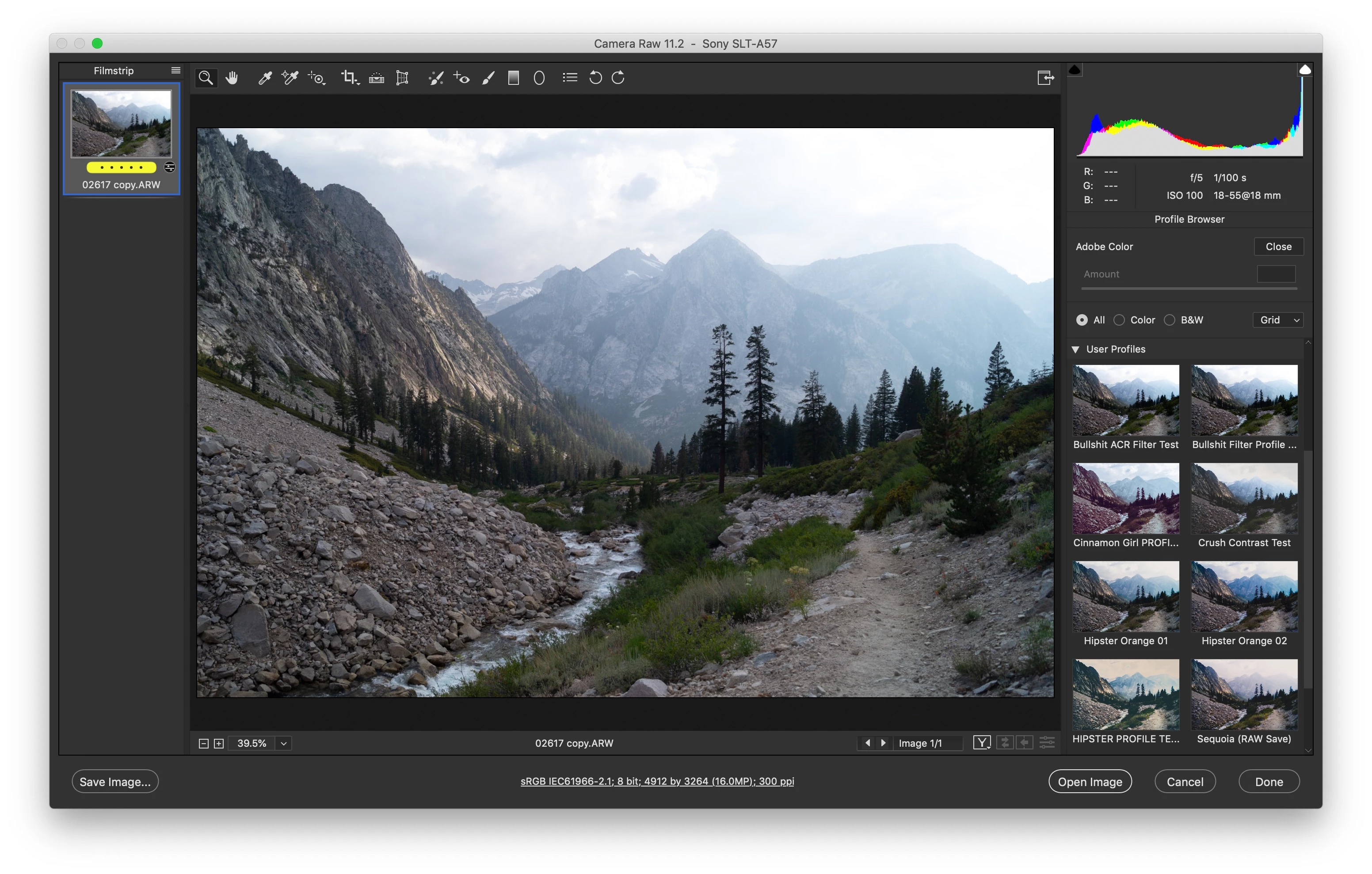
These are the profiles I see when I open a raw image. Note the large list under User Profiles, and scroll bar to the right, there's even more. (You can tell I opened a raw image, and not a layer in PS due to the filmstrip and icon on the left).
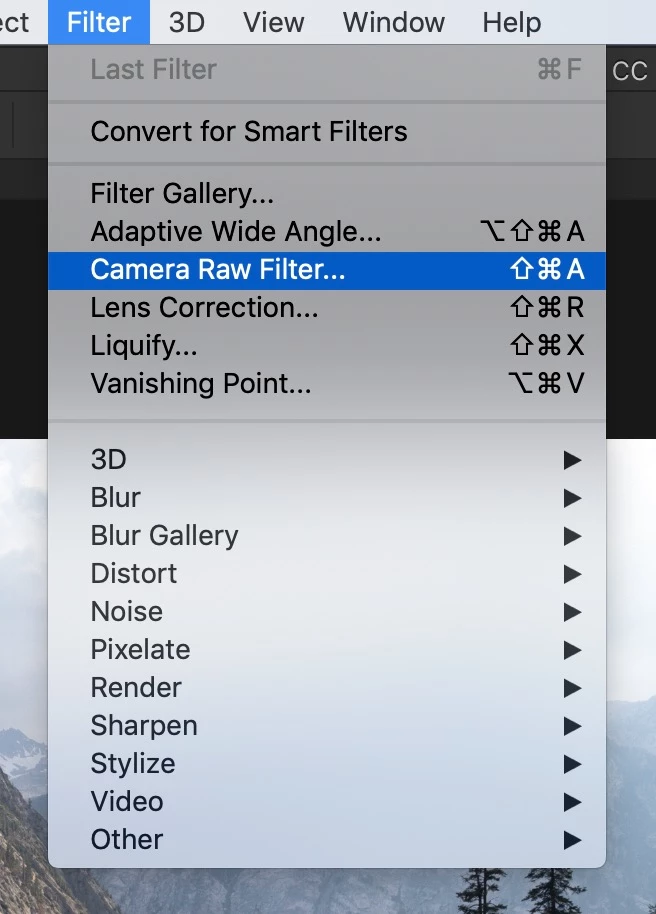
Okay, now let's try opening the same image as a layer in PS, and applying a camera raw filter.
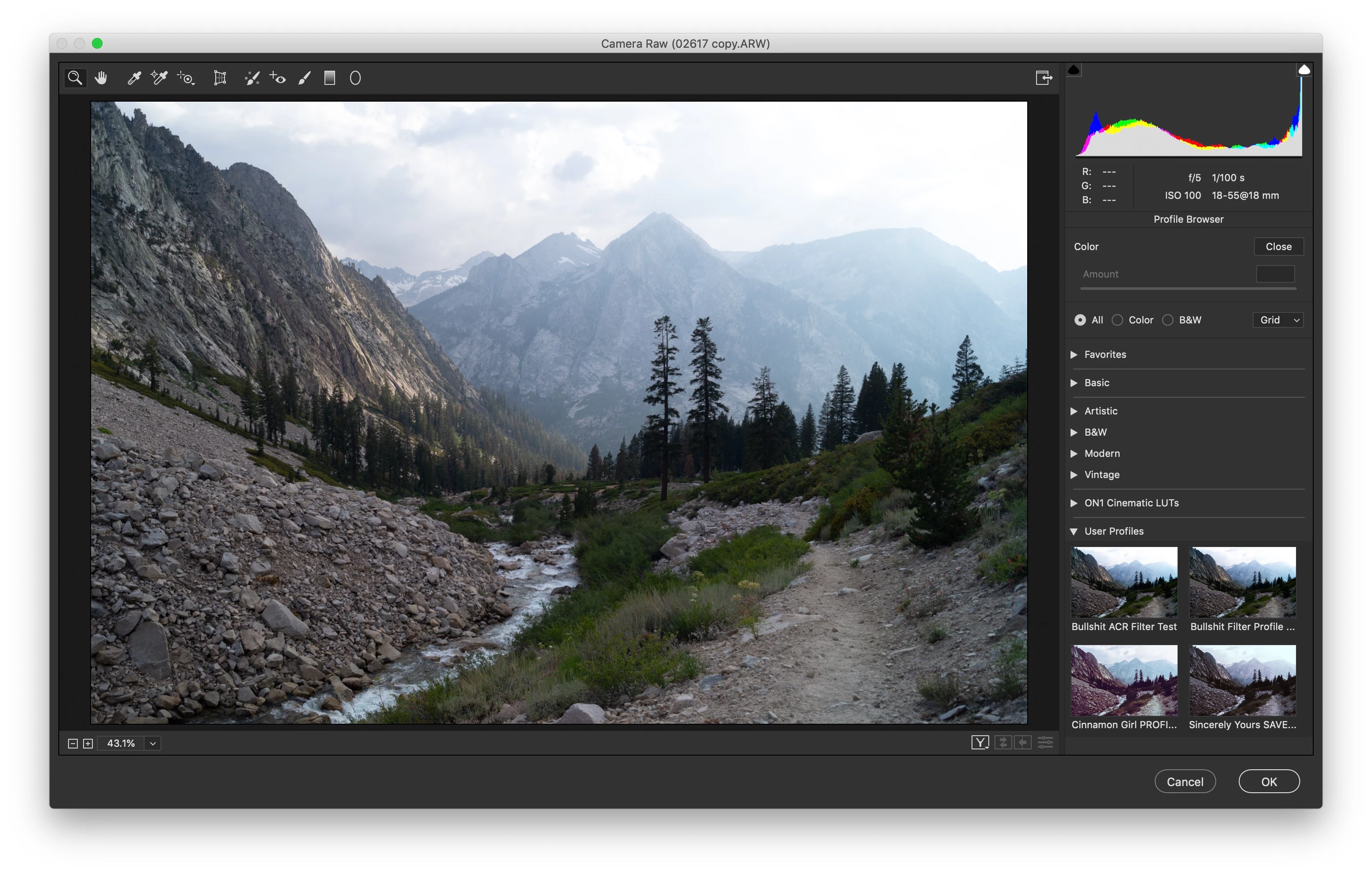
Notice the lack of profiles, these are the ONLY 4 that show up. (And I only got a couple of them there through lots of roundabout finagling. For one I had to open the up the actual XMP and compare lines of code... an even longer story I could explain later if you want to know...)
- I created my custom profile as follows:
- Open raw image
- Apply adjustments
- Navigate to "Presets" panel
- Option/Alt click the "New Preset" to create new Profile
- This saved the new profile in the following directory: Macintosh HD>Users>[MyUsername]>Library>Application Support>Adobe>Camera Raw>Settings
- Note that the Library folder here is hidden by default.
- To import the custom profiles, I simply downloaded them, and copied them into the same folder. Once again, this makes the profiles show up when I open a raw image, but not when I apply a camera raw filter to a layer in Photoshop.
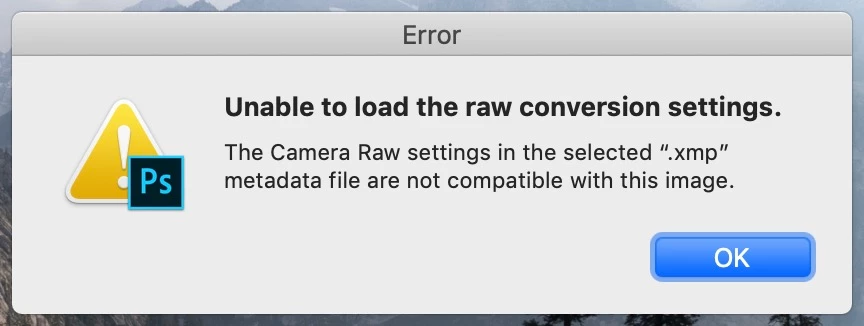
- Also, right-clicking within the profiles tab to "Import Profiles" does not work. It will not allow you to select an xmp file, which is what the above-mentioned methods provide the profiles as. It will give you an error message saying, "Unable to load the raw conversion settings. The Camera Raw settings in the selected ".xmp" metadata file are not compatible with this image."
- What is absolutely infuriating is that I literally just created that xmp file using camera raw on a raw image. But for some reason the Camera Raw used as a filter can't handle it...
- Note: This does not happen the other way around. Any filter/preset/profile/xmp created with the Camera Raw FILTER shows up and is useable when opening Camera Raw on a raw image.
 AdChoices