


Participating Frequently
Jan 6, 2015 9:59 PM UTC
Answered

Why is Photoshop only painting in black and white?

I don't what happened but for some reason my Photoshop CC is only painting in black and white and none of the colours will show. I tried opening a new file but it does the same. For some reason it creates a channel called Gray and now nothing is colour. How do I fix this please?
Finlay5EF1Correct answer
Participant
Oct 14, 2020 9:25 PM UTC

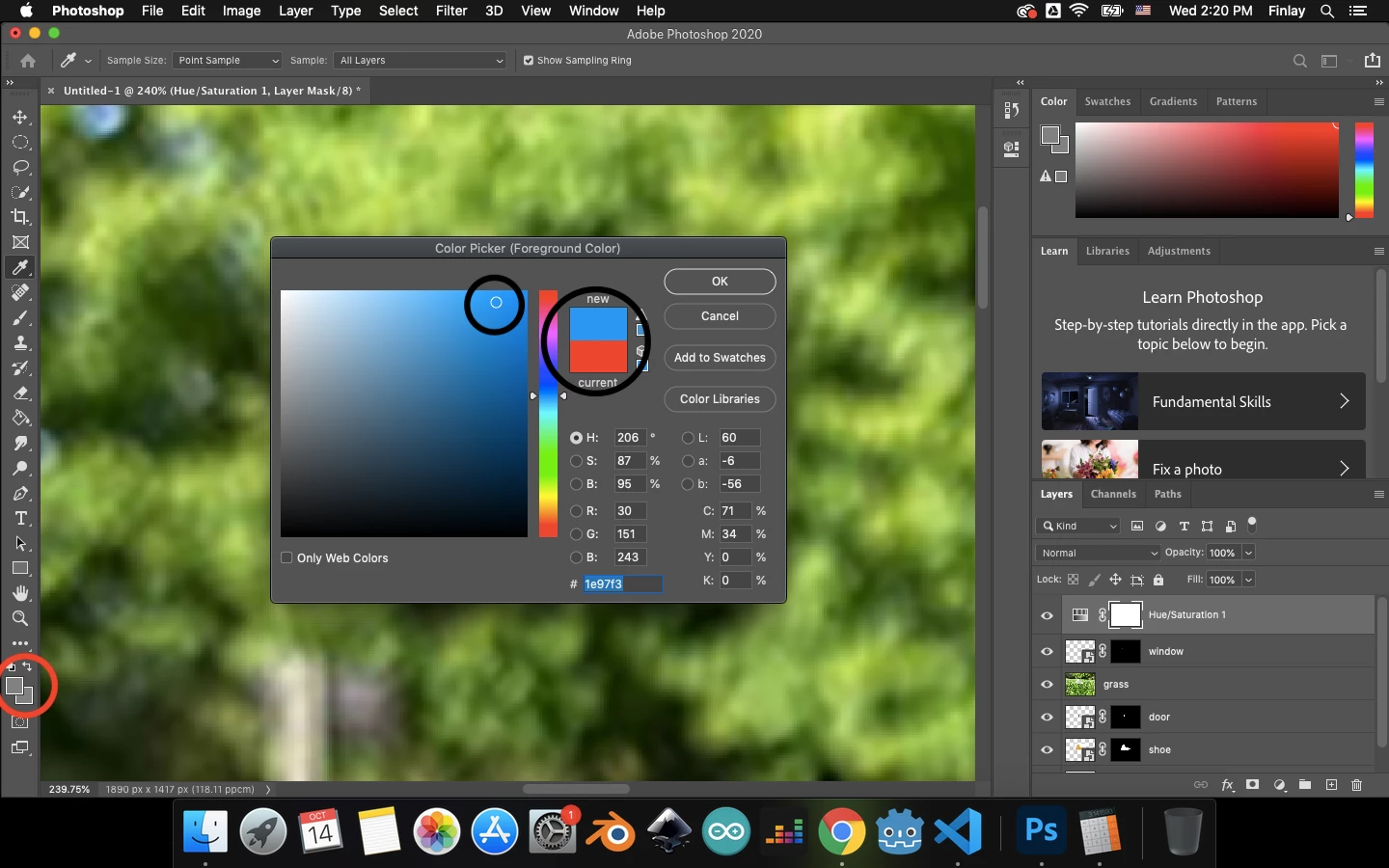
The same thing happened to me, and it is in the color options.


nvm, i fixed it. It was because i was on a hue/saturation layer. Hope this helps

7 replies

Chris Cox
Legend
Jan 6, 2015 10:06 PM UTC

Your document is in grayscale mode, where only gray values are possible.

Change the mode to RGB, CMYK, or LAB to use color.

Translate
Participating Frequently
Jan 6, 2015 10:33 PM UTC

How do I change it to RGB?

Translate
Chris Cox
Legend
Jan 6, 2015 11:29 PM UTC

Image->Mode->RGB

Or just create the document in RGB by setting the mode to RGB when you create the new document.

Translate