
vinny dellay
Known Participant
August 24, 2023
Answered

Why is the area around my document black?

  • August 24, 2023
  • 2 replies
  • 2153 views

HellO!


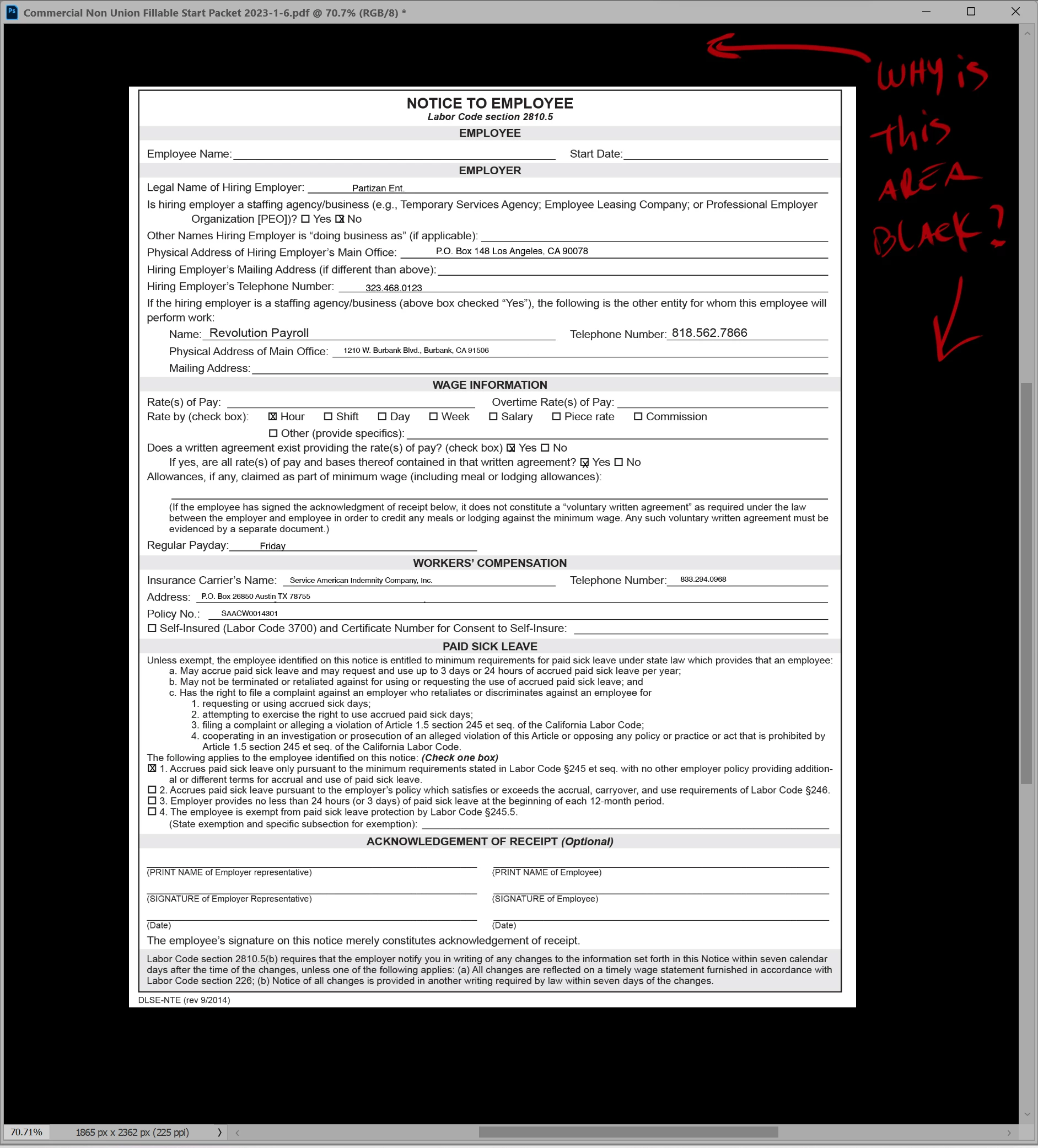
I was screwing around with the "performance " area in the Preferences (trying to get Photoshop to run a little faster).  I accidentally did something so now, the area outsid eof any document I open is black/.  It's a difficult thing to describe so I'm attaching two photos.


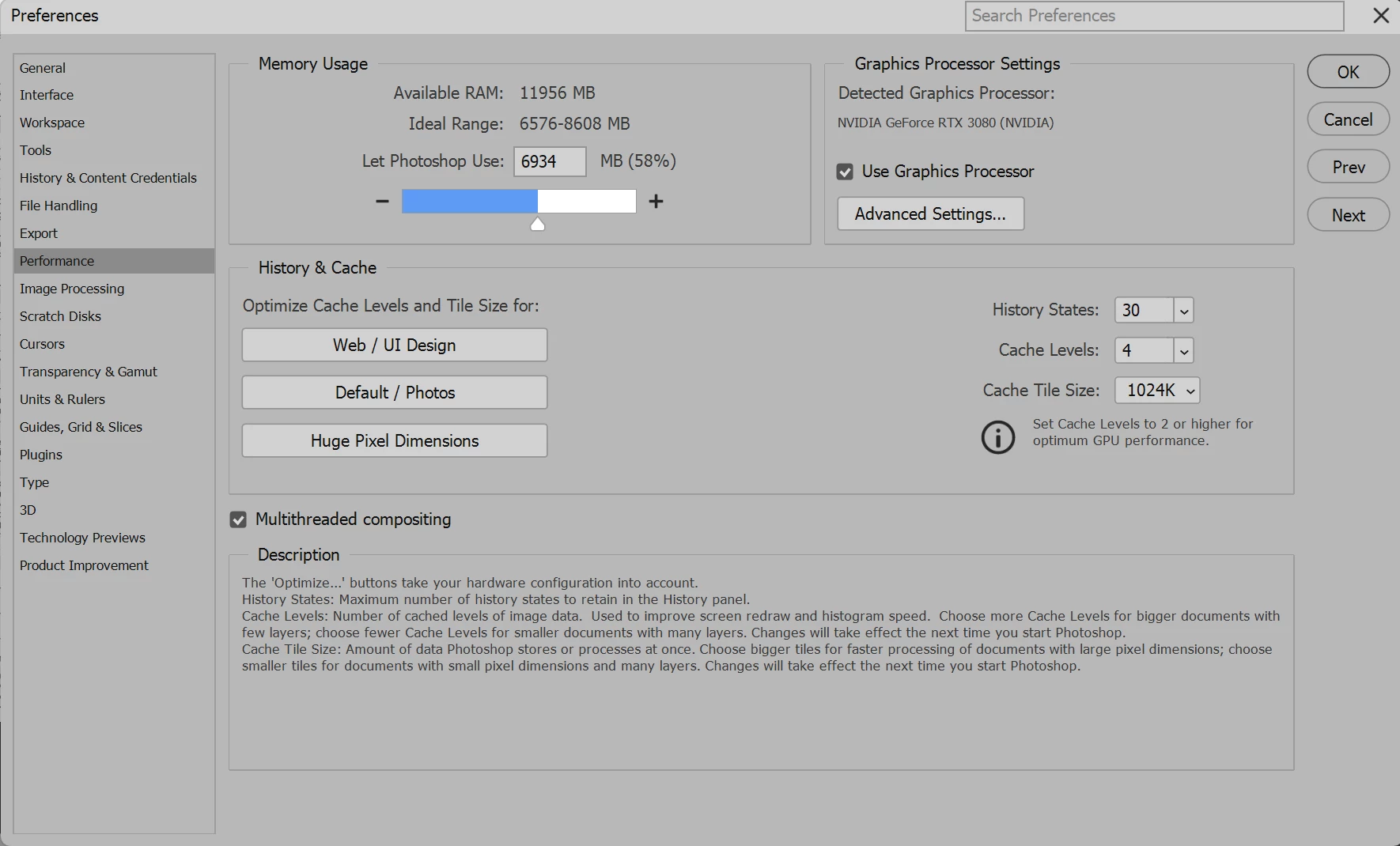
The first shows the area that has suddenly gone black (this is true regardless of which documant I open).  The second image is just a shot of my current "performance" settings.


Anyone have a suggestion on how i can get it back to the way it was (i bhelieve that area used to be white or light gray..)
 

This topic has been closed for replies.
Correct answer Conrad_C

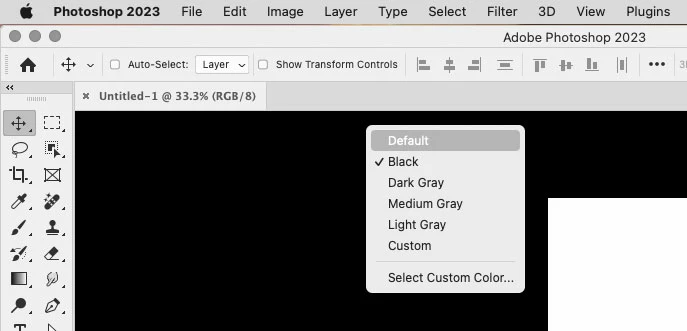
Right-click the area outside the canvas, and see if it somehow got set to Black instead of Default or whatever surround color you prefer.


2 replies

Conrad_C
Community Expert
Conrad_CCommunity ExpertCorrect answer
Community Expert
August 24, 2023

Right-click the area outside the canvas, and see if it somehow got set to Black instead of Default or whatever surround color you prefer.


vinny dellay
Known Participant
August 24, 2023

Thank you!  Clicking in that black area and then setting it to default did the trick.  I appreciate you!

Myra Ferguson
Community Expert
Community Expert
August 24, 2023

It looks like you're in Full Screen Mode. You can change it back by going to View > Screen Mode > Standard Screen Mode or by pressing F until you get back to the Standard Screen Mode.