Participant
April 10, 2025
Question

why mixer brush tool is not working correctly in photoshop, & full square should be filled with tex

  • April 10, 2025
  • 2 replies
  • 229 views


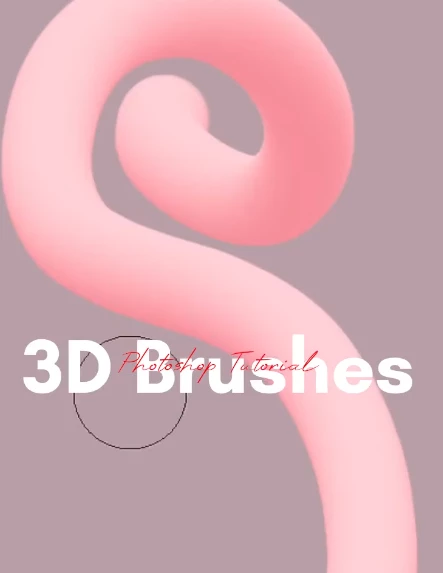
Picture 3

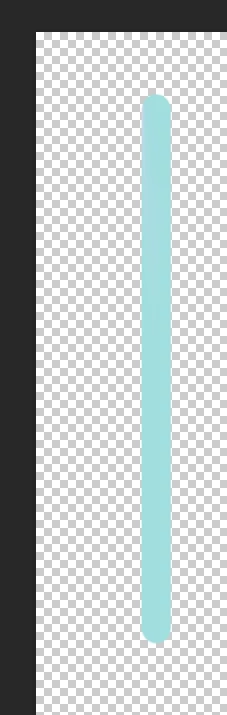
Picture 4


why mixer brush tool is not working correctly in photoshop, & full square should be filled with texture compeltely.
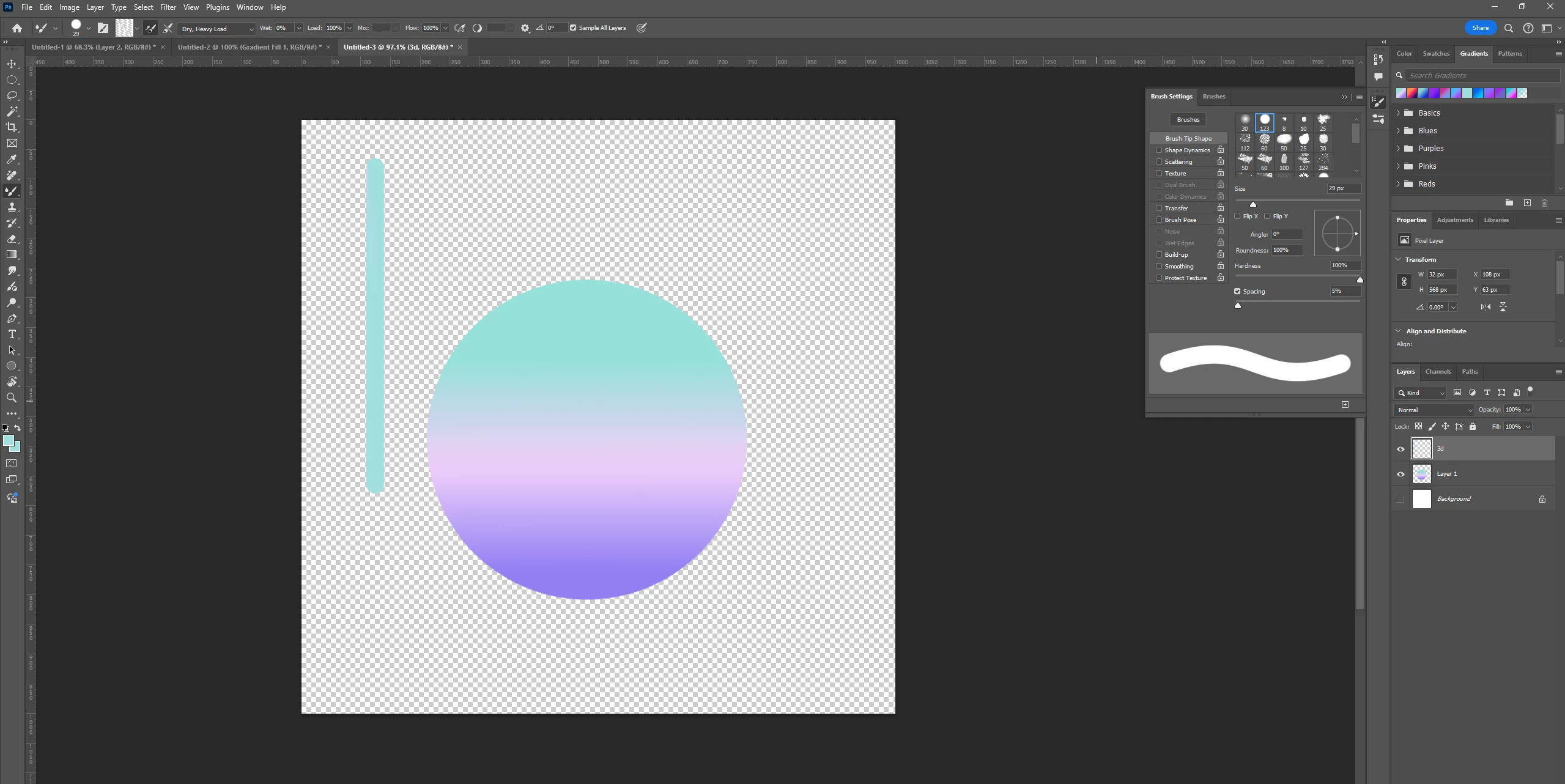
I created a circle with beautiful and colorful gradient because I want to create 3d brush like picture 3. However, my mixer brush tool is not working correctly in photoshop. I clicked alt to absorb my circle with beautiful and colorful gradient, and use mixer brush to draw the 3d brush, but the result turns out to be something in picture 4. It is not something that I want.

Please help !! thank you so much!!!!!!!!!!!!!!

2 replies

davescm
Community Expert
Community Expert
April 10, 2025

I've just tested and it is working fine here with the same settings using Photoshop v26.5 on Windows 11


What version of Photoshop are you using? There was an issue with the mixer brush in v25 but it was fixed in v26.https://community.adobe.com/t5/photoshop-ecosystem-bugs/p-win-macos-ps-25-11-mixer-brush-swatch-in-brush-options-is-no-longer-transparent/idi-p/14756267


Dave

chow_1038Author
Participant
April 11, 2025

i am using Adobe Photoshop Version: 25.11.0

davescm
Community Expert
Community Expert
April 11, 2025

Try updating. The current release is 26.5

Dave

chow_1038Author
Participant
April 10, 2025

https://www.youtube.com/shorts/Vb8E9it8Om0
HERE is th tutorial that i am watching (to create 3d brush in Photoshop)