

Answered
[Windows 10] Select Similar grayed out for text layers?
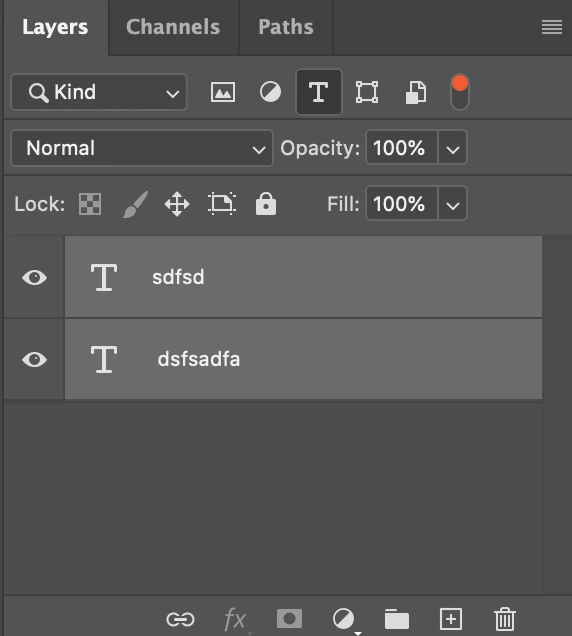
I have project where I have dozens of text layers and I want to globally change the font size for all of them. According to tutorials, I should:
1) Select a text layer
2) Select the text editing tool
3) In the top menu bar, choose Select > Similar
Unfortunately, contrary to the tutorials, "Similar" is grayed out. Is there another way I can globally change text properties for all the text layers in a project? Thanks.
Adobe Photoshop 22.5.1
Windows 10 Home v2004 OS build 19043.1288 v21H1
 AdChoices