
Windows 10 Touchpad gestures not working properly
Working on 2020 Razer Blade 17 Pro with 4K touchscreen and NVIDIA® GeForce RTX™ 2080 Super Max-Q Studio Edition.
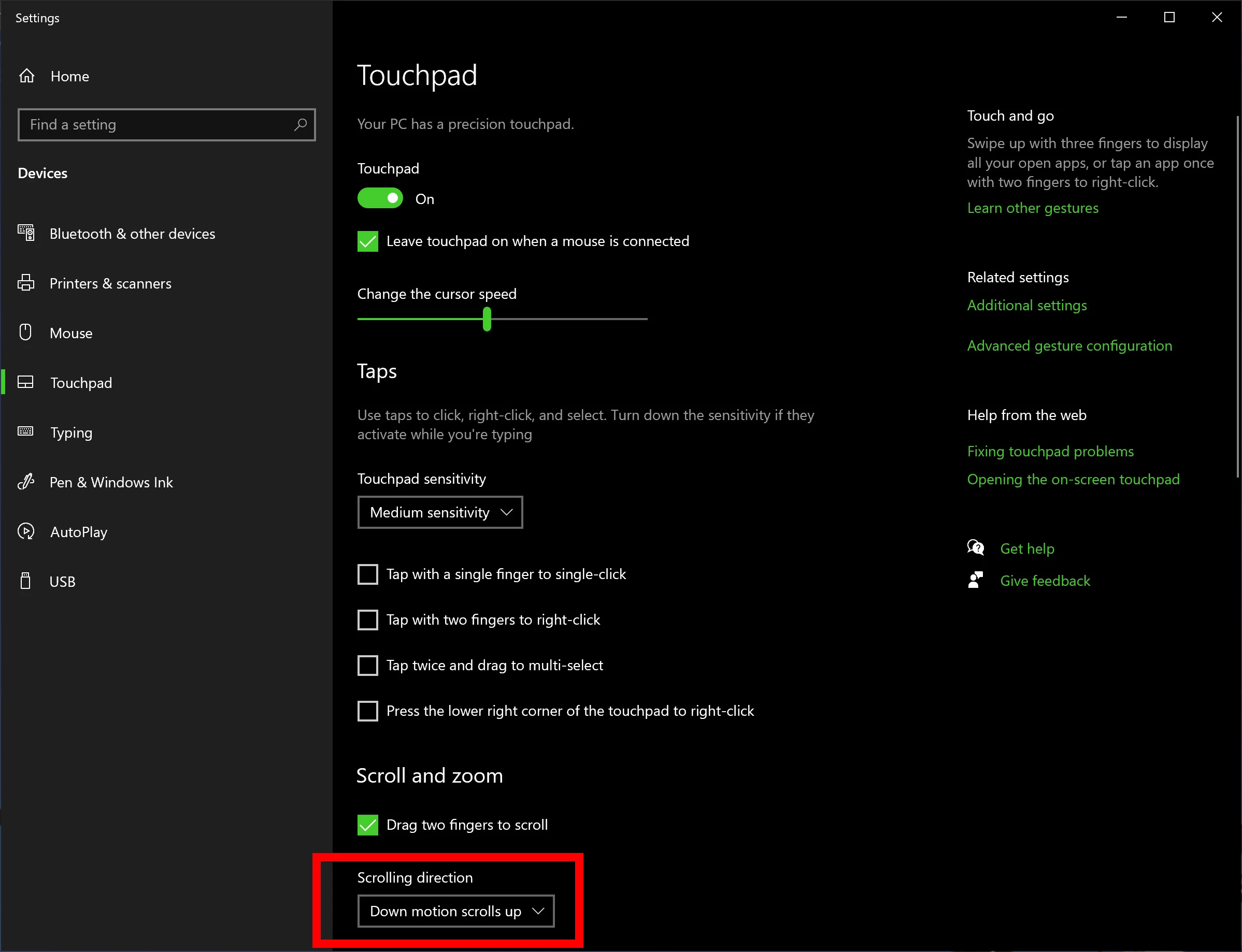
Set Scrolling Direction to Down Motion Scrolls Up (see attached screenshot)
so that gestures are natural (work as on touch screen and drag contents instead of scroll bars).
Up/Down gesture works Ok, but Left/Right gesture works opposite to what it should.
Pinch to Zoom doesn't' work. Pan & Rotate doesn't work.
(See list of gestures that are supposed to be supported: https://helpx.adobe.com/ca/photoshop/using/touch.html )
These gestures all work off the touch screen, but for my workflow, I prefer to use the touchpad.
All these gestures seem to work well on Google Chrome, Microsoft Word, Microsoft Excel and ironically also in Adobe Acrobat Pro DC.
Any ideas how to fix this in Photoshop 2021?


 AdChoices