Do you get an error message?
In the first step try to reset the preferences of Photoshop using the steps described here:
https://helpx.adobe.com/photoshop/using/preferences.html#reset-preferences
It's recommended to backup your settings before resetting the preferences.
See here: https://helpx.adobe.com/photoshop/using/preferences.html#backup-photoshop-preferences
So you can, if the reset doesn't solve the issue, go back to the saved settings. Quit Photoshop and put the Settings folder back.
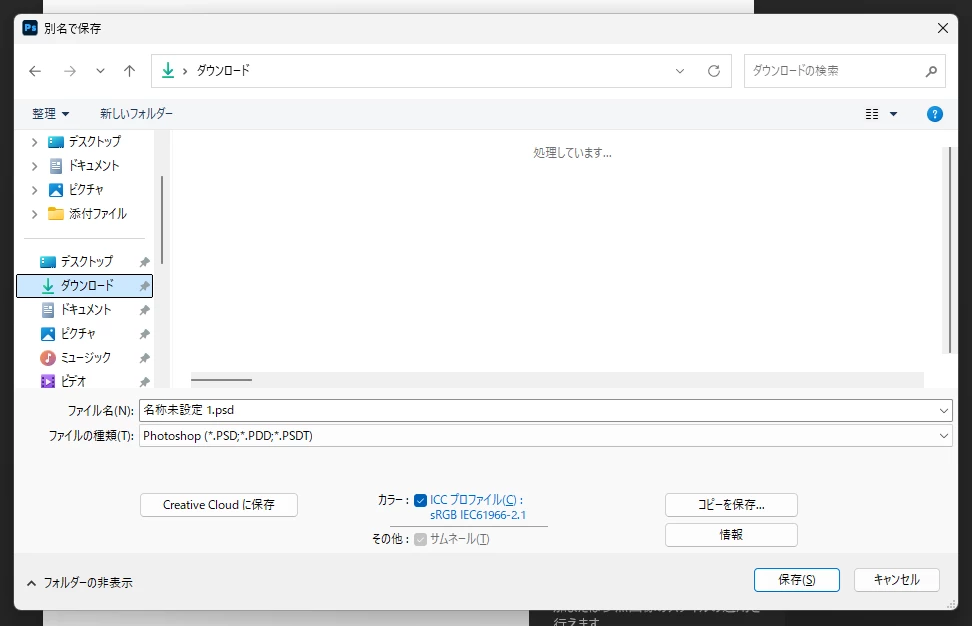
If this doesn't help check if you have the appropriate write access rights to the appropriate folder to which you try to save the file.
If this all doesn't help, we need more informations about your system. Maybe you can post your Photoshop system info. In Photoshop goto Help > System Info and hit the copy button. Then paste the entire informations into this thread.
My System: Intel i7-8700K - 64GB RAM - NVidia Geforce RTX 3060 - Windows 11 Pro 26H2 -- LR-Classic 15 - Photoshop 27 - Nik Collection 9 - PureRAW 6 - Topaz Photo AI



 AdChoices