

Wondering how to blend splodgy colors into uniform color photoshop
- 5 replies
- 524 views
- Translate
Hi,
I am setting up a business, aiming to do scanning of artwork, photos etc at clients homes. One of my scanners is a Fujitsu SV600 overhead scanner. I can get good results from the scanner using an advanced ICC profile, with Levels.
The trouble is that the scanner picks up every last crease and imperfection in the paper on artwork and on some non-white paper scans the colours come out blotchy. I have a Spectro 1 Pro spectrophotometer to get exact results on the background colour (in conjunction with a Hue/Saturation layer or Replace Color command) but in using these techniques, the colours remain blotchy.
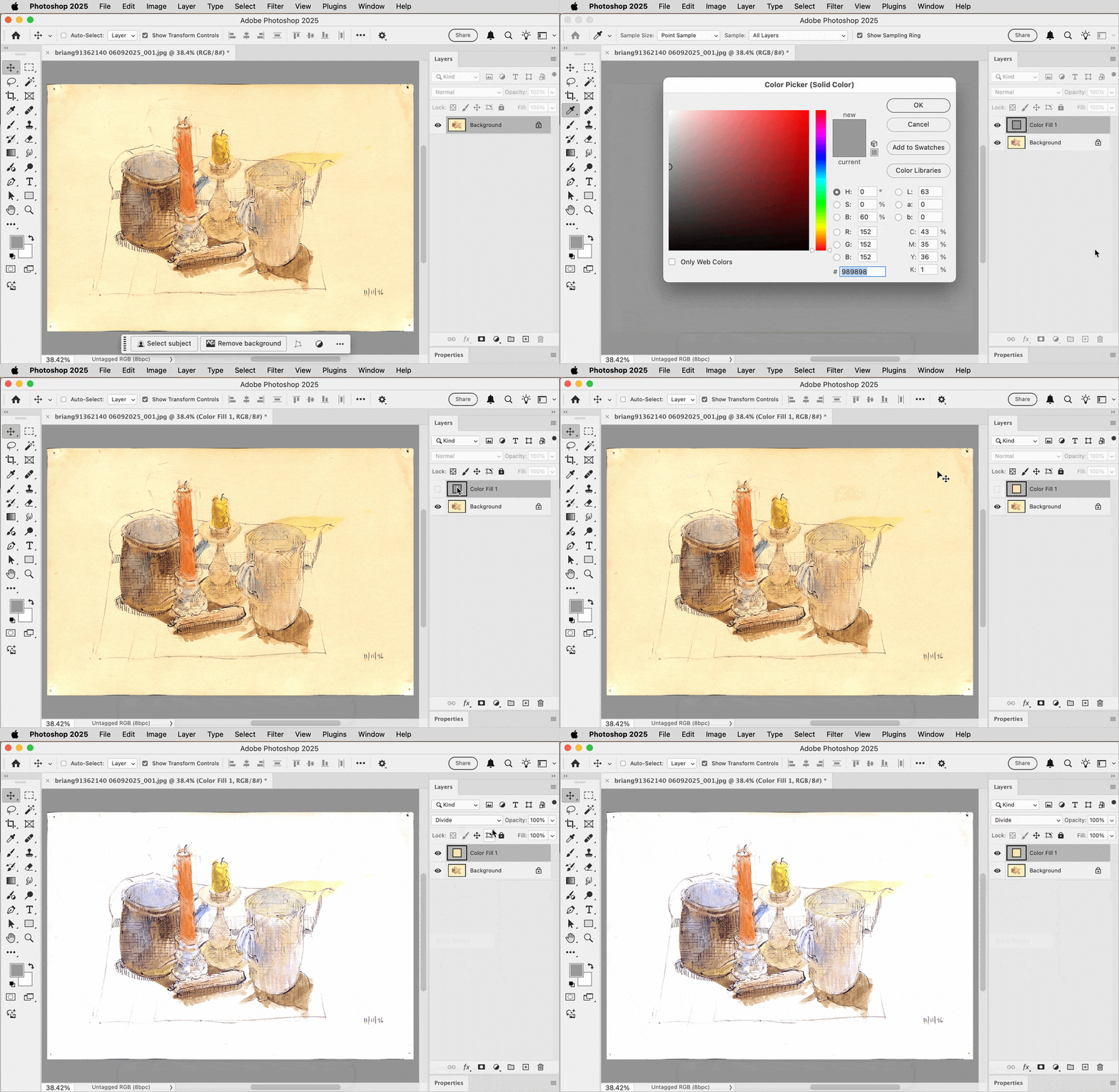
What i want to do is unify the blotchy colours with a single new colour (as proposed by the spectrophotometer on the original artwork) without upsetting any of the detail in the artwork (drawing, painted subject). I have found using Gaussian blur and the clone tool to be too invasive of the artwork.
I wondered if the high pass filter could be utilised or ideally Color Range in the Select menu or a gradient map for just the background colors. If you know the answer to this question, please guide me through it as much as possible as I am a bit of an ignoramus on the more complex sides to photoshop. I tried a technique used for removing skin blemishes but it didn't have much of an effect.
Many thanks



 AdChoices