

Answered
workspace backdrop stuck to bright white
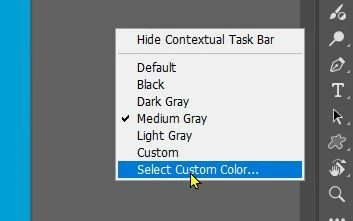
Any Idea how to fix this? Latest update, tried force quit, tried to change the 'theme', has no effect. Was like this before and after I updated the app. I just want it to go back to grey
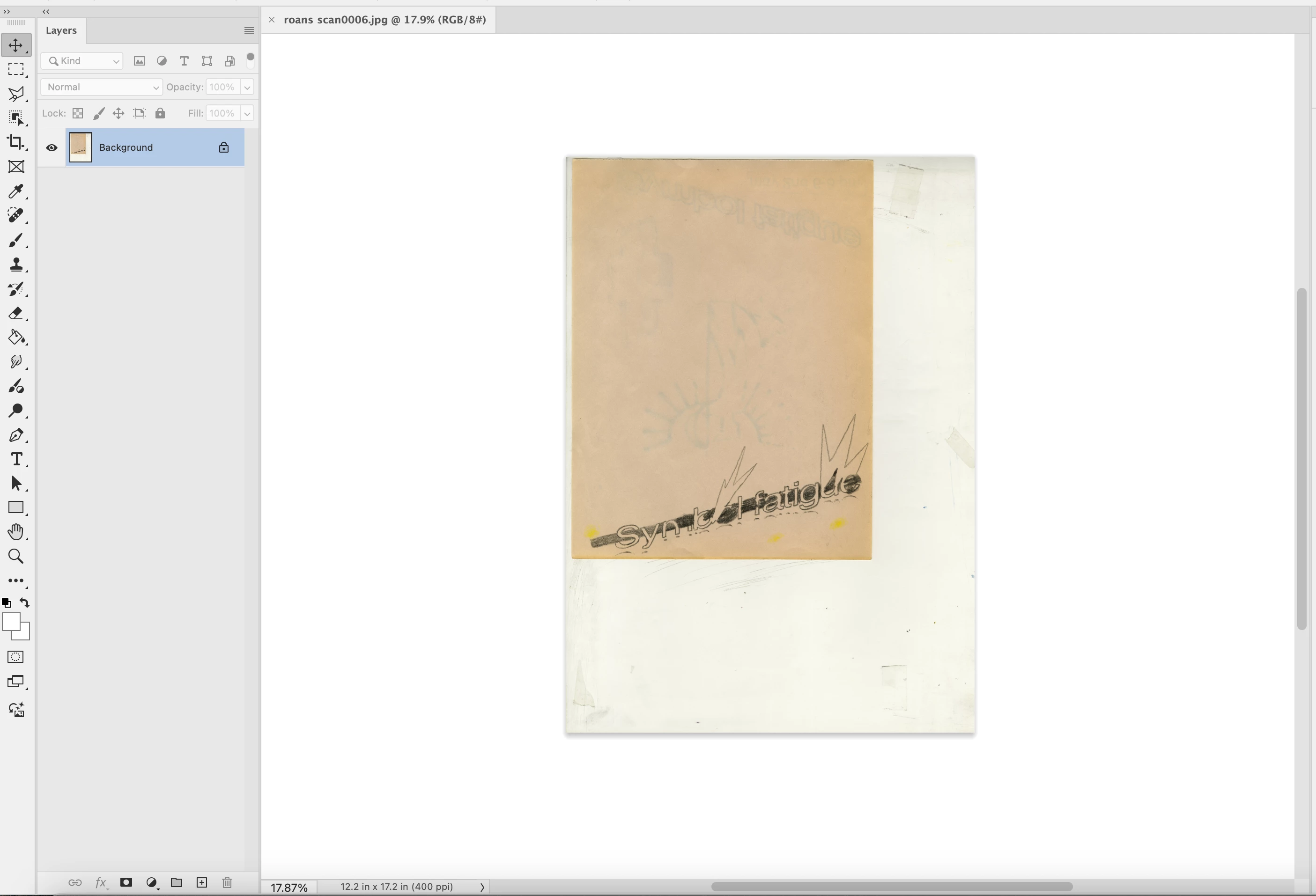

Any Idea how to fix this? Latest update, tried force quit, tried to change the 'theme', has no effect. Was like this before and after I updated the app. I just want it to go back to grey
Already have an account? Login
Enter your E-mail address. We'll send you an e-mail with instructions to reset your password.

 AdChoices