
Participating Frequently
August 25, 2024
Question

Ыныеуь Time error in Photoshop? Kiddings me?

  • August 25, 2024
  • 2 replies
  • 426 views

Hello everybody and morning


I am a well paid consultant from eastern Europe, my Englush is not good.

After 30+ years of Photoshop experece (Apple only)  I've started to receive System time  error in the photoshop (the negative is attached below). What is the problem in the first place? That is the question
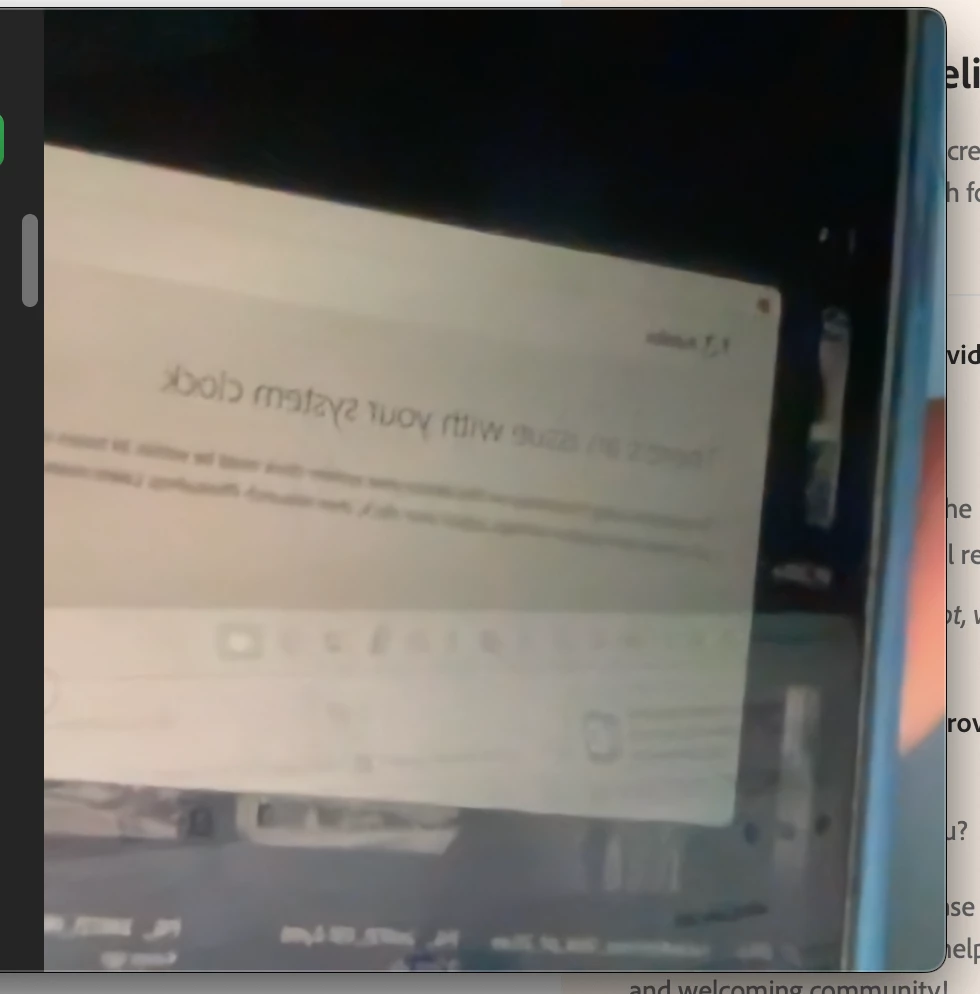


Addіtіonal informatіon:

1. The latest fully patched and updated Photoshop on MacOS Siome

2. macOS updated last week on MacBookPRO m4 processor, 128GB ram, іn space gray 

3. Basіc steps: Find the icon of Photoshop, hover kursor and press with your d1ck finger

4. Expected result: ON, actual result –OFF


Please advice and elaborate ASAP

Clіents can't waіt


#tyler #figs

This topic has been closed for replies.

2 replies

c.pfaffenbichler
Community Expert
Community Expert
August 26, 2024
Participating Frequently
August 26, 2024

¿BHY THE PHOTOSHOP NEEDS TIME ACCESS IN THE 1ST PLACE????777777

c.pfaffenbichler
Community Expert
Community Expert
August 26, 2024

Access to what?

Please post a meaningful screenshots. 

Derek Cross
Community Expert
Community Expert
August 25, 2024

It looks like an issue with your system clock, check this out:
https://helpx.adobe.com/uk/download-install/kb/system-clock-mismatch.html

Participating Frequently
August 26, 2024

WHY THE PHOTOSHOP NEEDS TIME ACCESS IN THE 1ST PLACE????777777