
Question
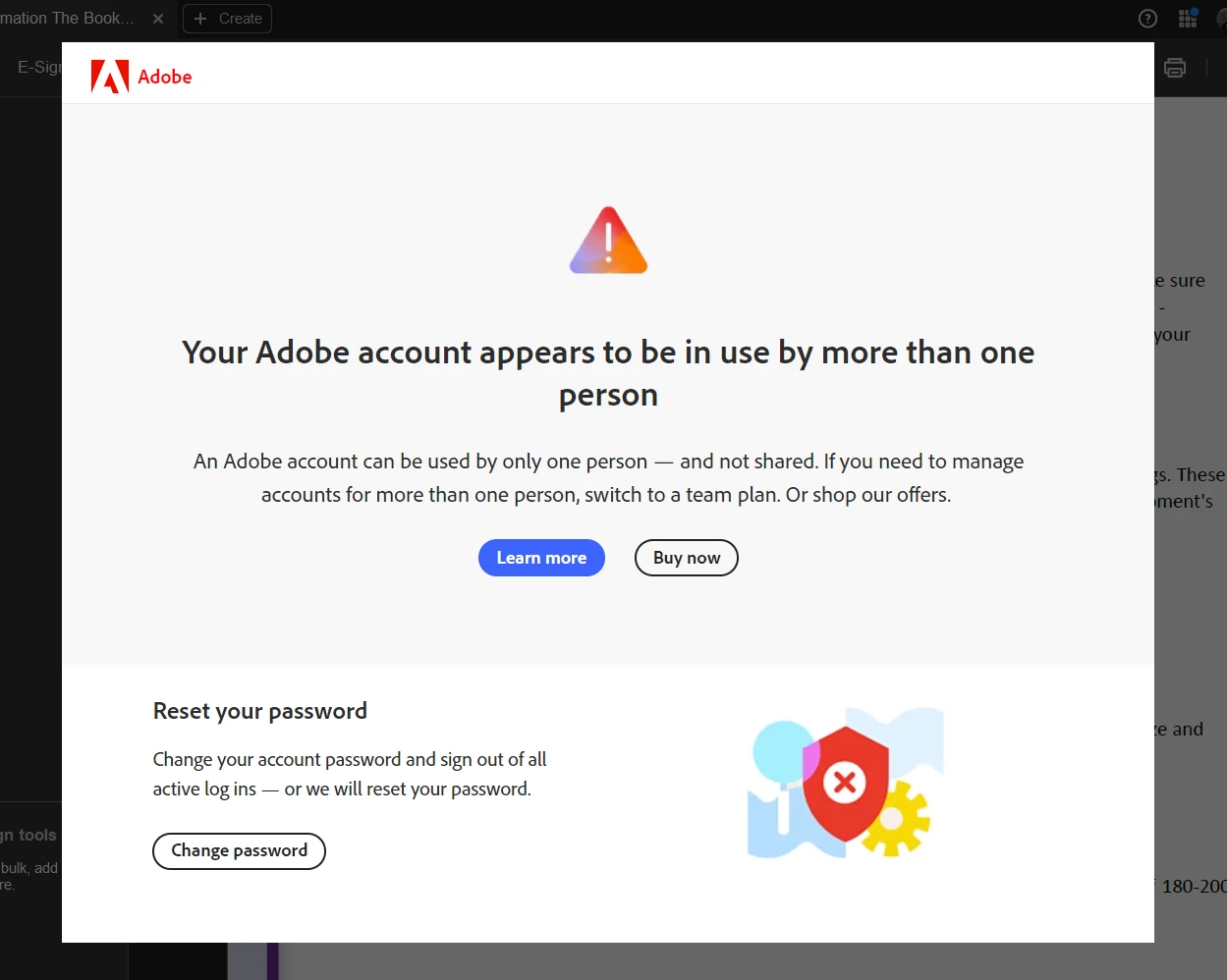
Your Adobe account appears to be in use by more than
This screen is driving me mad !!! 🙂
I have tried changing passwords etc many times, ok for a day, then I open up an app and get this screen - the only way out is to alt-ctrl-del shut down the app that triggered it, reopen and all is ok for a day or two max.
My Account should allow my to use the apps on two devices - Also I have not pressed any of the links on the screen just incase it is scam / virus.
I update and change password etc from the account UI.
Any ideas of how to stop this screen from coming up?
Thank you
Glen


 AdChoices