
Question
Zoom to Selection
"Zoom to selected" is not a feature that I have ever been able to find and now I discovered it by accident.
Select a layer, then ALT-Click on its layer name area right of the icon (red outlined area in the image). 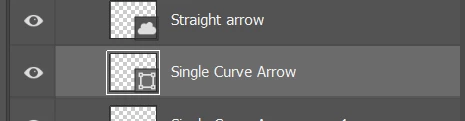

Already have an account? Login
No account yet? Create an account
Enter your E-mail address. We'll send you an e-mail with instructions to reset your password.


 AdChoices