Participant
December 30, 2025
Answered

A layer opens each time I open an image in Elements 2026

  • December 30, 2025
  • 2 replies
  • 301 views

I was fooling around with layers a few days ago and now every time I open an image there's a layer of that image loaded.  How do I stop that?  Thanks

Correct answer Jeff Arola

What operating system are you using?


When one opens an image a layer is supposed to be created in the Layers panel.


Can you post a screenshot of what your seeing?


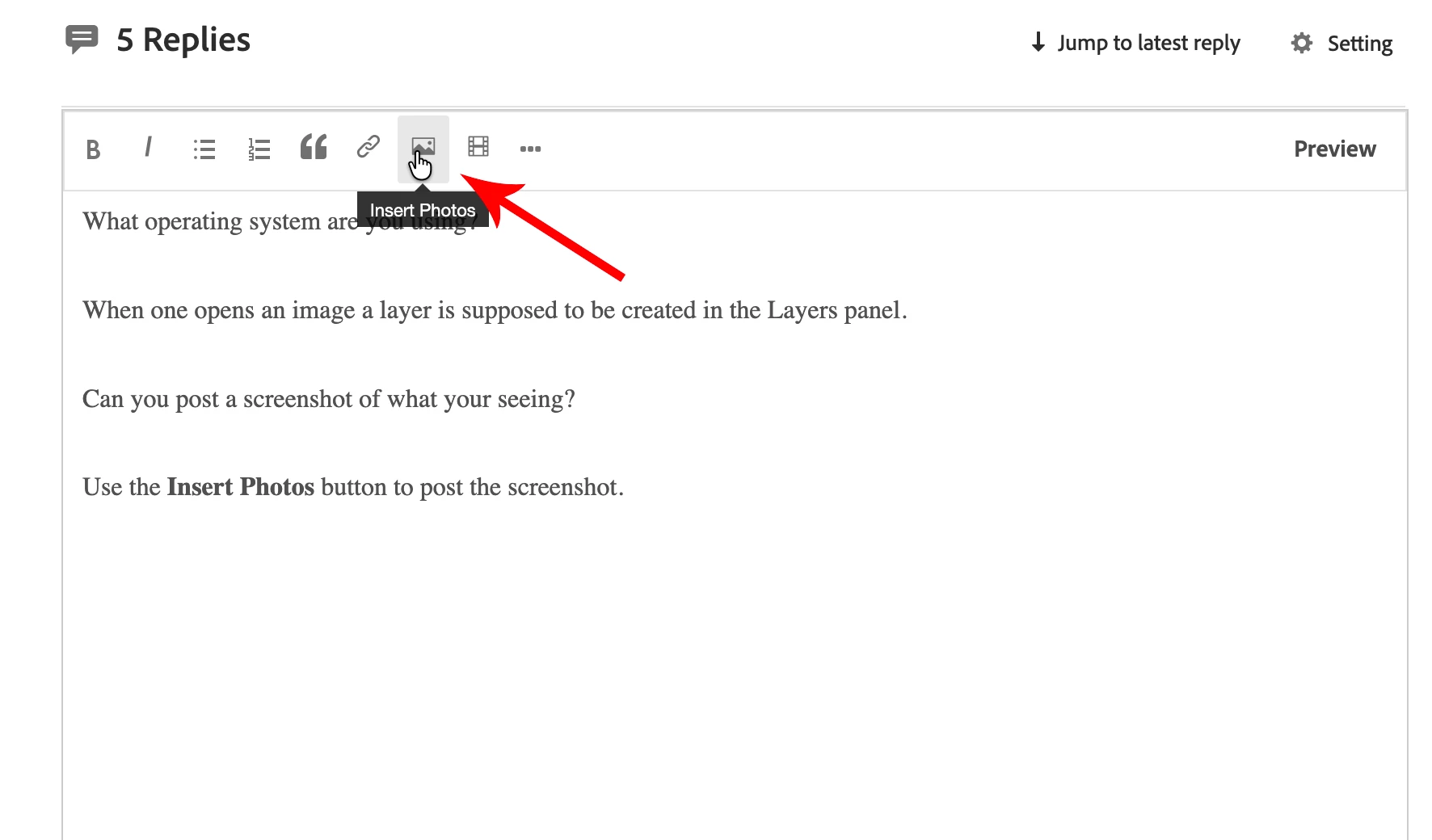
Use the Insert Photos button to post the screenshot.
 

inst.png


inset.png


2 replies

Jeff Arola
Community Expert
Community Expert
December 30, 2025

Do you get any kind of error message when you try to use Insert Photos button?

Participant
December 30, 2025
No. It seems to be dead. PS is working as it should, so I’m not going to worry anymore about it. Thanks for you responding.
Sent from my iPad
Jeff Arola
Community Expert
Jeff ArolaCommunity ExpertCorrect answer
Community Expert
December 30, 2025

What operating system are you using?


When one opens an image a layer is supposed to be created in the Layers panel.


Can you post a screenshot of what your seeing?


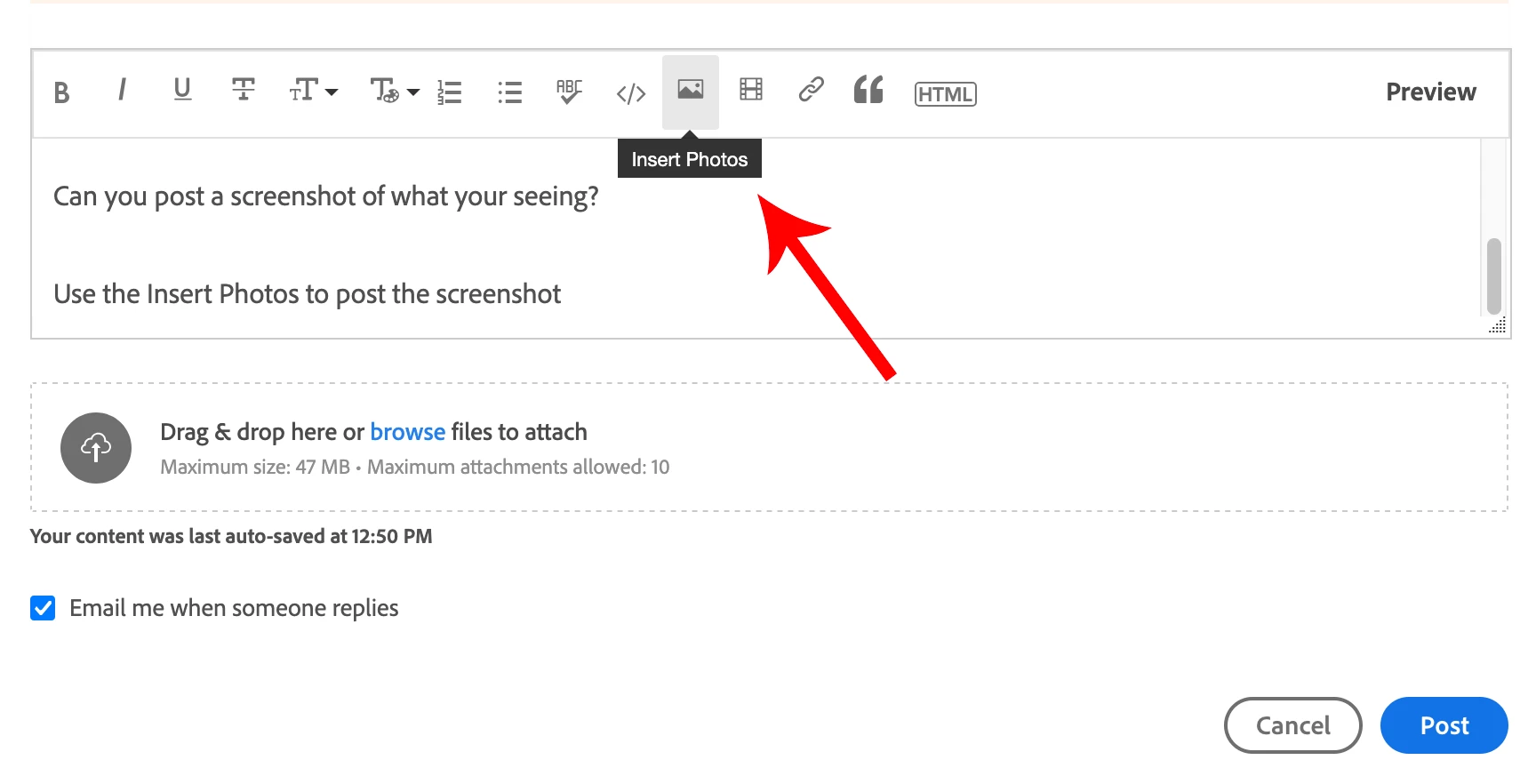
Use the Insert Photos button to post the screenshot.
 

inst.png


inset.png


Participant
December 30, 2025

I'm sorry Jeff, but I can't get the screenshot to load.  I'm running Win11.

Peru Bob
Community Expert
Community Expert
December 30, 2025

Copy and paste screenshot.