karlas87671861
Participant
February 11, 2017
Answered

adding color to a photo

  • February 11, 2017
  • 1 reply
  • 605 views

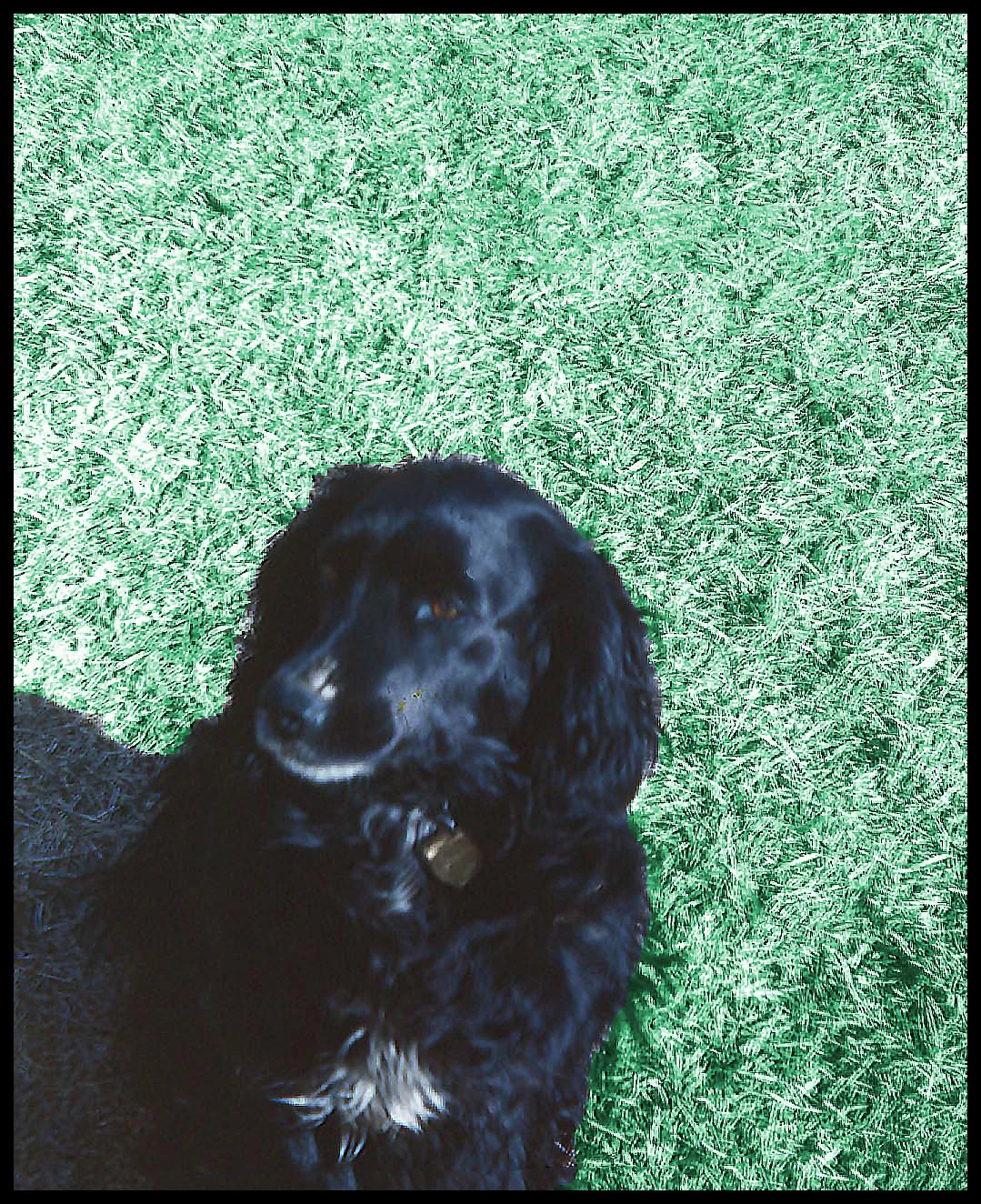
I was wondering how I can make the grass green in this photo using Elements 15? Thank you.1950

    This topic has been closed for replies.
    Correct answer hatstead
    1. Open picture file
    2. Activate the magnetic lasso tool, and select the dog. You will see an outline surrounding the dog once the selection is complete.
    3. Place the dog on a separate layer (CTRL+J). This will be layer 1
    4. Open a Hue/saturation adjustment layer between the Background layer and Layer 1
    5. In the dialog, check "Colorize" and work the hue+saturation+brightness sliders to suit.

    1 reply

    hatstead
    hatsteadCorrect answer
    Inspiring
    February 11, 2017
    1. Open picture file
    2. Activate the magnetic lasso tool, and select the dog. You will see an outline surrounding the dog once the selection is complete.
    3. Place the dog on a separate layer (CTRL+J). This will be layer 1
    4. Open a Hue/saturation adjustment layer between the Background layer and Layer 1
    5. In the dialog, check "Colorize" and work the hue+saturation+brightness sliders to suit.

    karlas87671861
    Participant
    February 12, 2017

    That worked great, thank you!

    hatstead
    Inspiring
    February 12, 2017

    You're very welcome. Glad to help.

    Sent from my iPad