
Adding Keywords in Elements 2024 for Mac.
I am trying to learn Adobe Photoshop elements 2024 for Mac and when I go into "Tags" I am only seeing Media, People, Places and Events as options. There is no option for Keywords. What am I doing wrong?
It is not clear to me what you are seeing. Can you post a screenshot.
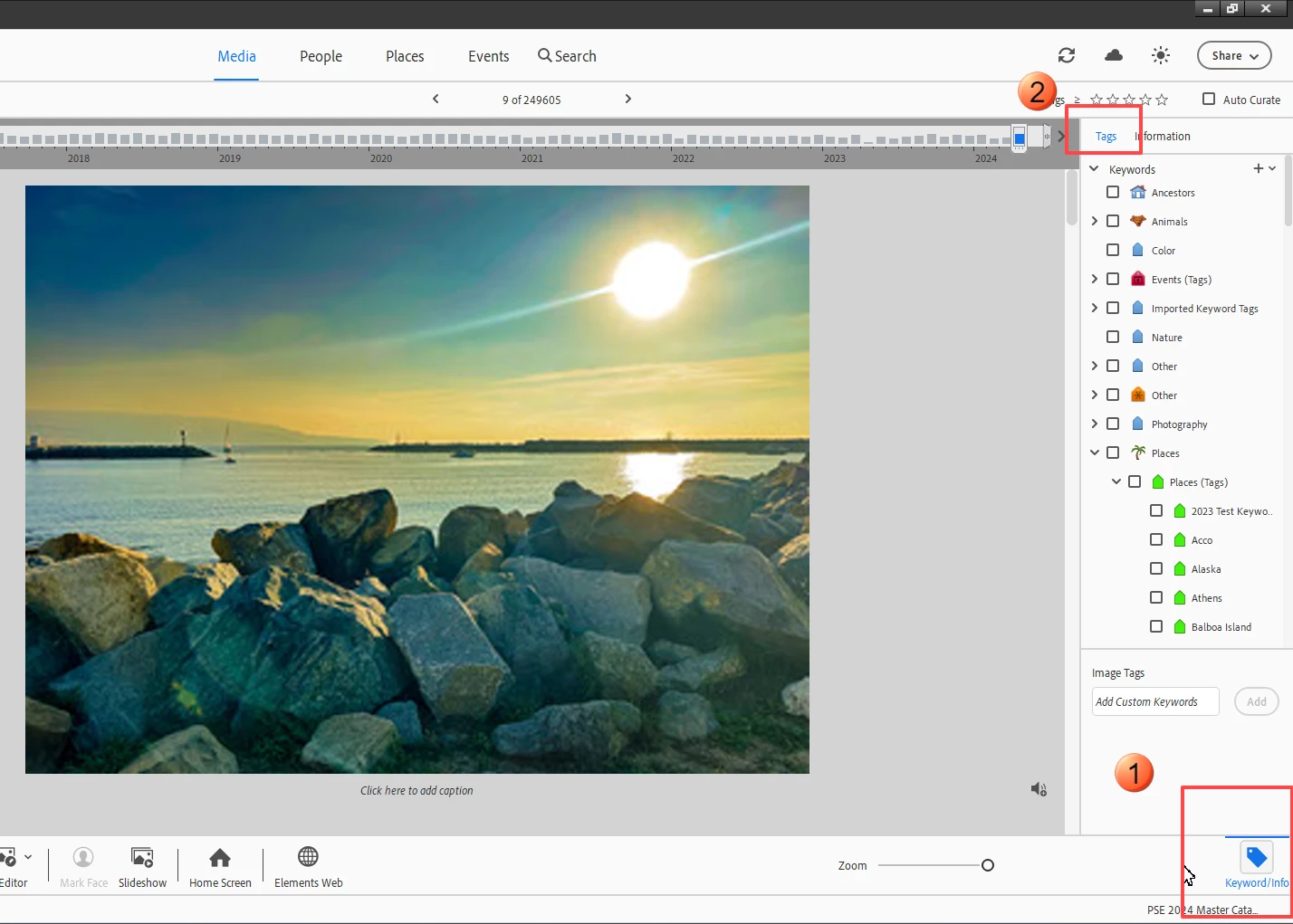
Media, People, Places and Events are the tabs that appear at the top of the Organizer window. There should be a Keyword/Info button in the lower right that toggles a panel on the right-hand side of the window.

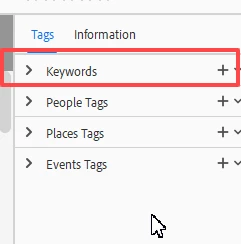
Select Tags at the top, and the Keywords panel opens up.

Already have an account? Login
Enter your E-mail address. We'll send you an e-mail with instructions to reset your password.