
Answered
Adjust over-exposed streak in B&W negative
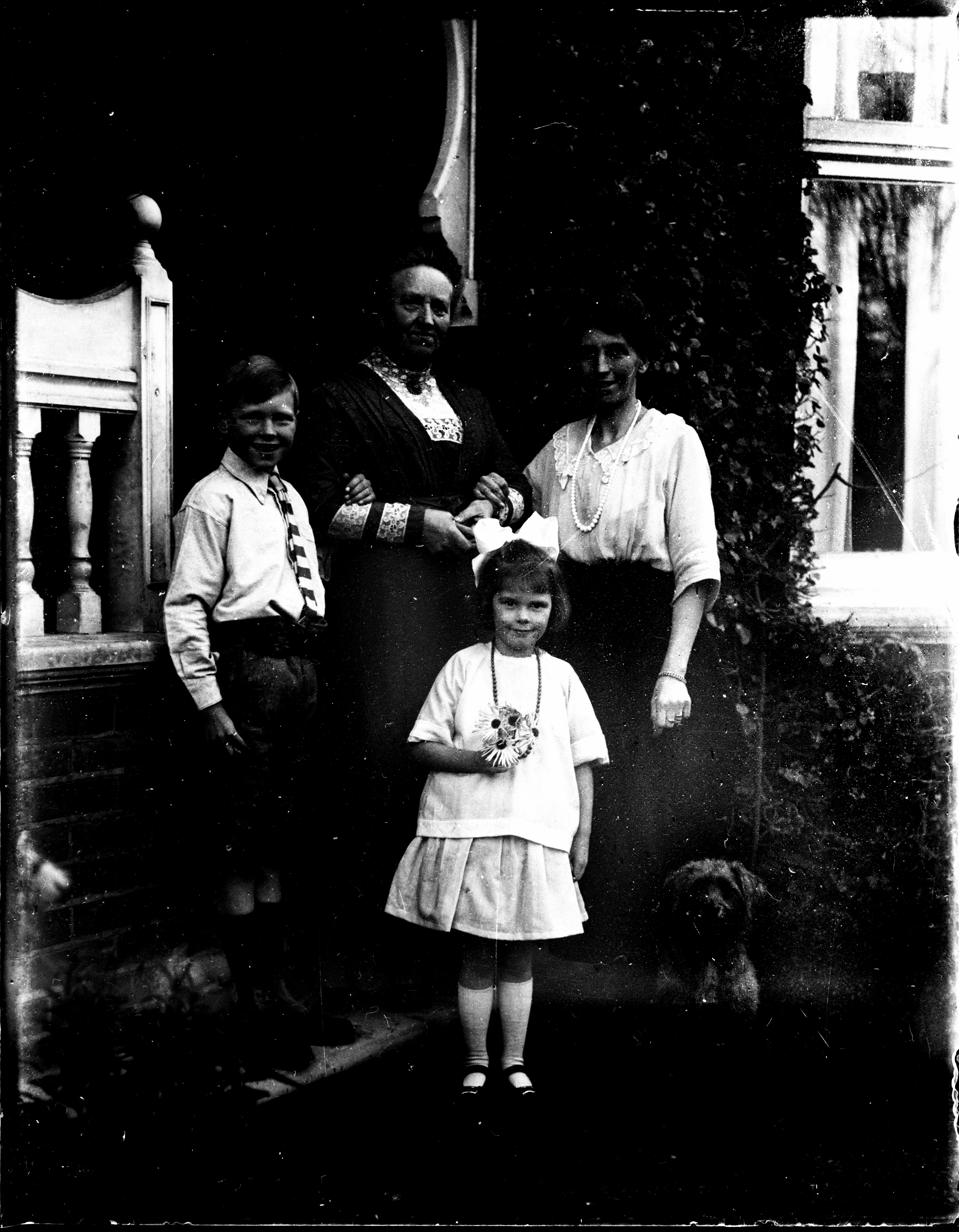
I am digitising a number of B&W glass negatives dating from 1912. Several of them have light leakage resulting in a bleached streak to the edge of the plate, and (as with this one) some gradation of exposure over the lower part. I have Photoshop Elements 2020, and I am using Silverfast 8 with an Epson V800 scanner. How best can I treat these areas to make them blend in better with the rest of the photograph?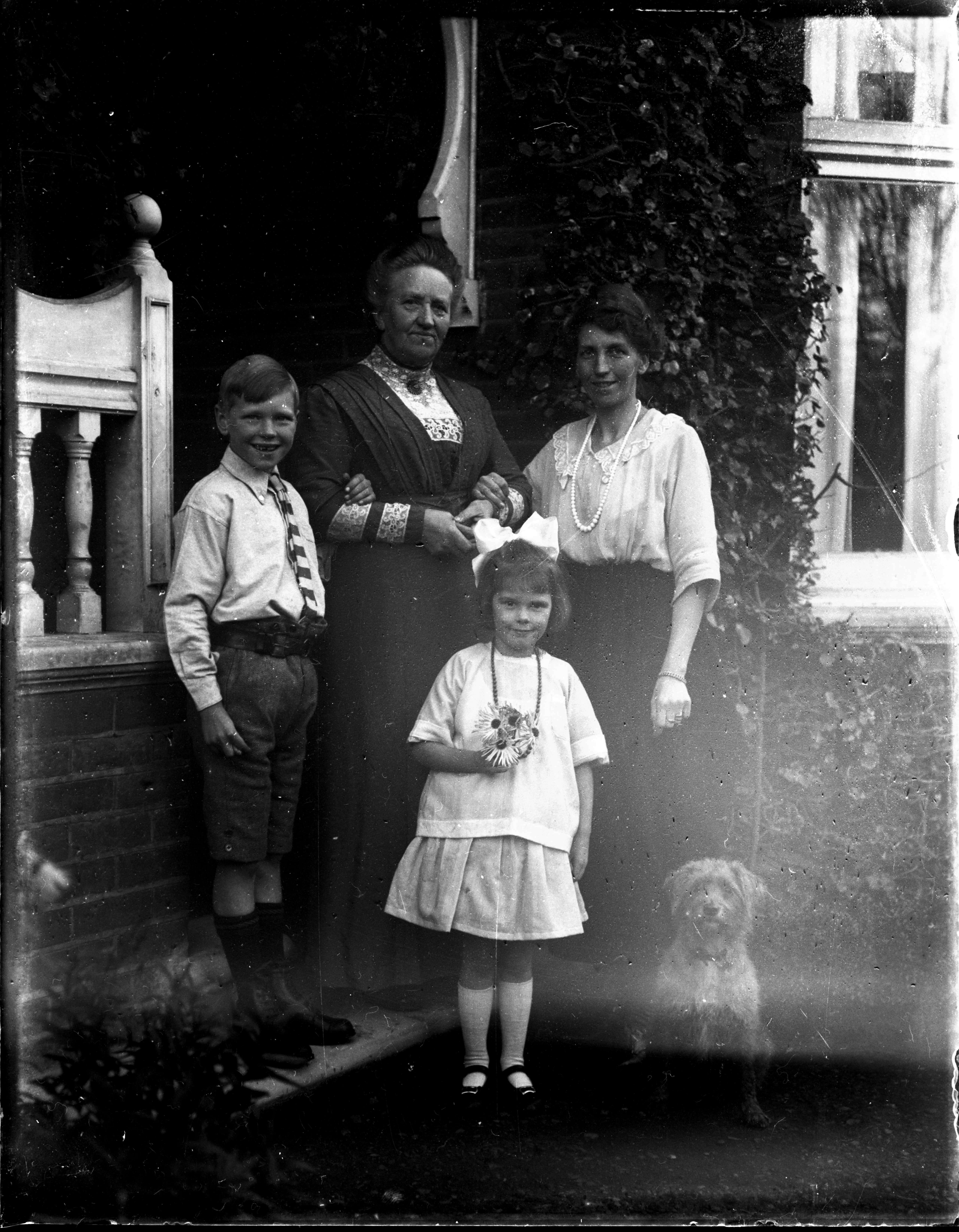


 AdChoices