


Participant
March 13, 2021
Question

Adobe Element Photoshop 9 stopped running

  • March 13, 2021
  • 2 replies
  • 380 views

Adobe Element Photoshop 9 stopped running on a computer. For three years everything worked fine.
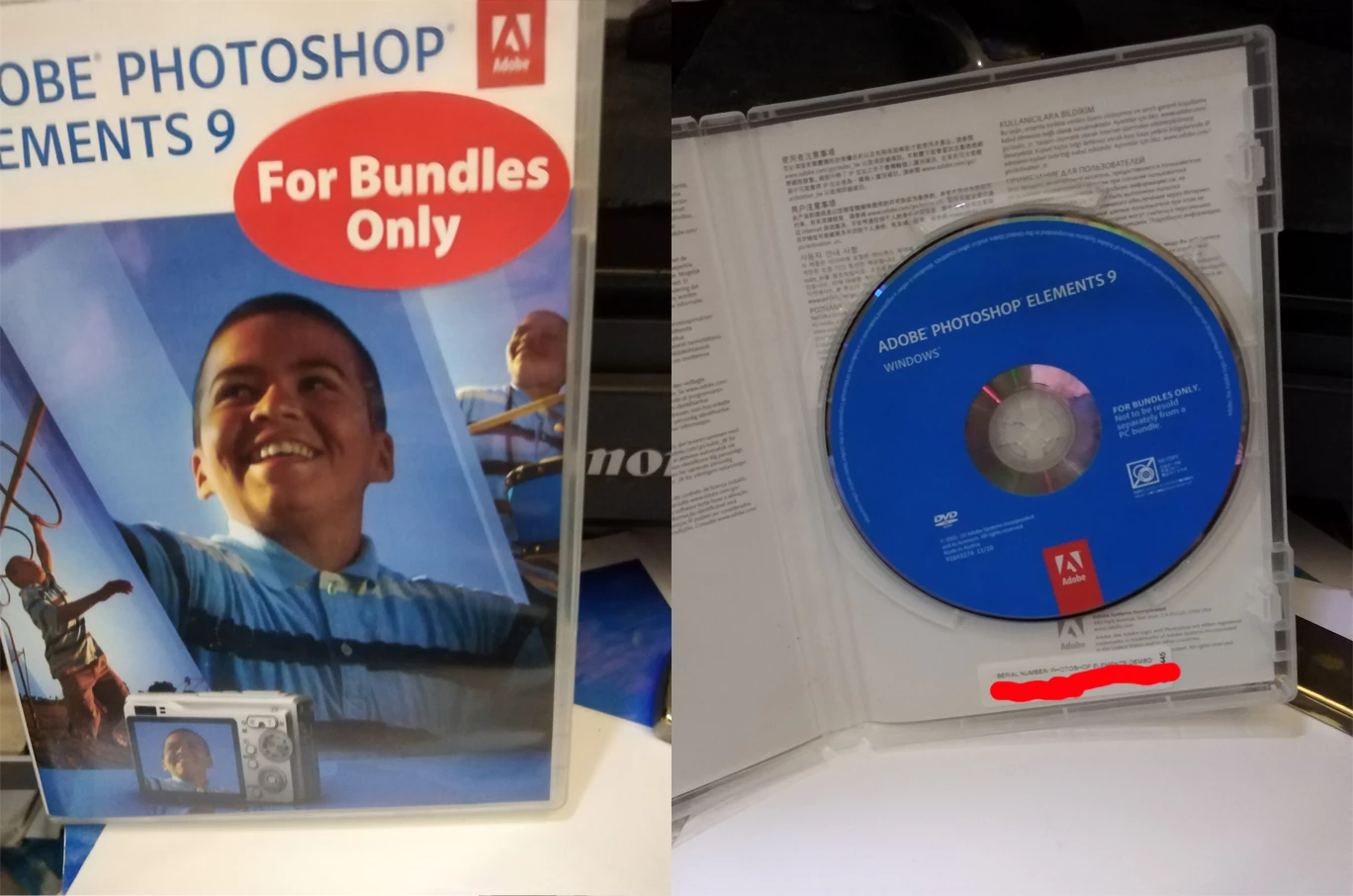
1. I'm reinstall Adobe Element Photoshop 9 from disk. Entered the serial number found on the box. The installation was successful. Done. I restart my computer.
2. I'm run the program with administrator rights. The program does not start.
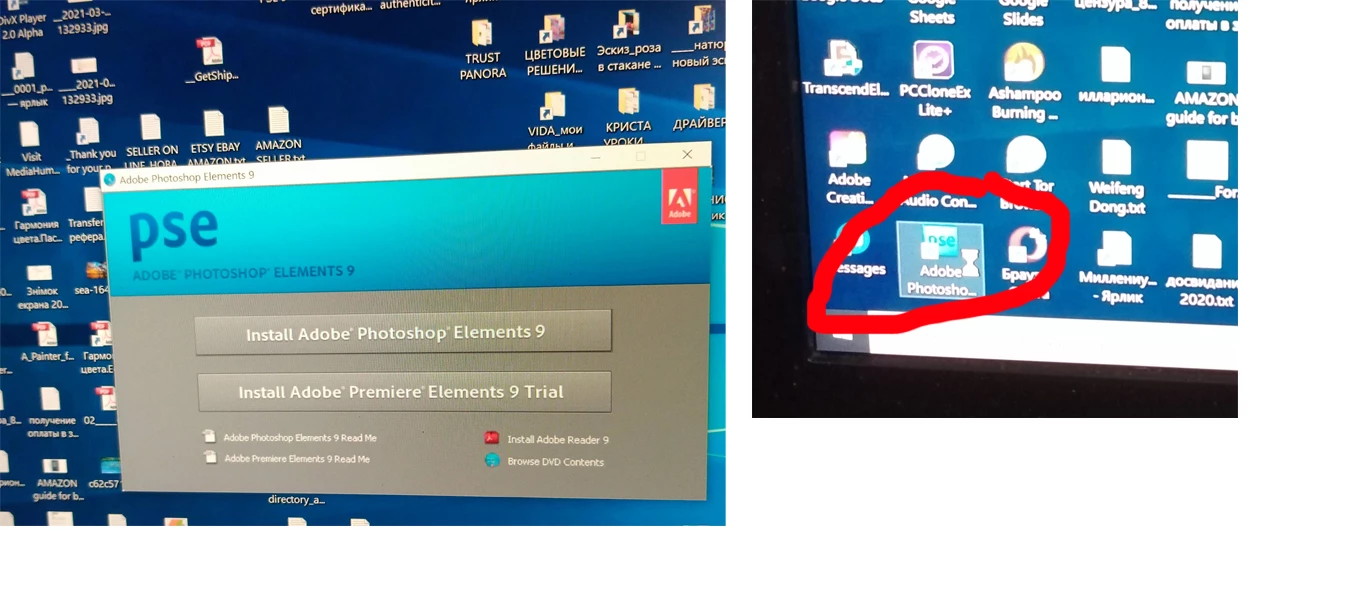
3. I'm open the PSD file on the computer. The start of the program appears. 

.
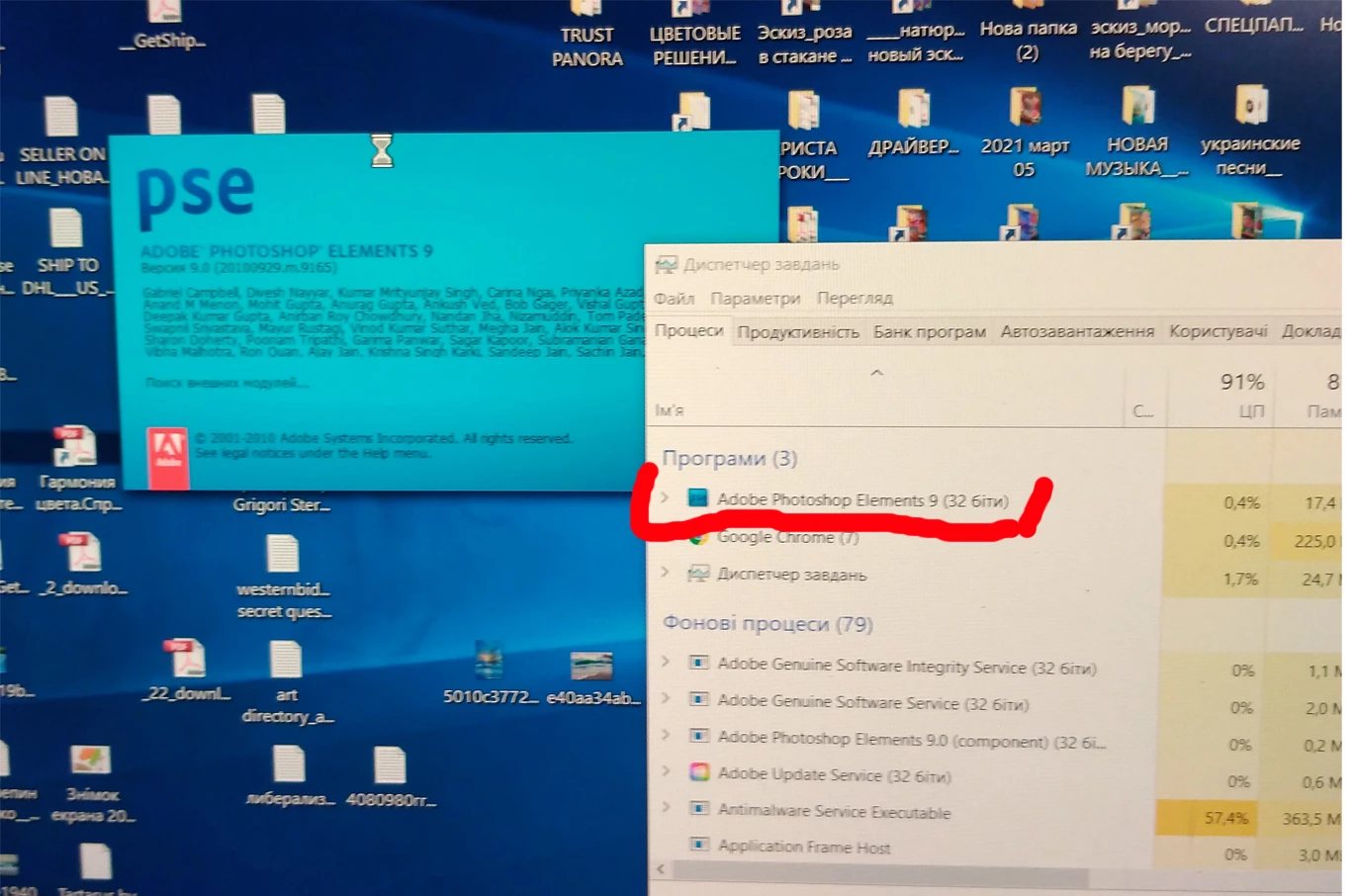
Then the download stops and the download of the program is not displayed in the Task Manager. Adobe Element Photoshop 9 won't launch. What should I do?

This topic has been closed for replies.

2 replies

Greg_S.
Community Expert
Community Expert
March 14, 2021

See if the soluton posted here helps.


Also, since Elements 9 is such an old version, you may want to run it in compatibility mode for Windows 7 or 8. 

  • Find the PhotoshopElementsEditor.exe file.  It should be located in the C:\Program Files (x86)\Adobe\Photoshop Elements 9 folder.  (Make sure you find the exe file and not the shortcut for Photoshop Elements 9 which is probably in the same folder.)
  • Right-click on the file and select Properties.
  • Click on the Compatibility tab.
  • Change the compatibility to either Windows 7 or 8.
  • Click OK.
  • Double-click on the .exe file. 

The following screenshot is for Elements 12, but you should see something similar.

Participant
March 14, 2021

Thank you. I've done this several times already. Combined various settings and modes, launched in safe mode, played with diagnostics, renamed files, uninstalled, then reinstalled and so on several times. ... nothing helps. Photoshop won't start.

jane-e
Community Expert
Community Expert
March 13, 2021

Hi

Since your question is about Photoshop Elements, I have moved this from the Photoshop forum where you posted to Photoshop Elements. They will need to know which version of Window you have installed.

~ Jane

Participant
March 14, 2021

Thanks. I tried to see what events preceded the fact that Photoshop stopped working. I have not downloaded or installed anything on my computer, except for two updates from Microsoft. There was an automatic download on March 3 "Security intelligence updates for Microsoft Defender Antivirus and other Microsoft antimalware" (Version: 1.333.349.0) and on March 4, Photoshop did not start anymore.
Could it have something to do with it? I have Windows 10.