
Participant
September 17, 2024
Question

Animating an Image

  • September 17, 2024
  • 3 replies
  • 200 views

Hi,

Newbie to this app here!

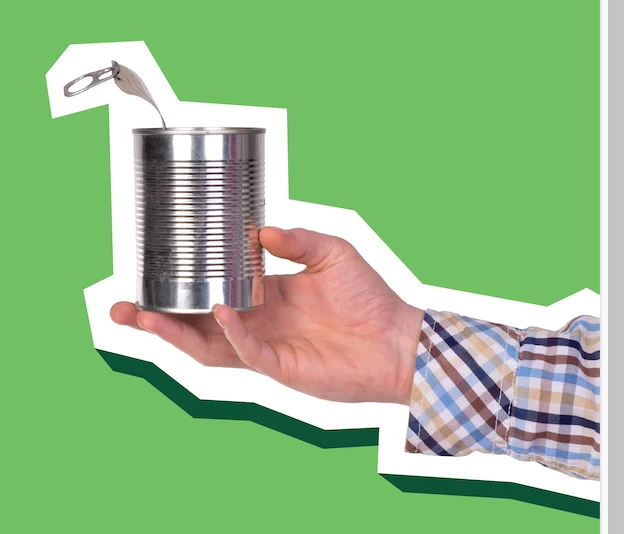
I recently made some signage on illustrator with multiple hands, which I would like moving up and down at an angle for a digital advertisement.

Can I do this on Elements? I tried the 'moving elements' tool but I don't think its right for what I am trying to achieve. 

Help please! TIA
This topic has been closed for replies.

3 replies

Greg_S.
Community Expert
Community Expert
September 20, 2024

I just made a crude animated gif with your file at the posted dimensions with 9 layers.  There was no problem saving it.  I therefore assume that you are using a larger file size.  If so, simply use the Image>Resize>Image Size command to reduce the file size. 


Make sure that the Resample Image box is checked.  And you should not need a file resolution greater than 1,000 px.


Jeff Arola
Community Expert
Community Expert
September 20, 2024

Are the layers any larger in size (pixel dimentions) than the screenshot you posted?

624 px x 534 px

Jeff Arola
Community Expert
Community Expert
September 18, 2024

You can make an animated Gif from layers using File>Save for Web

https://www.youtube.com/watch?v=h9HTaZihg2I&t=1s

Participant
September 20, 2024

Hi Jeff

This is perfect thank you! I'm having trouble saving to web though, every time I try to press 'animate', an error message states the file is too big. I've tried reducing colours, image size and nothing seems to work. I only have 8 layers... any ideas on how to fix this?

Thanks!