Participant
September 3, 2018
Answered

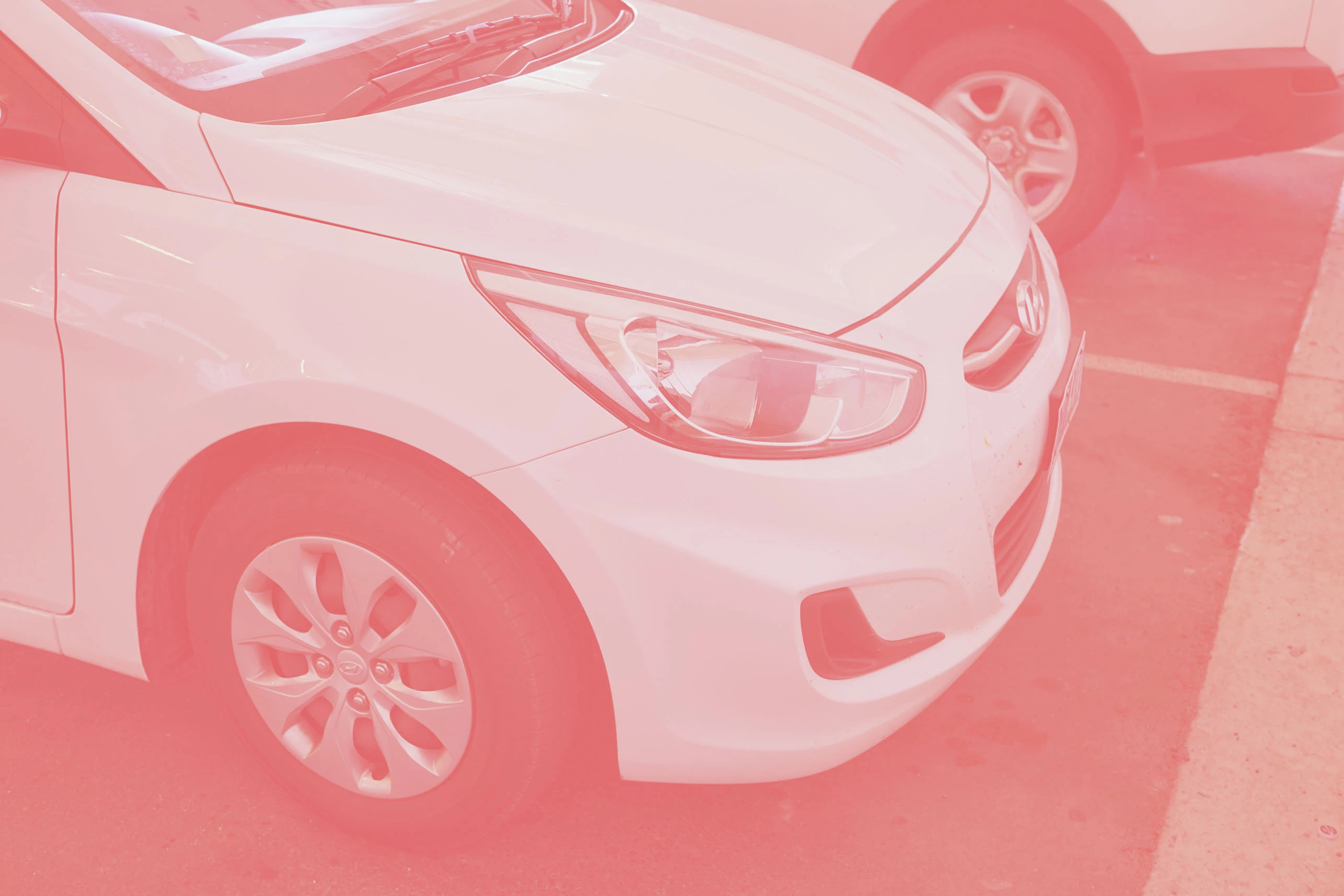
‘Auto Colours’ results in a reddish cast covering the entire photo

  • September 3, 2018
  • 2 replies
  • 328 views

I have Adobe Photoshop Elements 10 and for some unknown
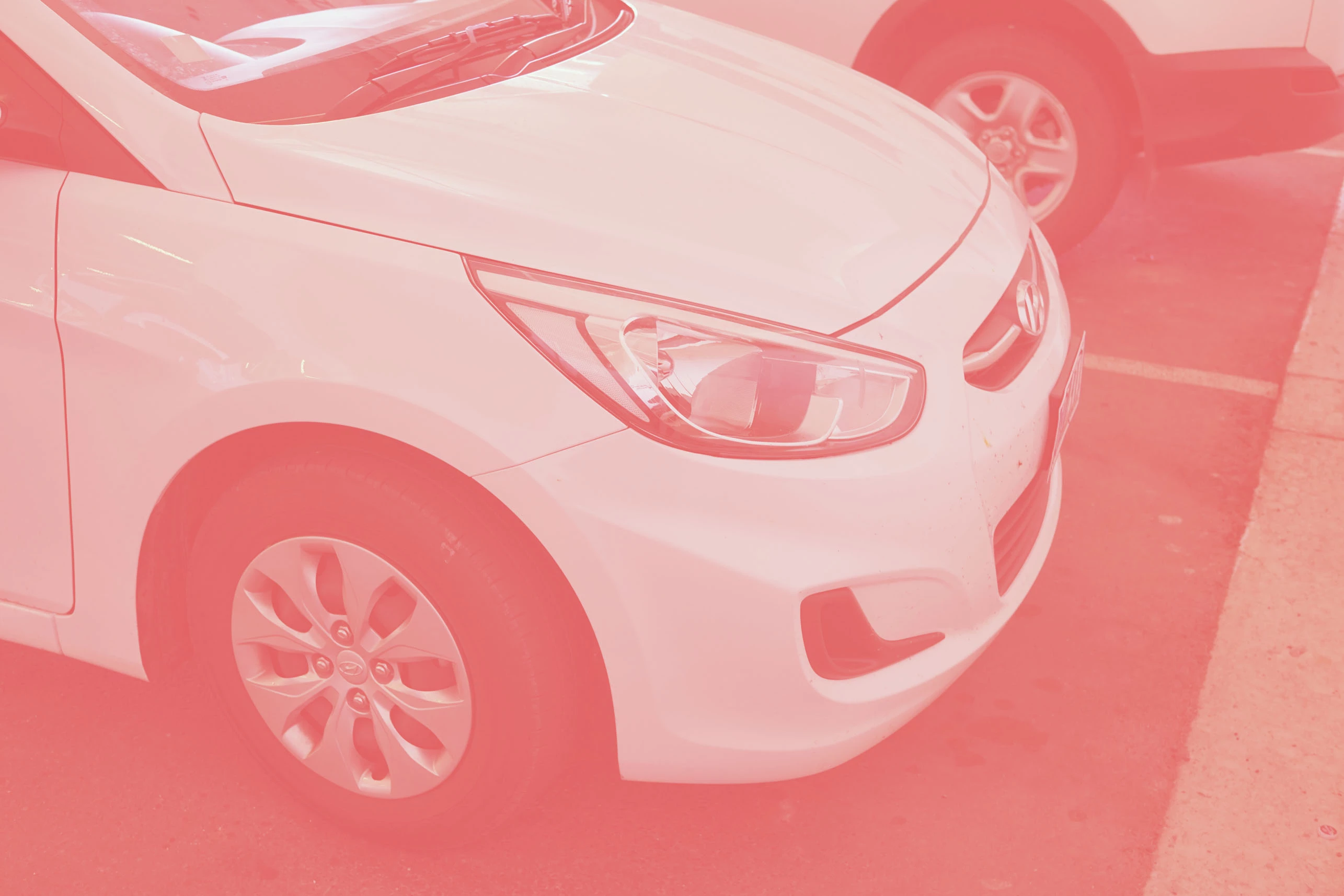
reason when I endeavour to do an ‘Auto Levels’ or ‘Auto
Colours’ a reddish cast covers the entire photo.

This has only recently happened. I had previously been using
the above ‘Auto’ functions without trouble.

See examples below.

'Auto Smart Fix' work OK as it always has but the above don't.

Hope someone can help.

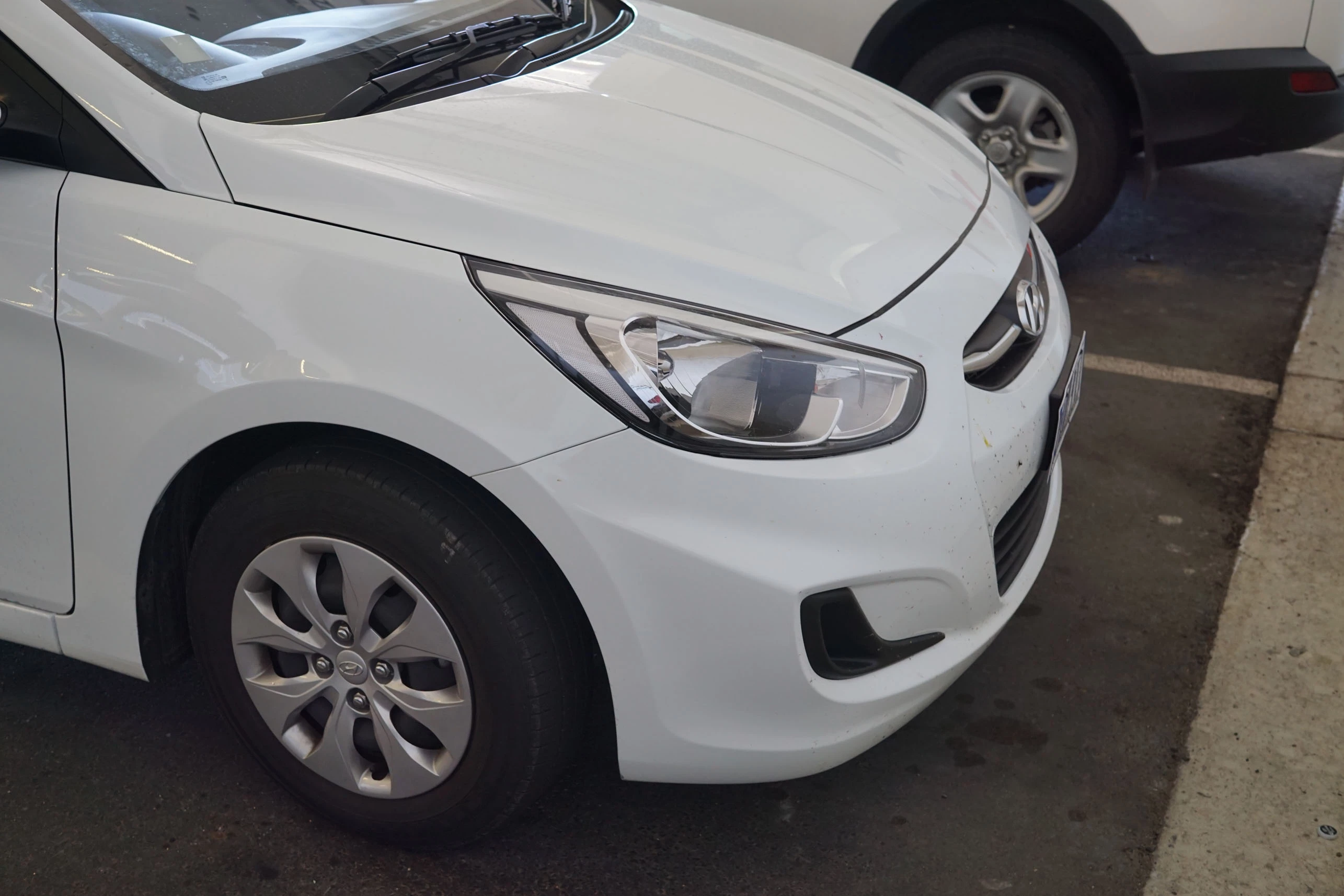
Original photo:-
Auto Colours:-
Auto Levels:-
This topic has been closed for replies.
Correct answer Jeff Arola

It might be that the Auto Color Correction Options>Target Colors need to be set back to the default colors

Make an Levels adjustment layer and  Alt or Option click on the Auto button

The default colors are

(click on the color chips to change)

Shadows RGB 0,0,0

Midtones RGB 128,128,128

Highlights RGB 255,255,255

2 replies

grahamcwdAuthor
Participant
September 3, 2018

Thanks a lot Jeff

Excellent………… That fixed it.

Regards

Graham (Brisbane, Australia)

Jeff Arola
Community Expert
Jeff ArolaCommunity ExpertCorrect answer
Community Expert
September 3, 2018

It might be that the Auto Color Correction Options>Target Colors need to be set back to the default colors

Make an Levels adjustment layer and  Alt or Option click on the Auto button

The default colors are

(click on the color chips to change)

Shadows RGB 0,0,0

Midtones RGB 128,128,128

Highlights RGB 255,255,255