
Answered
Beginner needs help using Organizer
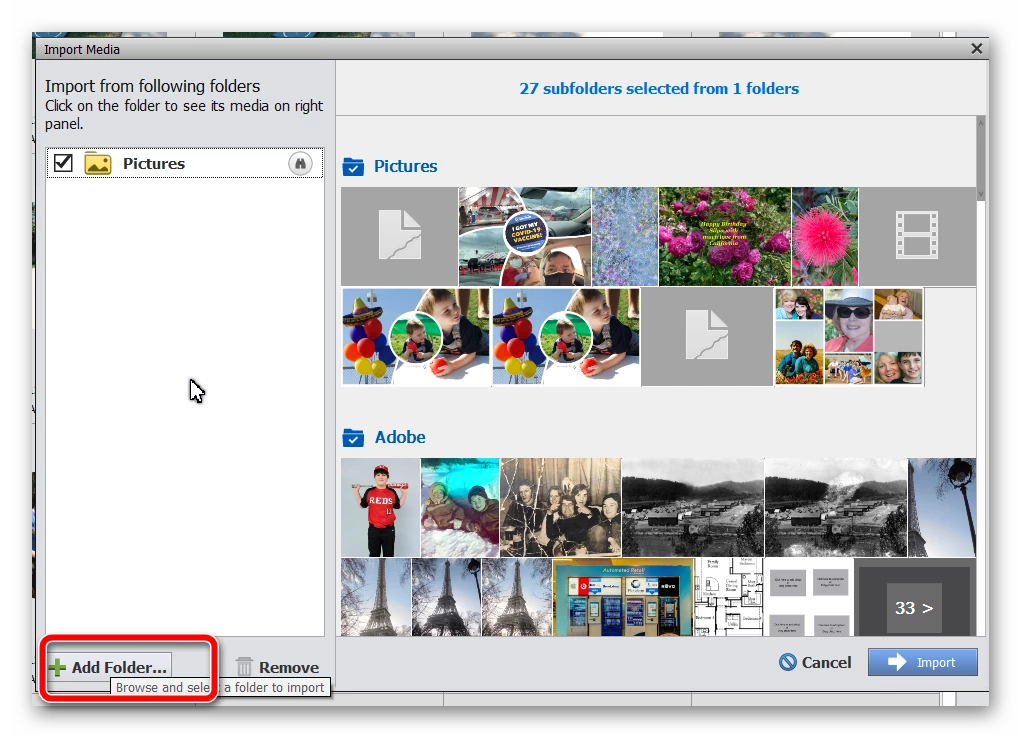
I have Photoshop Elements and Premier Elements and have been using them without using the Organizer. I want to start using Organizer, but I’m a bit overwhelmed about what my process should be.
What I have been doing: moving photos/videos from my camera to my hard drive (solid state) and importing individual photos/videos into PSE. I sometimes move photos/videos around in folders, or rename files/folders or remove entirely from my PC to an external drive. I’ve been doing all of this from File Explorer, rather than from within Organizer. (I realize now this wasn’t smart, and have deleted all of the “Missing Files” in the Organizer catalog.) I have a ton of questions about what to do next. Here are a few of them:
- Am I correct in thinking I need to import directly from camera to PSE, building my folder structure within Organizer?
- How should I handle storing the raw photos? Since they import along with the jpg photo, the Media window is cluttered with duplicates. Can I hide them? Or, is there a problem if I create a subfolder for the raw photos?
- When I’m ready to move (not copy) photos from my PC to an external drive, how can I do this so I can still use PSE to access the photos that are on the external drive and no longer on my hard drive?
- Where is a good resource for learning best practices for importing and working within Organizer? (e.g. One catalog or multiple? Suggestions/tips for creating tags and albums, etc.)


 AdChoices