thisisirrational
Inspiring
November 26, 2023
Question

bounding box

  • November 26, 2023
  • 4 replies
  • 461 views

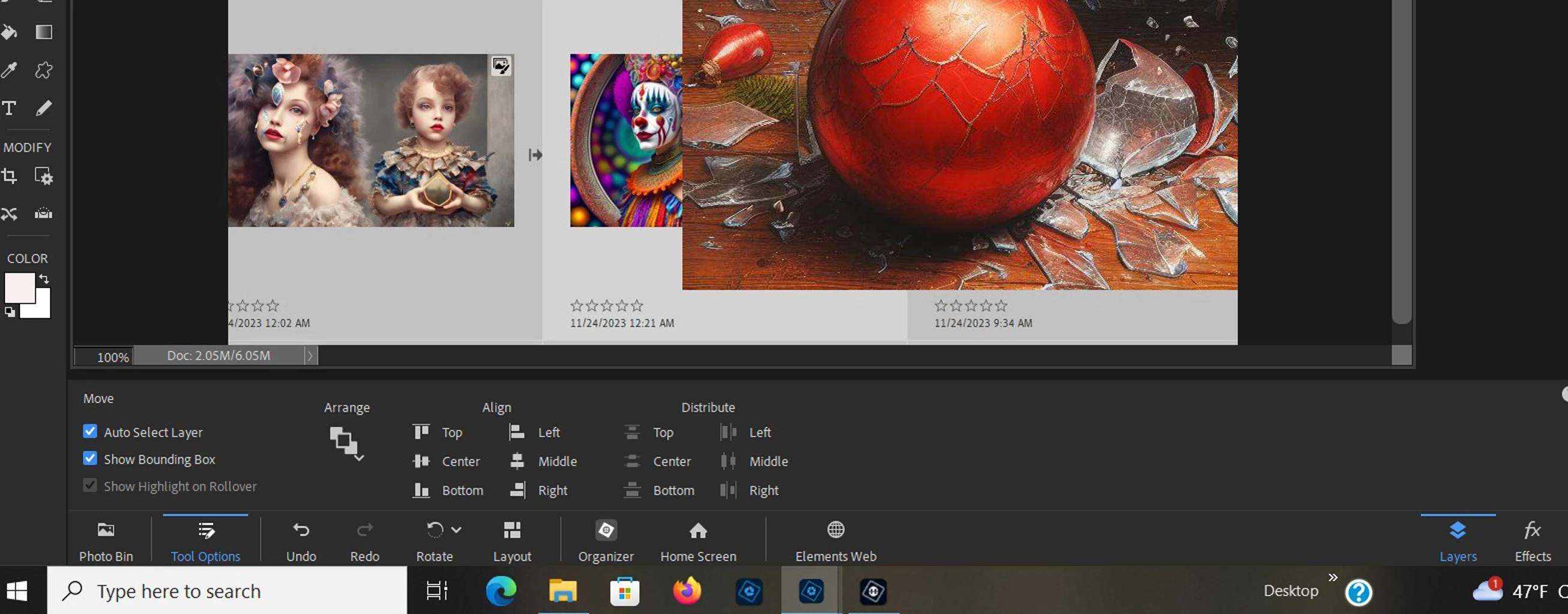
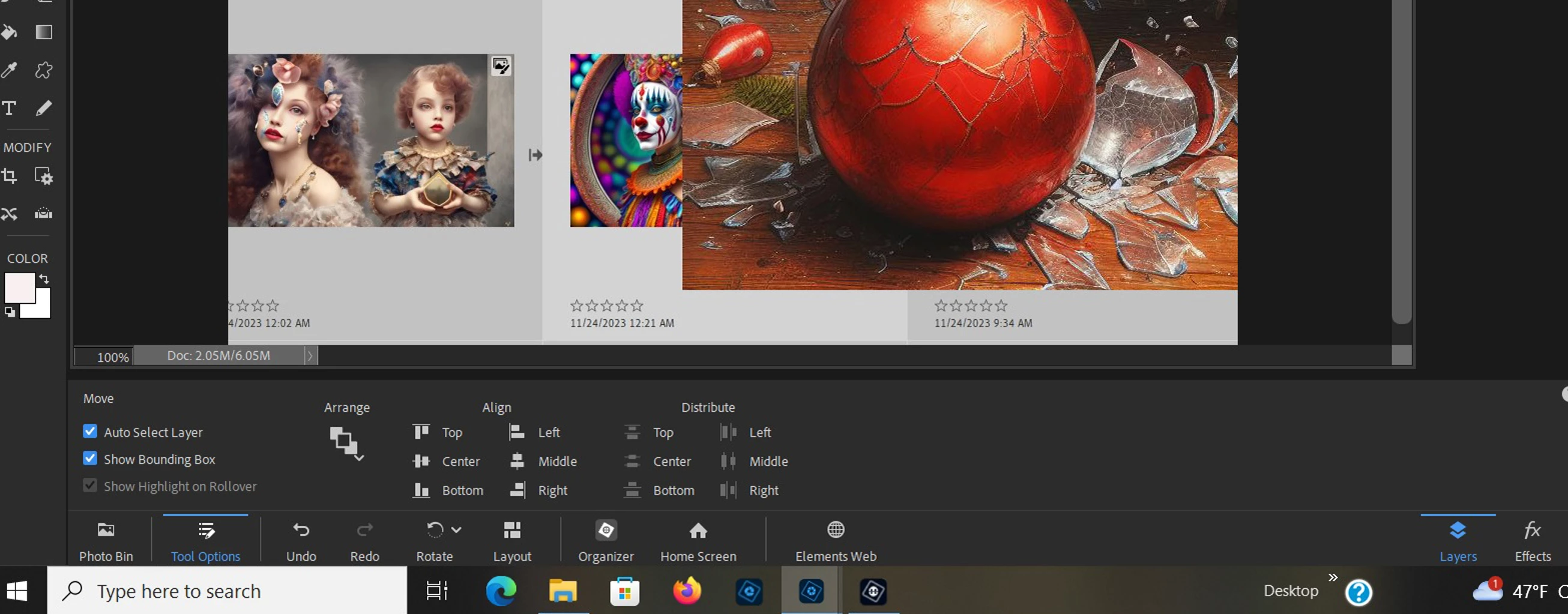
I have PE2024.  the box for showing the bounding box is checked but no bounding box appears!   I need the bounding box so I can work on layers. can this issue be resolved?

This topic has been closed for replies.

4 replies

Glenn 8675309
Legend
December 4, 2023

Without a full sized screenshot that shows the enitre program you two images you posted are not very helpful.  A screenshot that shows the enitre program saves everyone a lot of "back and forth" question asking. 

THIS IS WHAT I THINK IS GOING ON:

You have posted a combined image screenshot from organizer.  It's all one layer- one image.  It's also a layer that is locked- you can't get a bounding box on a locked layer- you have to unlock it. 


Greg_S.
Community Expert
Community Expert
November 27, 2023

It is unclear from your screenshot which layer, if any, is selected.  The Move tool can't operate on a background layer.  I also don't understand why the Show Highlight on Rollover box is checked but seems to be inoperative.


Try resetting the preferences file. Go to the Edit>Preferences>General tab and click the Reset Preferences on next launch button. 


Edit:  Never mind.  I missed the posts before Jane's post.

thisisirrational
Inspiring
November 27, 2023

I am using Windows 10 home. I just went to elements now to get you what you asked for and the bounding box is showing up now. I had been on the correct layer- I know the bounding box would not apply to the background layer. the thing just was not working before and now appears to be working. this is the third issue I am having with PE2024.  I may just ditch the thing!

jane-e
Community Expert
Community Expert
November 27, 2023

@thisisirrational 


I've moved your thread from Photoshop to Photoshop Elements for you.


Jane


Jeff Arola
Community Expert
Community Expert
November 27, 2023

What version of Windows are you using?


Can you show a screenshot that includes the Layers panel?


If the Layer you have selected in the Layers panel is the Bacground layer then there will not be a Bounding Box.