

Broken Thumbnails in PSE Organizer 2018 (16.0.0.0) / Workaround included!
Hey,
browsing the forums I found missing thumbnails to be an issure for many years now. I can't believe that it still hits me with the latest version (PSE 2018) ...
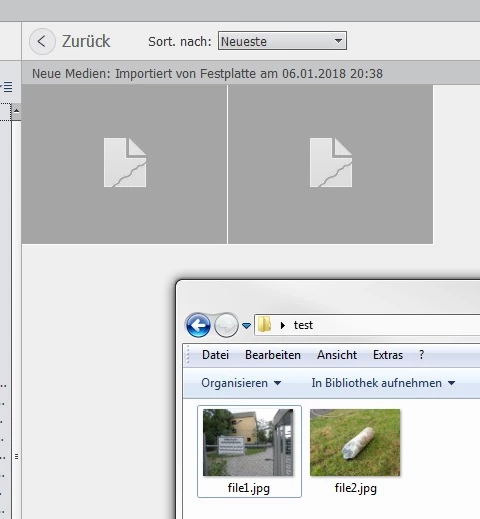
What did i do:
- My computer runs Windows 7 and never had PSE installed
- I installed Adobe Photoshop Elements 2018 in december 2017 and created a new catalog.
- Imported ~8.000 jpg-images from a network drive unsing UNC path
- Moste files where taken using an Olympus TG-5 having an IPTC creators tag. Hence there were also some images from my TG-3, iPhone or modified using gimp.
What happend:
- About 5% of the files (~400) show up with a broken thumbnail in the viewer.
- Enlarged view for these files is broken as well
- All files open correctly using PSE, Windows Viewer, ...
- Windows explorer thumbnails are all fine.
What I tried / checked for the affected files:
- all files are images files (jpg)
- most of them were taken using an Olympus TG-5. But there thumbnails missing for files from other sources as well
- There are often 5-10 images taken in a row (same settings, same motive), and only one or two show a broken thumbnail
- all images are available and accessable for the organizer
- all images are less than 5 MB large
- Its not an UNC-Path issue. I made a copy of some files to a local path, renamed the files, import as new images. Thumbnail still broken.
- I updated the thumbnails by right-clicking on the broken image. Questionmark for some seconds. Thumbnail still broken.
Workarounds:
- For some of the files (~30 out of 400) it helped to rotated the image using the PSE Organizer (selecting images rotage clockwise/rotate back). Afterwards the thumbnails shows correctly. Hence many are still broken afterwards.
- For ALL IMAGES it helps to open the file in PSE and do a "save as" without any changes. Hence that is quite a hassle and takes a lot of time.
- For MOST IMAGES (390 out of 400) it helped to change the IPTC data. Hence not every image requires the same changes: Most of the files can be fixed by adding "-" as an additional creator. For some files I need to do this multiple times, before the thumbnail shows up.
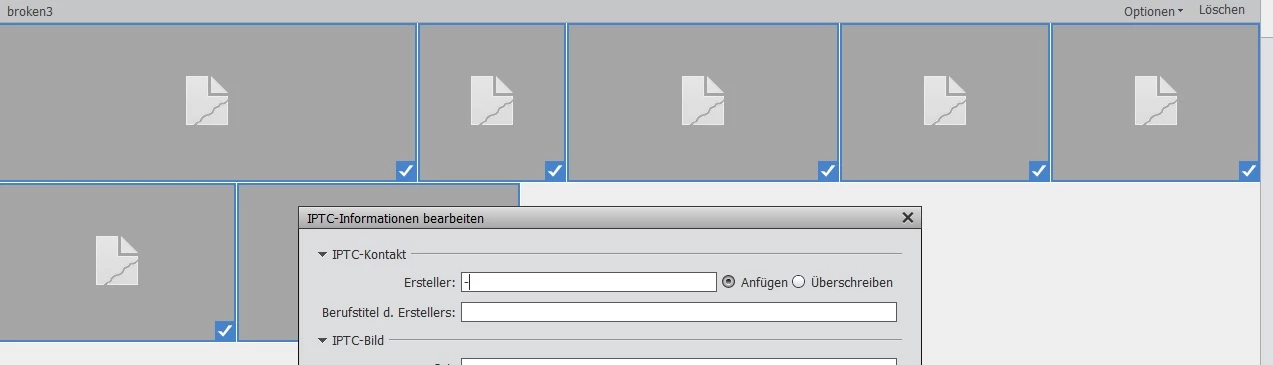
Good news:
- This last workaround can be applied quite quickly even for many images (once you tagged them all).
- Works for 99,9% of my broken thumbnails
Bad news:
- I still have 10 out of 8.000 images that won't receive a thumbnail, after changing IPTC data in many ways.
- Sometimes an existing thumbnail breaks again when changing IPTC data.
Open questions:
- How can I easily identify all files having broken thumbnails? Is there search configuration I could use? (Workaround: Select images once an tag them!)
- WHY is this an issue at all? I cannot believe that a professional software like PSE can't work around this on its own ...
- Is this an IPTC data issue? Or a file size/format/... issue that is fixed by changing the file size?
Example image
The following image cannot be fixed using the IPTC data workaround. I'm pretty sure it will be modified by the forum software (which might fix the issue), so if you need files to debug the case send me a PM. Its also not a photo from a camera, but that shouldn't matter (I have proper photos as well).

Chris
 AdChoices