Answered
Bypass Welcome Screen Photoshop Elements 2022
Bypass Welcome Screen Photoshop Elements 2022
Used to have a check box, then in Edit/Preferences, but now it doesnt seem to ba anywhere

Bypass Welcome Screen Photoshop Elements 2022
Used to have a check box, then in Edit/Preferences, but now it doesnt seem to ba anywhere
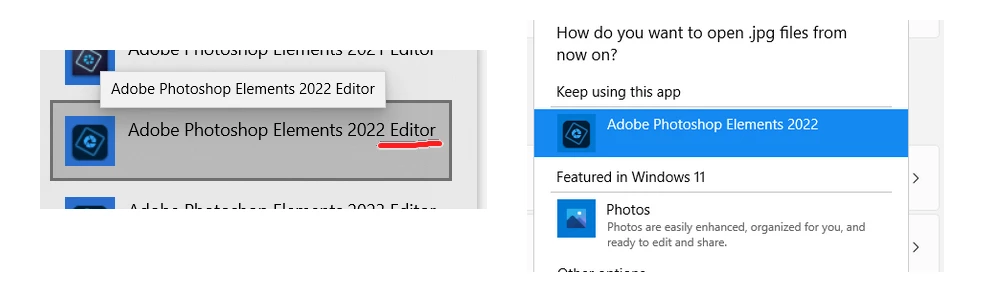
@BanJaker, the devil is in the details. Your screenshot shows that you have chosen Adobe Photoshop Elements 2022 as the default program. This is the Home Screen program. You need to choose the Adobe Photoshop Elements 2022 Editor as the default program.
Already have an account? Login
Enter your E-mail address. We'll send you an e-mail with instructions to reset your password.


 AdChoices