


Question
CAHeadless Debug Event with PSE 2019
I'm running PSE 2019 on Windows 10 Pro.
A few minutes after I start my PC, and at random times, I get this pop-up:
CAHeadless Debug Event
CAHeadless has encountered an error.
[E:\Adobe\pre\main\ContentAnalysis\ContentAnalysisData\src\DataManager.cp
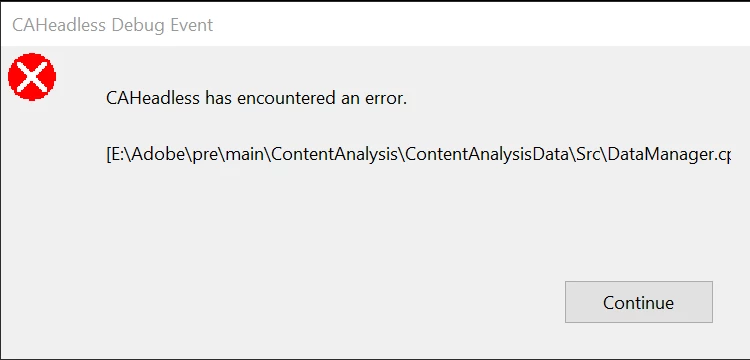
It's refers to a file on drive E: yet my PC has no current volume mapped to drive letter E:
Adobe chat support helped me re-install PSE 2019 twice with 2 different agents, and the error eventually comes back, but finally tells me my product is now unsupported, to come to community for possible answers.
 AdChoices