
Camera Raw problems, can't open *.raf raw files
Hey guys, Bent from Norway here!
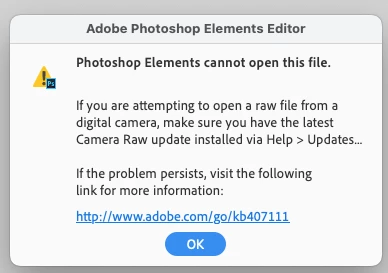
I have seen in this forum that several persons experience problems with installation/update of the Camera Raw app, in order to open *.raf raw files from a Fujifilm camera (I recently bought the X-T50).
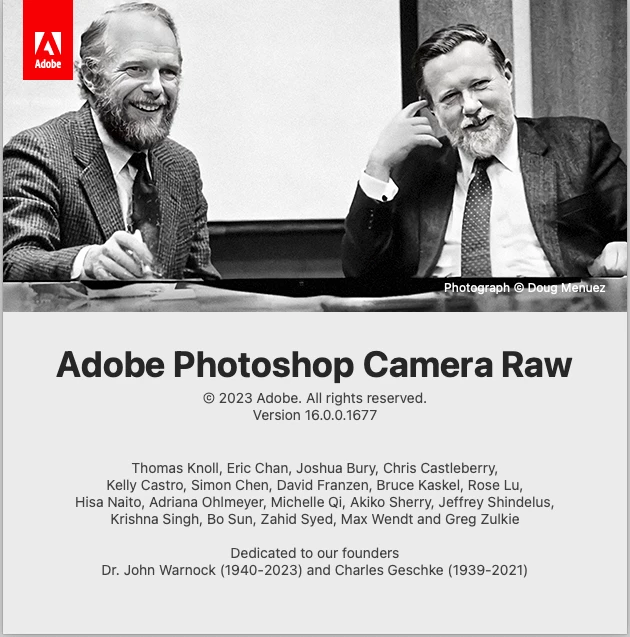
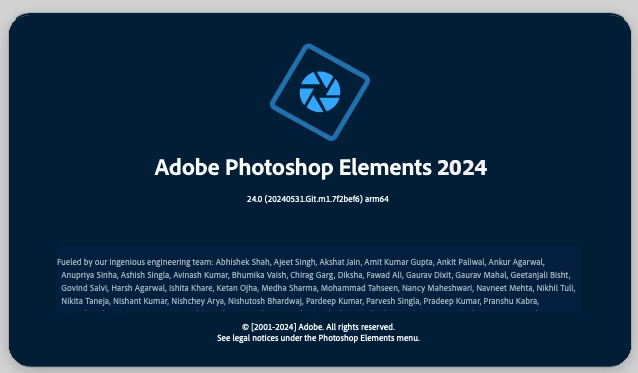
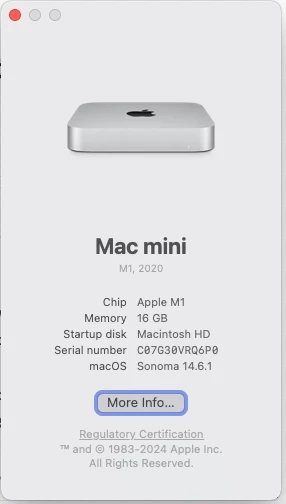
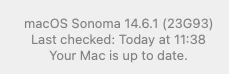
I have the same problem, and converting them to *.dng does work but is a bit of a drag. I operate a Mac M1 mini (screen shots below) , I have an updated PSE, and no matter whether I try to install the Camera Raw app from inside PSE, or follow the instructions in the link below, the Camera Raw app simply won't go past 16.0. Yes, the installation process runs its course apparently it installs as it is supposed to. But when I check the camera raw from inside PSE it is stuck at 16.0.
Does anyone have a clue as to what I can do, except delete the PSE completely from my Mac and then reinstall it? Camera Raw plug-in installer (adobe.com) .... it is a bit annoying, to say the least. Any suggestions are welcome.
Thanks,
b.


 AdChoices