

99jon
Legend
February 24, 2026
Question

Camera Raw Update ACR 18.2
  • February 24, 2026
  • 1 reply
  • 69 views


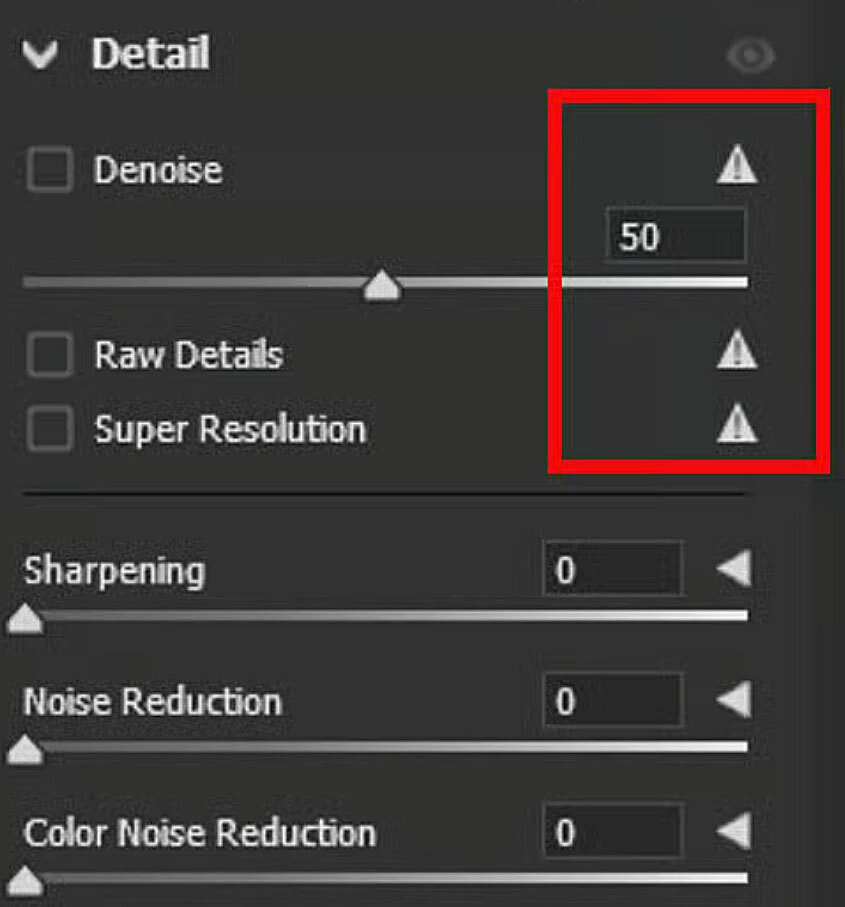
Adobe has issued a camera raw update for Photoshop Elements 2026. This corrects an error that appeared in some versions - see image above.


To update, go to the Editor and choose: Help > Install Camera Raw. 


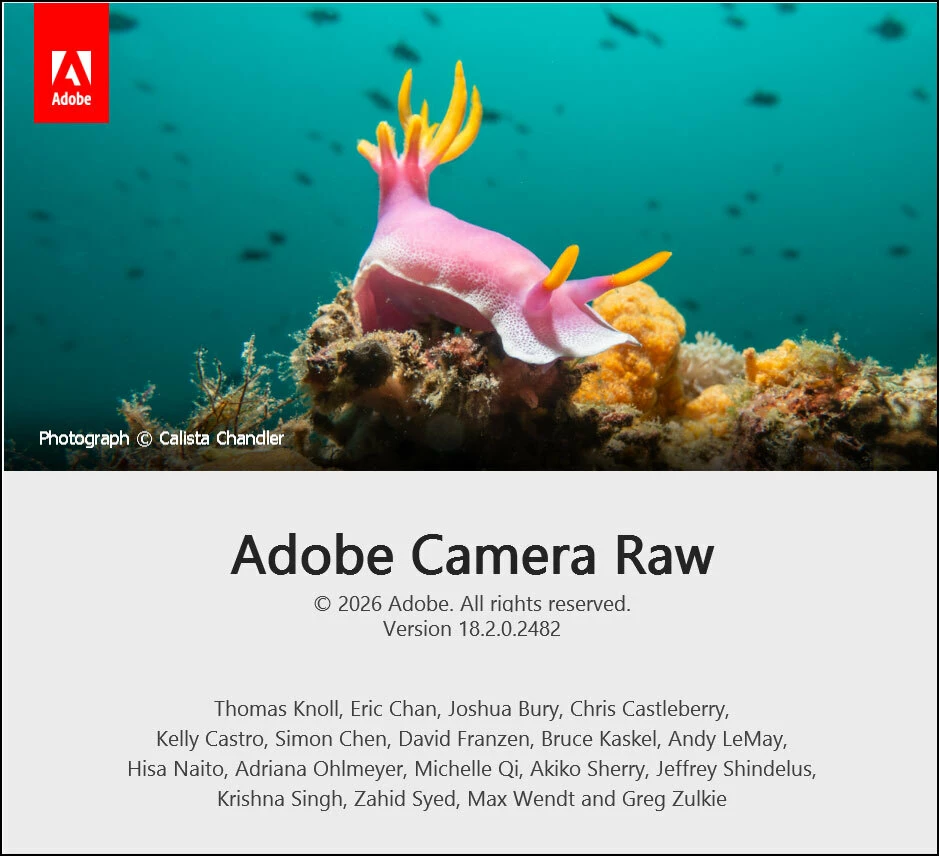
After the update completes you can check that ACR 18.2 is installed by choosing:

Help > About Plugin > Camera Raw


Press esc to close the pop-up window 


    1 reply

    Glenn 8675309
    Legend
    February 24, 2026

    I’ve done that- it appears to simply remove those items from the menu, if they were ever there in the first place, I kinda sorta remember them being in the menu, a very good chance I could be wrong about that..   


    I think perhaps what you are talking about is ACR for Photoshop, not Photoshop Elements.  Super resolution is found in Photoshop, not  Photoshop Elements.  

    This first image is from PSE 2026.


    The image below is from photoshop, using ACR 18.2


    99jon
    99jonAuthor
    Legend
    February 24, 2026

    Yes Glenn, the sliders from PSCC had somehow corrupted the PSE version of camera raw and Adobe has now fixed it. Of course there is no reason to install camera raw if it’s not needed. It was made into a separate add-on to reduce the size of the installation footprint on our hard drive.


    https://helpx.adobe.com/photoshop-elements/release-note/update.html