


Can't find Camera Raw filter
- 2 replies
- 925 views
- Translate
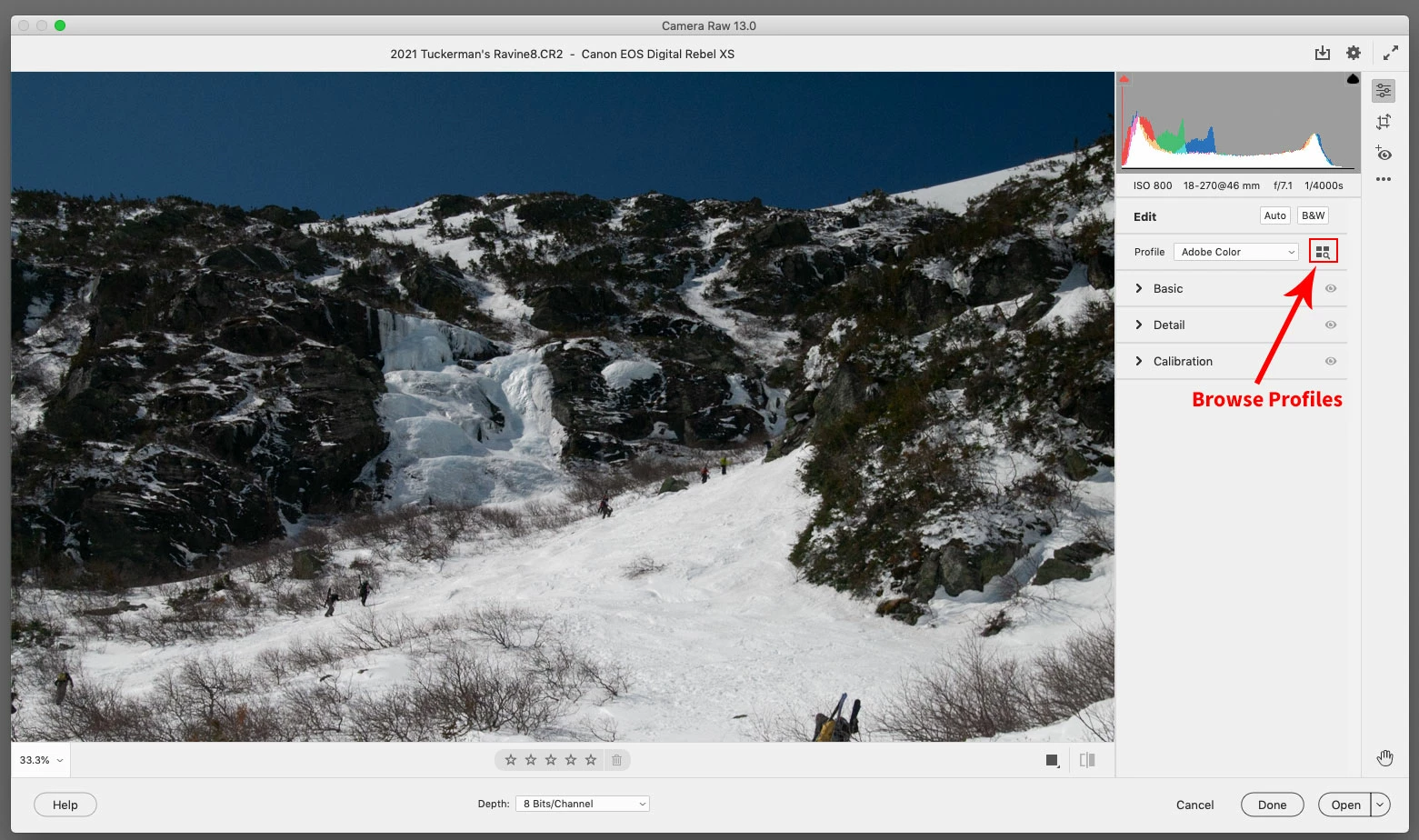
I have PSE21 running on a Mac (OS 10.14.6 - Mojave). I purchased a bunch of filter presets for Camera Raw (Kelvin Designs) and followed the directions to move the xmp files. (Go-->computer-->HD-->UserProfile-->Library-->Application Support-->Adobe-->Camera Raw-->Settings.) But I can't find them when I open PS. If I go straight to Camera Raw, the adjustment slider button doesn't bring the filters up, and if I start in the editor and clicker the filter tab at the top, Camera Raw Filter is not even an option. One prior post suggested going into my preferences and unchecking the "use graphics processor..." button under performance. Any suggestions? I'm running out of options. FWIW, my Camera Raw window (version 13) looks very different from all the examples I've seen in youtube howto's.

 AdChoices