


Question
Can't "flatten" transparent image in Elements 2021 to create a white background
For the first 100 years of Elements, I've been able to flatten a transparent image to make that image be on a white background by going to Layer/Flatten Image. Now when I go to Layer/Flatten Image, the background remains the white and gray checked background. If I try to drop that image onto another file (white background with other images, it carries the white and gray transparent background with it. Seems like it worked as it should for the first few months of having E2021 but maybe not. What am I doing wrong and how do I fix it? Here is the images I'm working with. I'm not able to make the "transparent" area around the sad face, white when before pasting to the large image. Or maybe it's a constraint that started on the web. 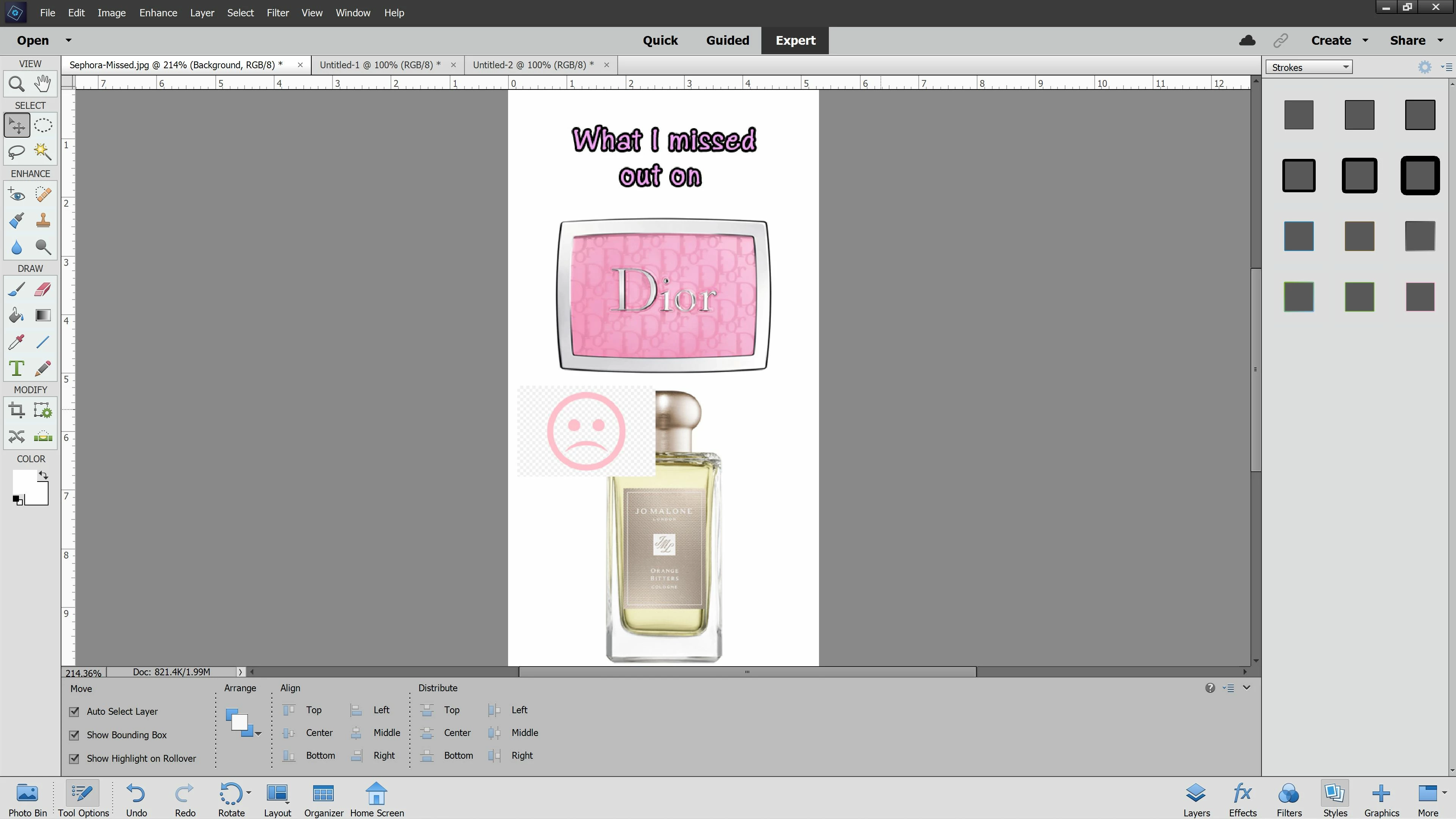


 AdChoices