
Question
Can't print any PS Eelements documents after wndows 10 up date
Hi
I recently had an update to my windows 10 PC (June 2017). Since then I cannot print any PS Elements 14 documents. Printer is up to date drivers wise and prints other documents from different applications.
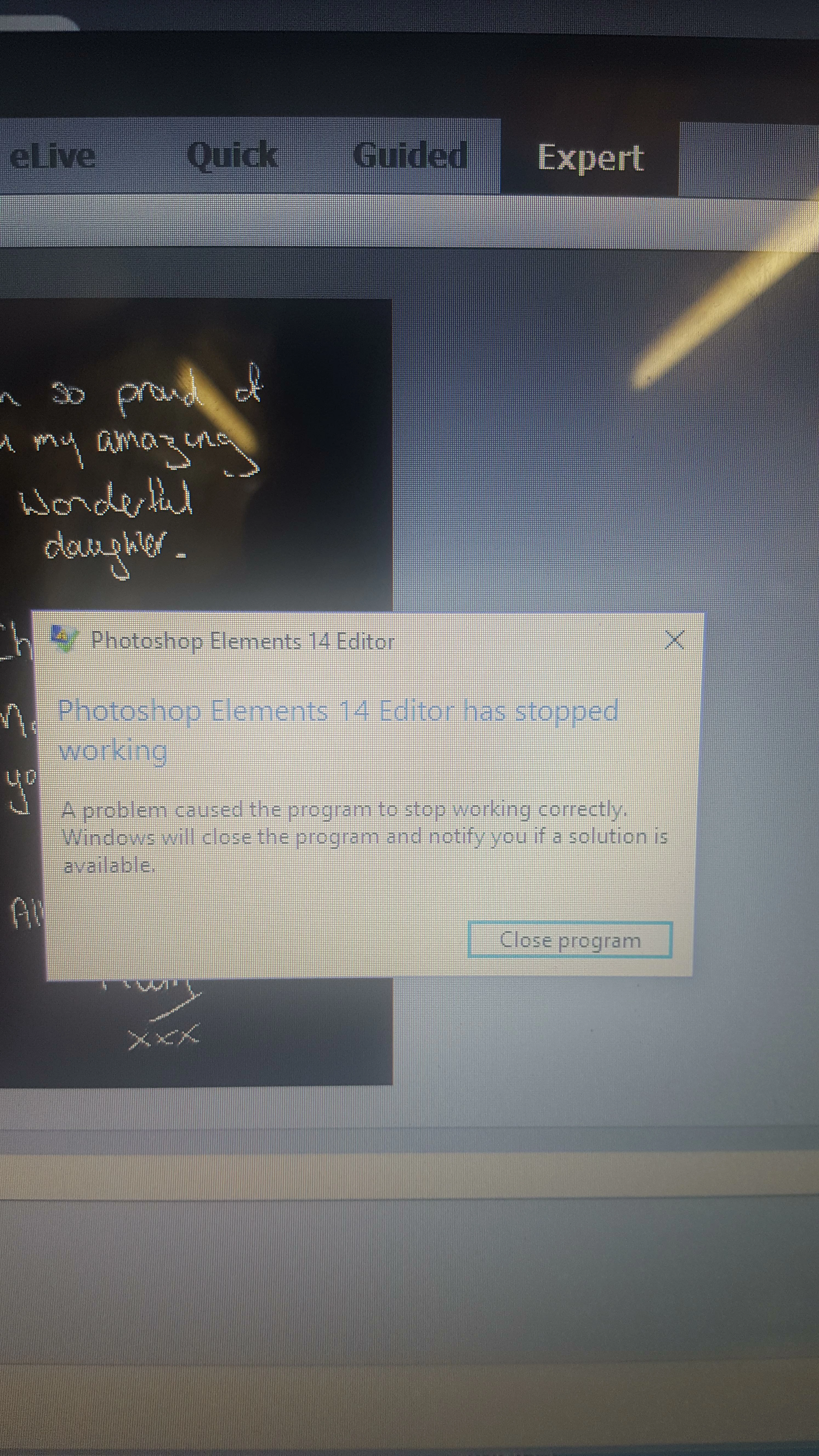
Everytime I go to print whilst in photoshop this message comes up. Any ideas as to how to rectify this would be greatly appreciated. Thanks 
 AdChoices