
Answered
Cannot launch Elements, keeps asking for logins. All login credentials are correct.
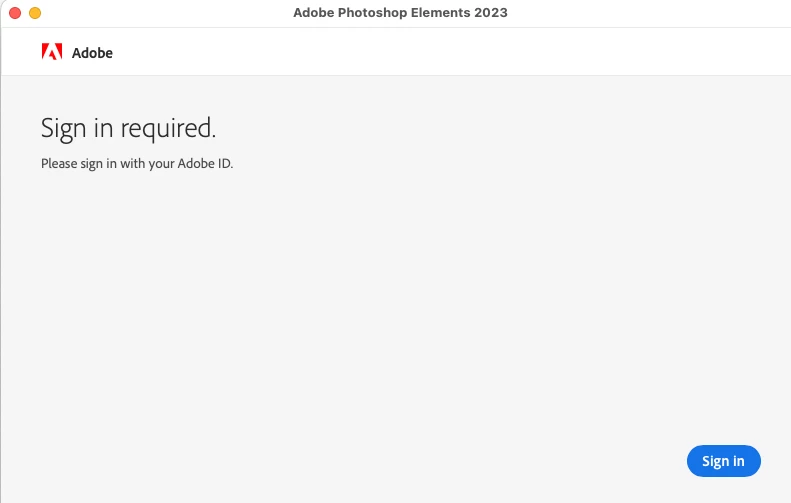
I have no problem getting into my Adobe account in a web browser. In fact I was able to modify my account by adding a backup email address. But Photoshop Elements will not open. It says "Sign in required." I enter the correct email address. I enter the correct password. I know it is correct because I can get into my account online through the browser. But as soon as I have entered the password, it simply returns me, without explanation, to the screen saying
"Sign in required.
Please sign in with your Adobe ID.
I have tried renaming SLCache amd SLStore in the system library Application Support folder. No results.
MacOS Ventura 13.2.1, Adobe Photoshop Elements Editor 21.0, Safari 16.3.


 AdChoices