
Cannot locate Angle Jitter setting for brush in Elements 2024
First... I'm working with Windows 11 and Photoshop Elements 2024 (just bought it).
Here's what I want to do:
I want to select a brush and have it slightly auto rotate with a successive key tap. So for example, the second tap of my keyboard key would rotate the first brush stroke by say 15 degrees (or whatever degree I set).
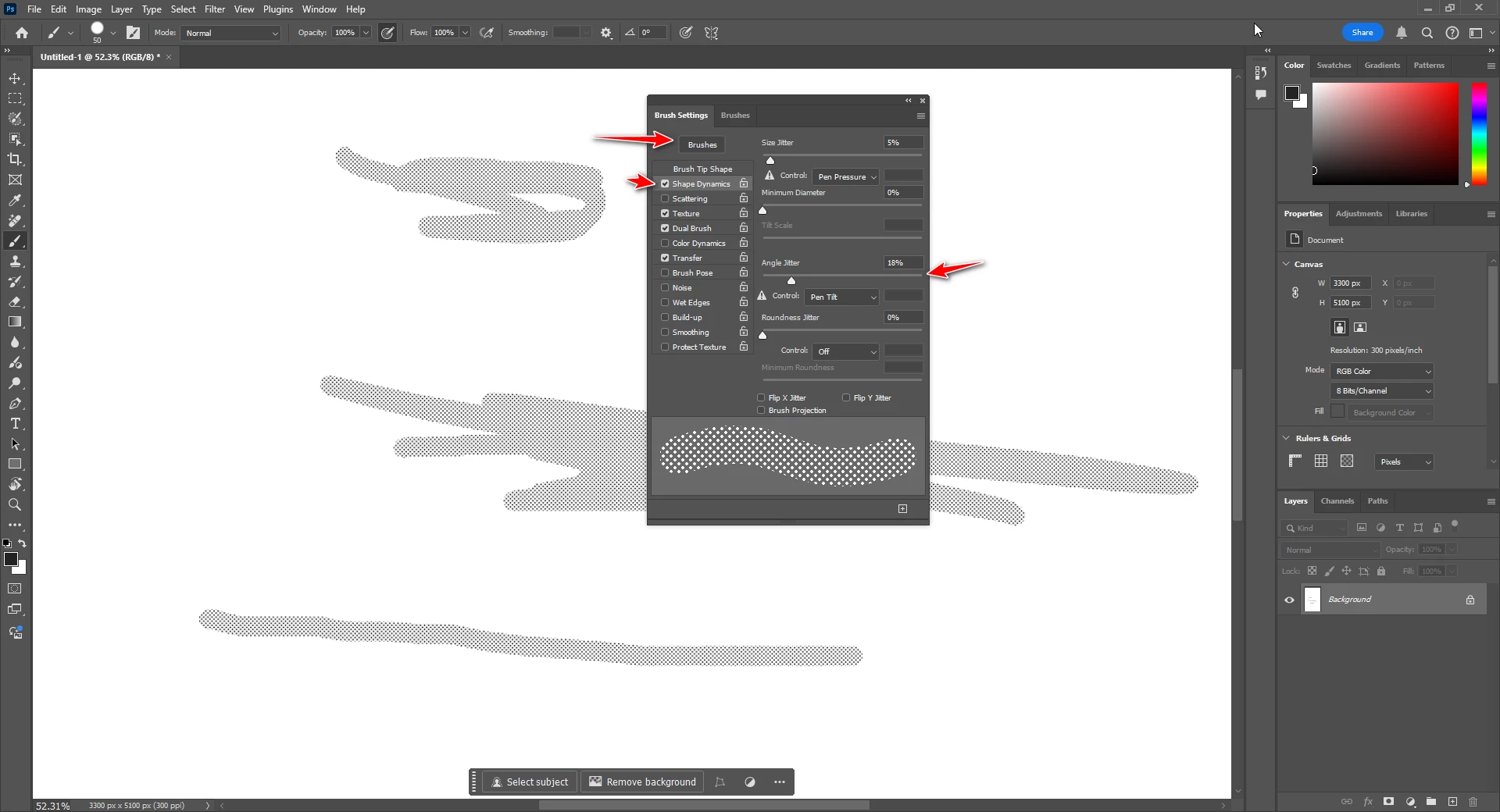
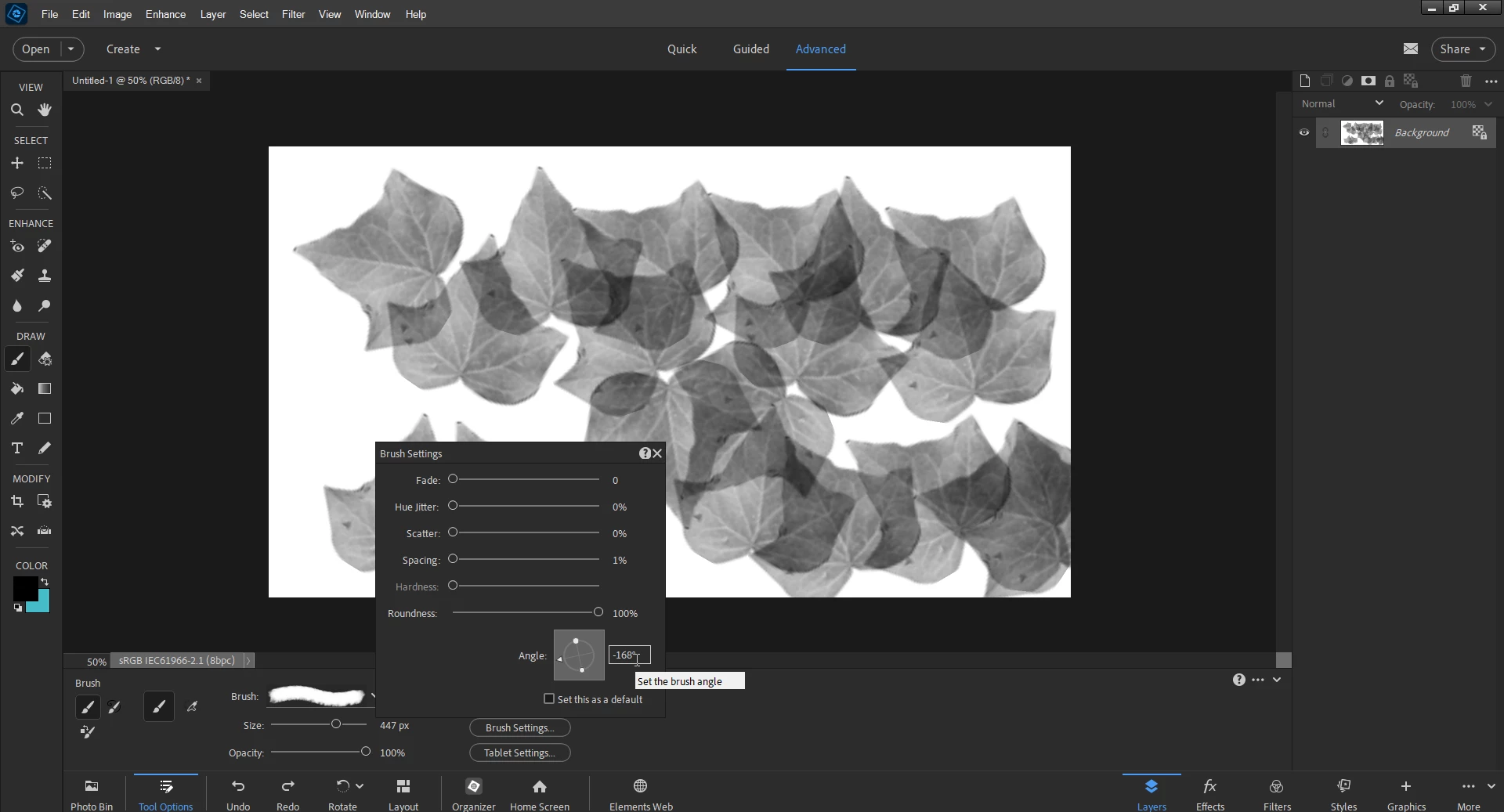
I've been reading and watching videos for an hour and it looked like something called "angle jitter" would do it. But I can't find anything like that. There is a "hue jitter" but I'm not looking to change the color or shade of the brush. I just want it to auto rotate slightly from the exact same point as the initial brush stroke.
I'm sure this is something really simple but for the life of me I can't find it.
Help please!


 AdChoices