
louise7801968
Participant
September 19, 2022
Question

Cannot open heic files in Photoshop Elements 2021 using Windows 365 even though I could before

  • September 19, 2022
  • 2 replies
  • 599 views

I have been opening HEIC files with no trouble until tonight.  Now it says it cannot be opened
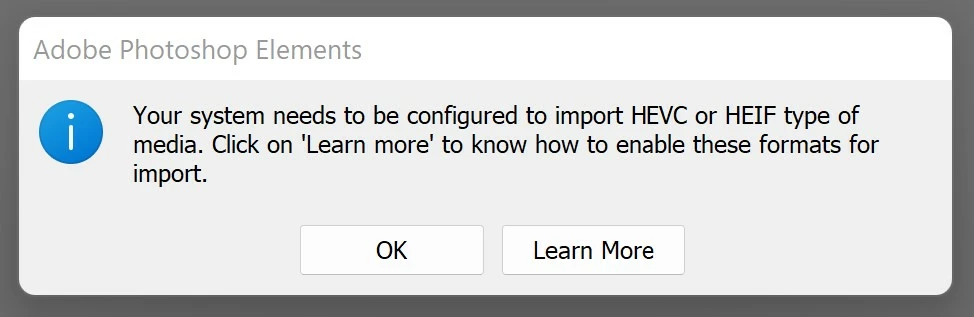


Last time this happened, Adobe updated my software and it fixed the problem even though my software says it is up to date.  What is up?  I tried rebooting my computer and updated everything I can find to update to no avail.


This topic has been closed for replies.

2 replies

Greg_S.
Community Expert
Community Expert
September 22, 2022

I've just paid closer attention to the title of your post.  I have no experience whatsoever with Windows 365 so cannot help you any further.  I've never heard of anyone using Elements with that Cloud service.

Greg_S.
Community Expert
Community Expert
September 20, 2022

Go to the Microsoft Store and download the Heif Image Extensions. 

If it is already installed as shown in the above screenshot, try uninstalling and reinstalling it.  You can uninstall it by going to Windows Settings>Apps:


  You should also download and install or reinstall the HEVC Video Extensions.

louise7801968
Participant
September 22, 2022

I tried reinstalling HEVC app - no improvement.  Though when I try to install the HEIF  image extensions app it just says 'open' it does not appear anywhere in my list of installed apps so I cannot uninstall it to try again.  Very frustrating.  When I open that app it appears to be just a stand alone app that lets me open files inside the app itself - it does not seem to facilitate opening the files inside Adobe Photoshop Elements 2021.  Help.