Inspiring
August 7, 2024
Answered

Catalog location too confused

  • August 7, 2024
  • 1 reply
  • 1019 views

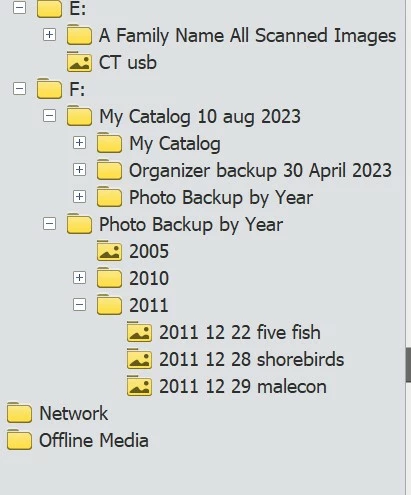
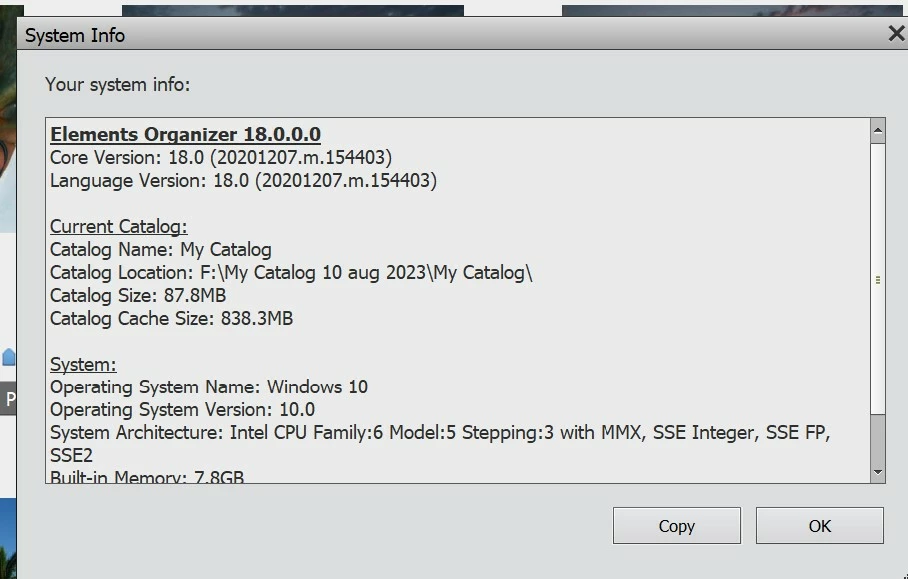
When I got a new desktop computer I put my Catalog on an EHD called Seagate #2. It  now has a number of subfolders included. Is this something I need to correct? It sure doesn't look like the version I had on my laptop which was just under MY Catalog with no subfolders.

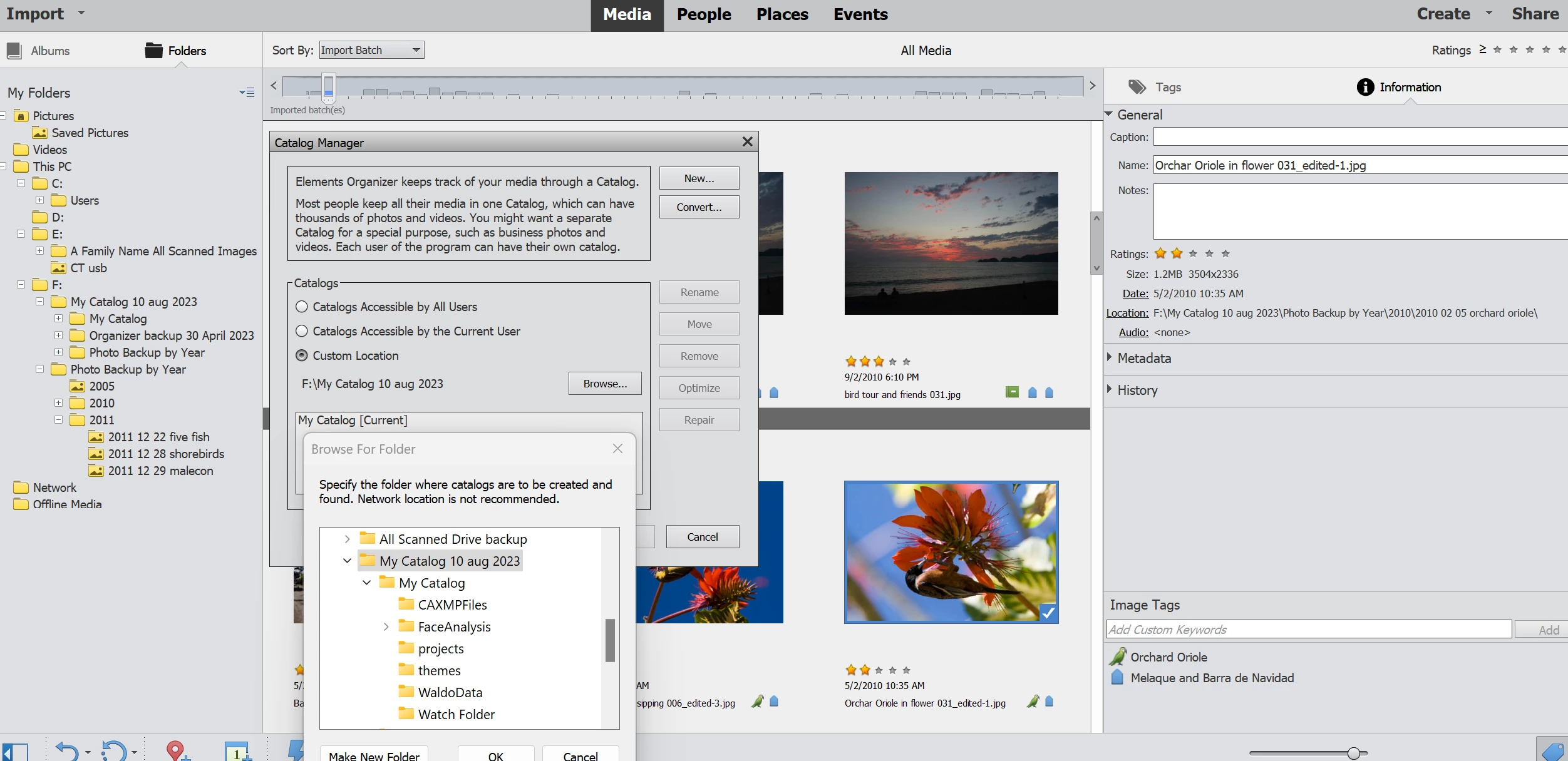
I will attach the snip of system info and also the organizer view.

Would my Catalog be better if it does not have the subfolders?
This topic has been closed for replies.
Correct answer Grace Muskokan

Thank you Glenn, that reassures me. I will make a backup on a different EHD before trying to change anything.

The reason I want to change this is that some of my photos are showing under Location exactly where I want them: EHD #2 Photo Backup by Year. But for some reason others are showing location as a folder within that Catalog, a subfolder also called Backup by Year. I don't know how I did this.

My concern is that I do not want my photos stored with the Organizer I want them in that Photo Backup file on the tree.

I have written Metadata to files for the tags and albums I used. Will the tags I have attached only be saved to the photos in the Catalog subfolder?

1 reply

Glenn 8675309
Legend
August 8, 2024

Your catalogues structure is 100% on you, make it do whatever makes you wall warm and fuzzy inside.  Correct it (only from within the organizer), don't correct it, do what you like. 

Whatever changes you make only make them from within the Organizer.   Once  you go and start making changes while outside of the organizer catalogue thos images become "missing" in the catalogue.

You see all your photos?  Just stop worrying about the file structure, and your concerns go away.


Grace MuskokanAuthorCorrect answer
Inspiring
August 8, 2024

Thank you Glenn, that reassures me. I will make a backup on a different EHD before trying to change anything.

The reason I want to change this is that some of my photos are showing under Location exactly where I want them: EHD #2 Photo Backup by Year. But for some reason others are showing location as a folder within that Catalog, a subfolder also called Backup by Year. I don't know how I did this.

My concern is that I do not want my photos stored with the Organizer I want them in that Photo Backup file on the tree.

I have written Metadata to files for the tags and albums I used. Will the tags I have attached only be saved to the photos in the Catalog subfolder?

Glenn 8675309
Legend
August 8, 2024

Organizer is nothing more than an old school card catalogue you would find in a library.   It contains the location of the image, it's meta data, and a small thumbnail of the image.   You just have to tell it what folders / diorectories to monitor for changes. 

You told the catalogue to monitor certain folders. That is exactely what is is doing- it's montioring those folders.   I've told mine to monitor some folders-  no reason for it, I just said "Monitor these folder" for the heck of it. 

Before you do an incremental backup, you have to do a complete backup.   Just tell organizer to do it, and go get a  cup of coffee.   For the folders I have organizer monitoring it's 45GB of data.  I have over 250GB of just images.

When you do a backup you can choose "everything"- including the photos, or just the catalogue structure.

Many users, such as myself, have our "own system" and play with organizer-  I don't care about montioring meta data or image tags- i use my own system, which works for me.


Some of the folders I have organizer monitoring.   I get a lot of "missing photos" in organizer because I'm always moving things around outside of organizer.


Make organizer do what you want.  You can alwaysy delete catalogues, and start over--- just use it (organizer) however you want.   Some users lives seem to be cosumned with "fixing organizer"- me, nope, I'd rather spend my time doing other things.