Question
Change Color that is non-destructive
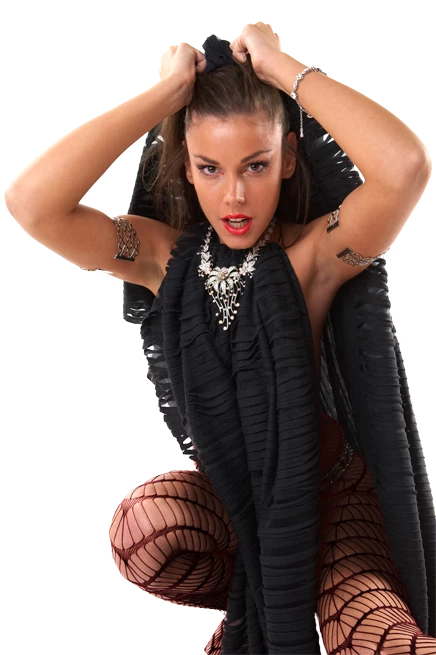
I want to change the color of fishnet stockings on a model from red to black. So the normal change color process doesn't work without messing up the skin tone of the legs. I was able to use the PSE Enhance/Adjust Color/Replace Color option with fairly good success. However, the process is destructive to the original photograph. Is there a way to preserve the changes into a layer, so the original photograph is undisturbed and later changes to it can flow the modified layer?
The Original and modified are below.

 AdChoices