lisbeto10622707
Participant
September 6, 2023
Question

Change startpage PSE-23

  • September 6, 2023
  • 2 replies
  • 166 views

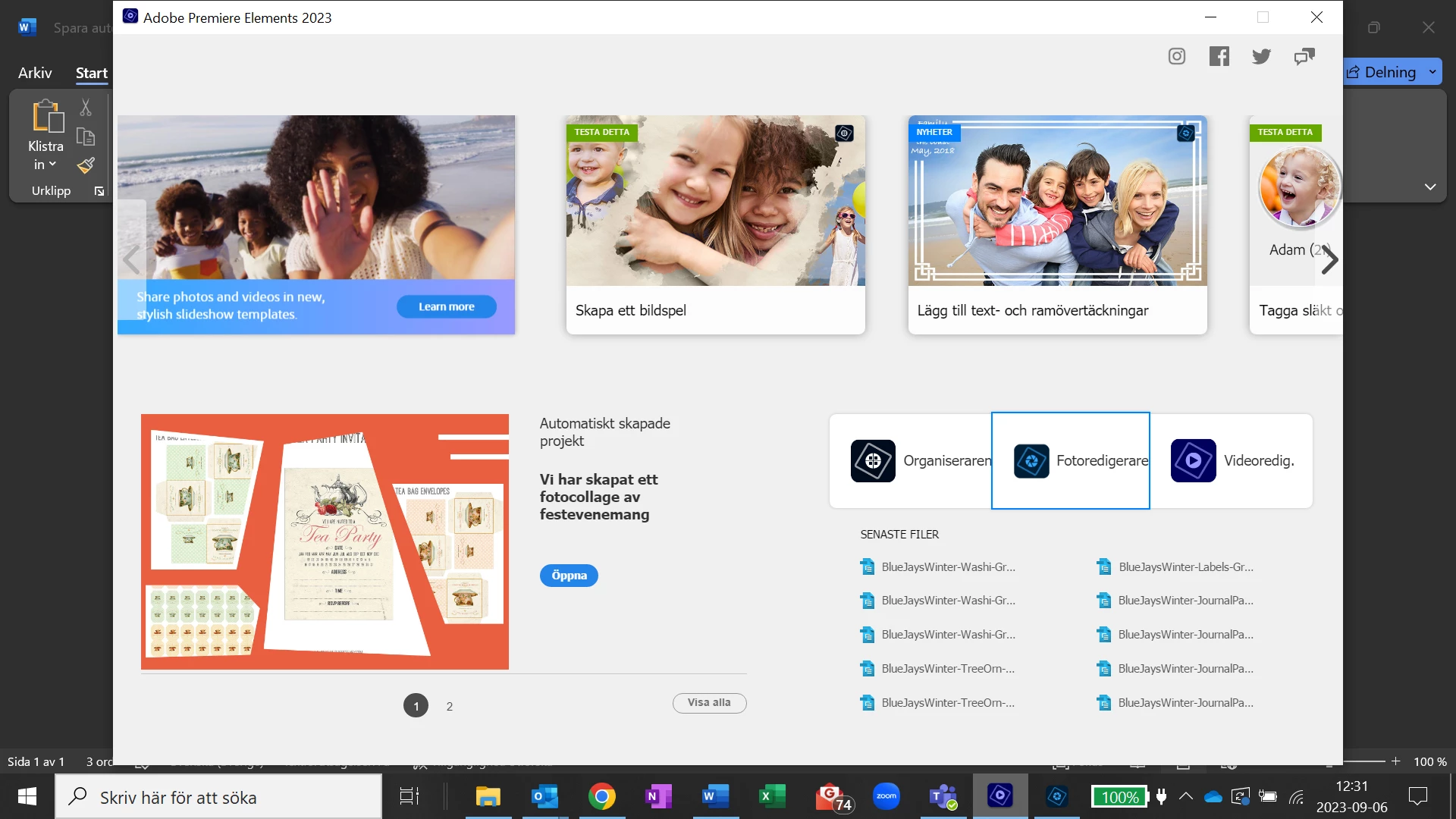
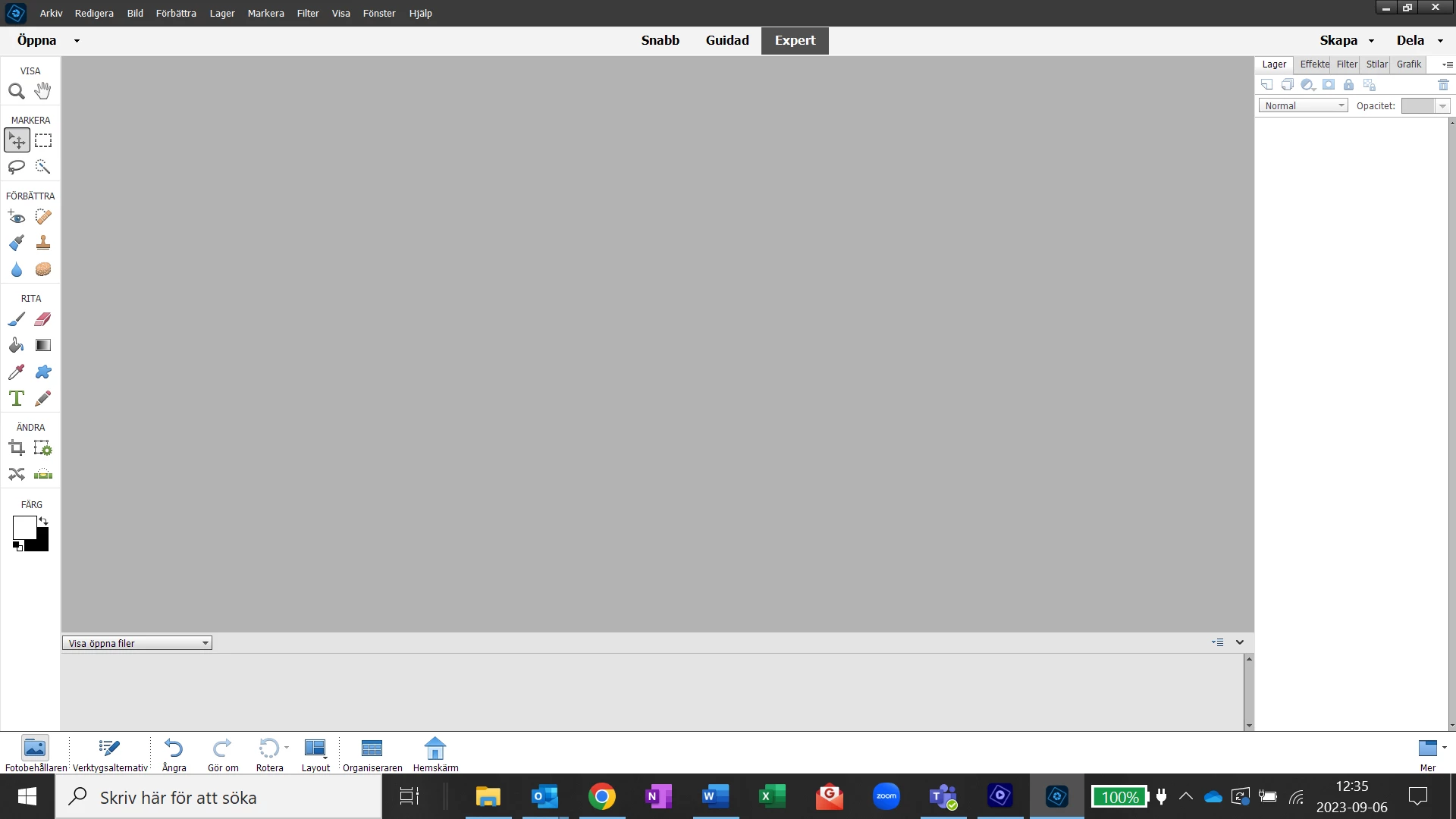
I want my startside to be direct på PSE -23 from the first picture to the second picture
How do I do?

This topic has been closed for replies.

2 replies

Greg_S.
Community Expert
Community Expert
September 6, 2023

As I understand your question, you want to be able to start the Photoshop Elements Editor rather than go through the Welcome Screen.  There are several ways to do this.

  • You can right-click on the PhotoshopElementsEditor.Exe file which is found in the C:\Program Files\Adobe\Photoshop Elements 2023 directory) and use the Send To command to create a shortcut icon on your desktop.
  • When the Editor is open, right-click on the icon in the Windows taskbar and choose to Pin to taskbar


The Editor can then be opened directly by clicking on the desktop icon or the taskbar icon.  If you choose the first option, don't be fooled by the fact that the Photoshop Elements folder icon is colored and is not like the normal yellow folder for most Windows programs. 


Also, make sure you choose the exe file I have named above.


hatstead
Inspiring
September 6, 2023

The program does not provide for this. Each picture file needs to be opened so that enhancements can be made. You can deposit multiple picture in the Photo bin and bring them up to the workspace.

Perhaps I am missing something, so feel free to repost.