Ellen!S
Participating Frequently
August 23, 2021
Answered

choice for 'custom' disappears

  • August 23, 2021
  • 3 replies
  • 566 views

Dear people,

I translated this message with Google, the terms may not match, but I hope you understand me.

Crop photos in photoshop elements 2020 always went well.

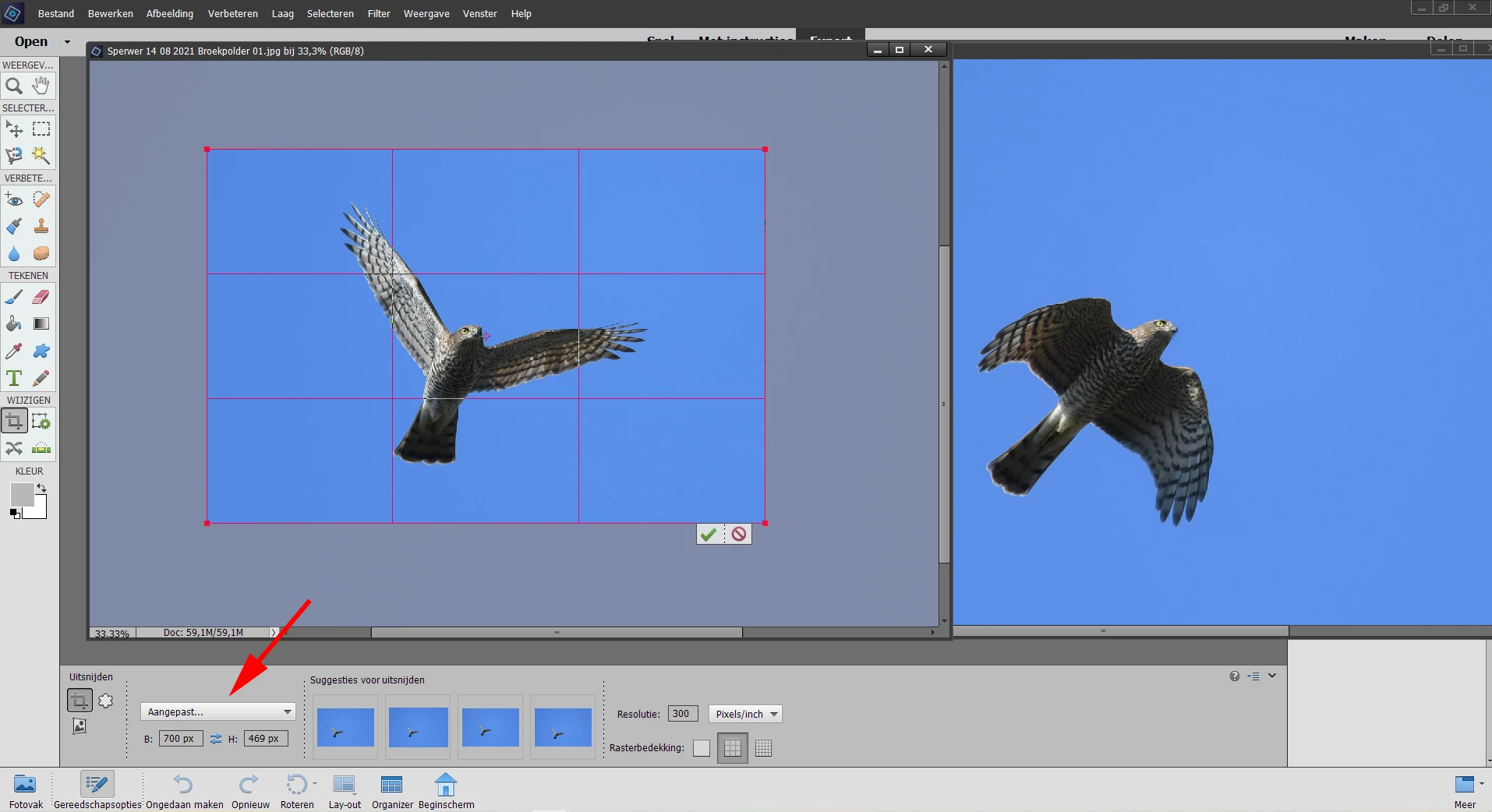
Suddenly the 'custom' (in screenshot: aangepast) option disappears after I cropped 1 photo.

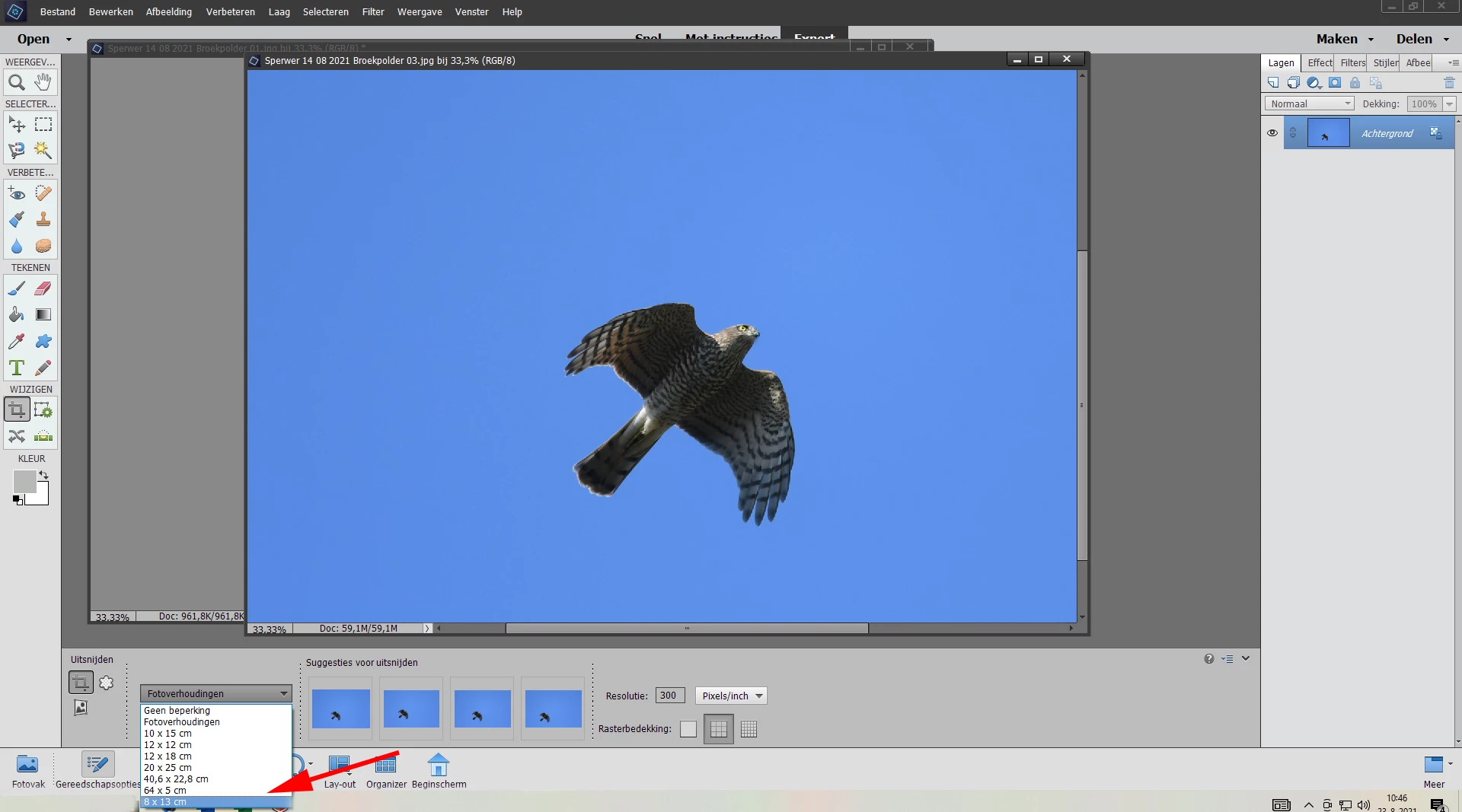
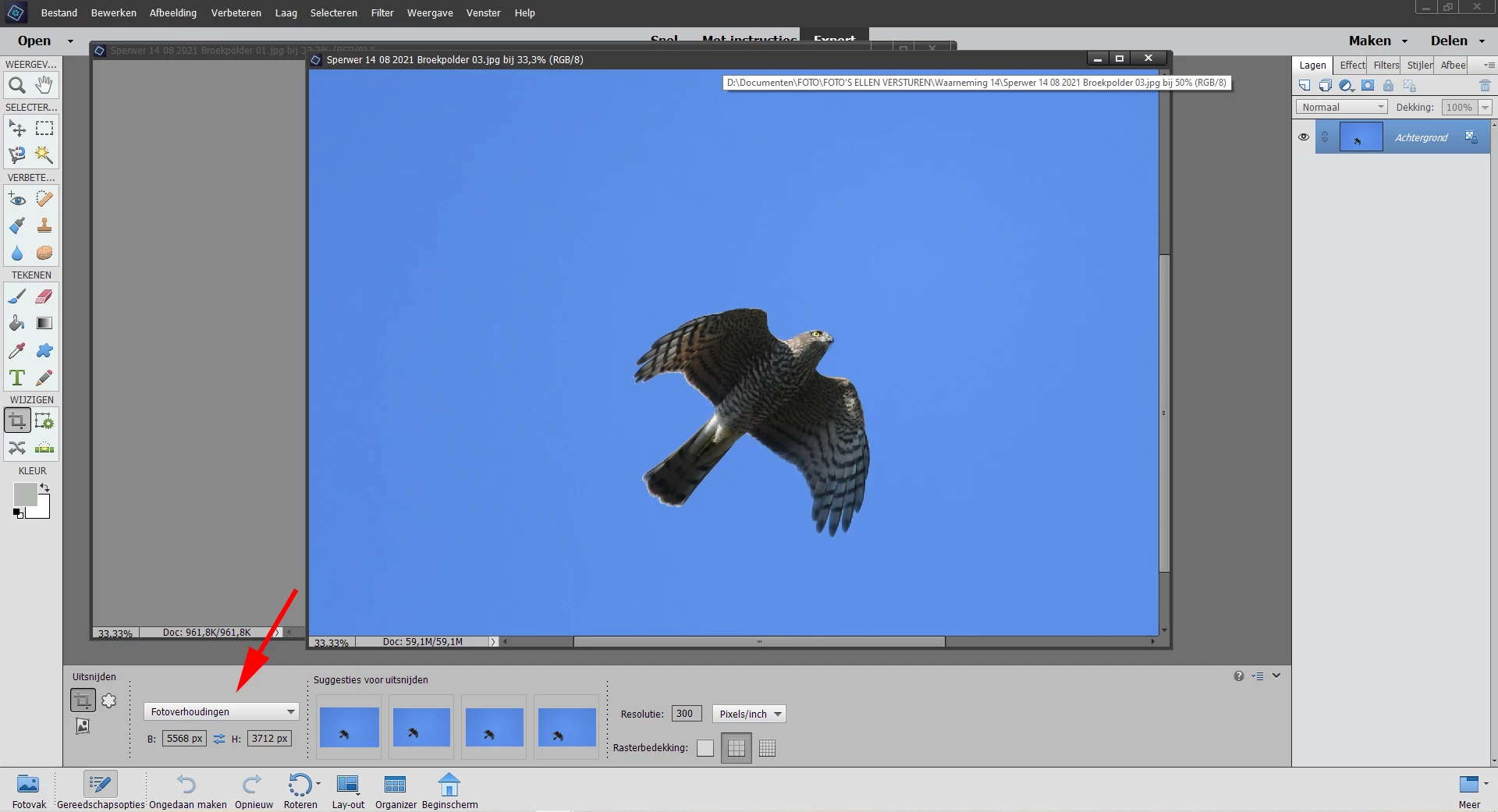
It then jumps to: 'photo proportions' (in screenshot: fotoverhoudingen) and then nowhere in the list the option 'custom' (in screenshot: aangepast) is to be found again.

I hope someone has a tip, because now I have to type the dimensions again and again for every picture of  a series in 'photo proportions' (in screenshot: fotoverhoudingen). When you restart Photoshop, the option for 'custom' will return. But after I had one photo cropped the option disappears again.

Regards, Ellen
This topic has been closed for replies.
Correct answer Greg_S.

Ellen, you say that the Custom  (aangepast) option has disappeared completely.  However, it only appears if you have entered dimensions into the height and width boxes. (In fact the choice will appear as soon as you enter a single number in the text box.)  If the dimension boxes are blank, aangepast will not appear in the dropdown list.  Also, if you make one of the other choices in the dropdown list, the dimensions will be replaced by your choice, and again aangepast will disappear from the list.  However, if you only use the one custom dimension for your entire editing session, without touching any of the other choices in the list, the same Custom dimensions should be present in the list, the next time you launch the program. 


If you are correctly reporting that when you create a custom crop dimension and commit the crop, the box always returns to fotoverhoudingen, without further action on your part, then something is wrong.  (I have not tried this with floating windows, so I don't know if that makes a difference.)


In any event, if you decide to reinstall the program, make sure when you uninstall that you choose the option to delete your preferences.  A message box should pop up asking you this question, and I'm not sure of the exact wording. 

3 replies

Greg_S.
Community Expert
Greg_S.Community ExpertCorrect answer
Community Expert
August 24, 2021

Ellen, you say that the Custom  (aangepast) option has disappeared completely.  However, it only appears if you have entered dimensions into the height and width boxes. (In fact the choice will appear as soon as you enter a single number in the text box.)  If the dimension boxes are blank, aangepast will not appear in the dropdown list.  Also, if you make one of the other choices in the dropdown list, the dimensions will be replaced by your choice, and again aangepast will disappear from the list.  However, if you only use the one custom dimension for your entire editing session, without touching any of the other choices in the list, the same Custom dimensions should be present in the list, the next time you launch the program. 


If you are correctly reporting that when you create a custom crop dimension and commit the crop, the box always returns to fotoverhoudingen, without further action on your part, then something is wrong.  (I have not tried this with floating windows, so I don't know if that makes a difference.)


In any event, if you decide to reinstall the program, make sure when you uninstall that you choose the option to delete your preferences.  A message box should pop up asking you this question, and I'm not sure of the exact wording. 

Ellen!S
Ellen!SAuthor
Participating Frequently
August 24, 2021

Dank je wel Greg, ik ben blij met je aanvullingen!

Tot voor een paar dagen werden de instellingen ook bij zwevende vensters 'onthouden'.

Het gekke is dat ik nu helemaal geen optie voor zwevende vensters meer kan aanklikken (is niet actief).

Dus ik denk dat het programma niet goed meer werkt.

Tot zover ook hartelijke dank!

Ik laat jullie de resultaten van een nieuwe installatie horen.

Beste groeten,

Ellen

Ellen!S
Ellen!SAuthor
Participating Frequently
August 25, 2021

Hallo beiden!

Vanmorgen keek ik nogmaals bij bewerken > voorkeuren > en zag dat er een optie was voor "Zwevende documenten toestaan in expertmodus". Die was dus bij het opnieuw instellen uitgeschakeld.

Dat heb ik dus weer aangezet en dat probleem is opgelost!

En de grote bijkomende verrassing was dat nu ook de andere problemen zijn opgelost. Soms zijn computers voor mij 'net mensen', soms wispelturig, soms met het verkeerde been uit bed gestapt maar vandaag met het goede been 😉

Nu hoop ik natuurlijk dat alles ook goed blijft

In elk geval heb ik in de tussentijd veel geleerd van jullie.

Hartelijk dank en groeten,

Ellen

Ellen!S
Ellen!SAuthor
Participating Frequently
August 24, 2021

Ha Greg,

Dank je wel voor je reacties! Heel erg aardig van je dat je met me mee denkt!

Het programma heeft inderdaad voorheen altijd de dimenties onthouden.

Ik heb je beide suggesties uitgevoerd om het gereedschap te herstellen, maar helaas heeft het niet gewerkt.

Daarna heb ik het voorkeurenbestand hersteld. Nu is de optie "aangepast" (custom) helemaal verdwenen.

Ik probeerde daarna mijn werkruimte opnieuw aan te passen omdat ik werk met zwevende vensters, maar daar was alleen de optie 'standaard' nog te kiezen. En wie weet zijn er nog meer instellingen onmogelijk geworden 😉

Misschien moet ik het programma opnieuw laten installeren?

Nogmaals dank en groeten,

Ellen


hatstead
Inspiring
August 24, 2021

Ellen, 

If the only problem is to crop to set dimensions consistently, there is another way to do it.

1.Activate the Rectangular Marquee tool, On the tool's option bar. select  the "fixed size" option, then enter the values for W& H.. Drag out the rectangle to define what you wish to retain.

2. Go to Image menu>Crop.

Ellen!S
Ellen!SAuthor
Participating Frequently
August 24, 2021

Wow 'hatstead',

Dat had ik nooit ontdekt! Goed om te weten dat er een alternatief is.

Toch hoop ik ook dat het mogelijk is dat de problemen verdwijnen wanneer het programma opnieuw geinstalleerd is? Wat denk jij?

Groeten,

Ellen


Greg_S.
Community Expert
Community Expert
August 23, 2021

The custom option should remain sticky.  In other words, if you type in a particular dimension for your crop, the Custom option should remain in place until you delete the dimensions or use one of the other dimension options.  If you close and open the program, your last-used crop dimensions should appear with the Custom wording.  So, I'm not exactly sure why this is not working for you.


My only suggestions are:


  • Try resetting the tool:

  • If that doesn't work, try resetting the preferences file. Go to Edit>Preferences>General tab and click the Reset Preferences on next launch button.
Greg_S.
Community Expert
Community Expert
August 23, 2021

. . .  and if you type a message on the forum in your native language, we have an option to translate it automatically.