
Clone stamp not working in Elements 2020 trial version
I got the trial version until I get the package in the mail.
I beleieve this is Elements 2020 18.0 version
The clone stamp doesn't work properly on my mac Catalina OS 10.15.4
I hold down option key and the trackpad and then take the track pad and use to clone but nothing happens, any suggestions please?
Thanks
Got the answer!! I tried to delete question or say Solved but couldn't find where, sorry!
Dynamic_Office said:
Something that trips me up when using the Clone Stamp tool,
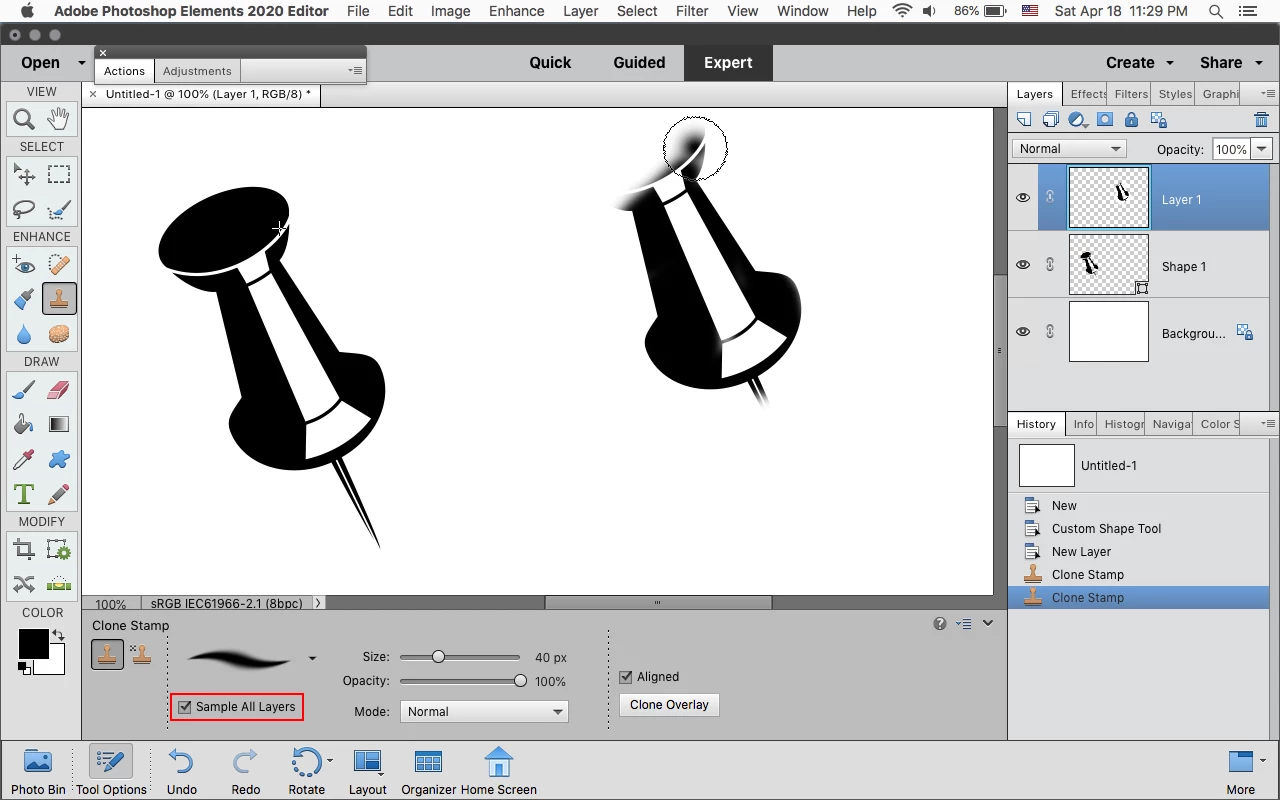
Make sure you’ve selected the layer you intend to clone from and not the layer you wish to clone to.
See how below I have Layer 2 selected? As this is a blank layer if I attempt to use the clone tool, it won’t clone anything as there isn’t anything on this layer to clone from but I want the clone edits to be on layer 2 so I will need to selected layer 1 (or what you wish to clone from) then make create the clone (Alt+LMB) then reselect layer 2 and apply.
Seems obvious but it honestly gets me every time!


 AdChoices