



Collage [How to create collage of up to 18 images in PSE 2018?]
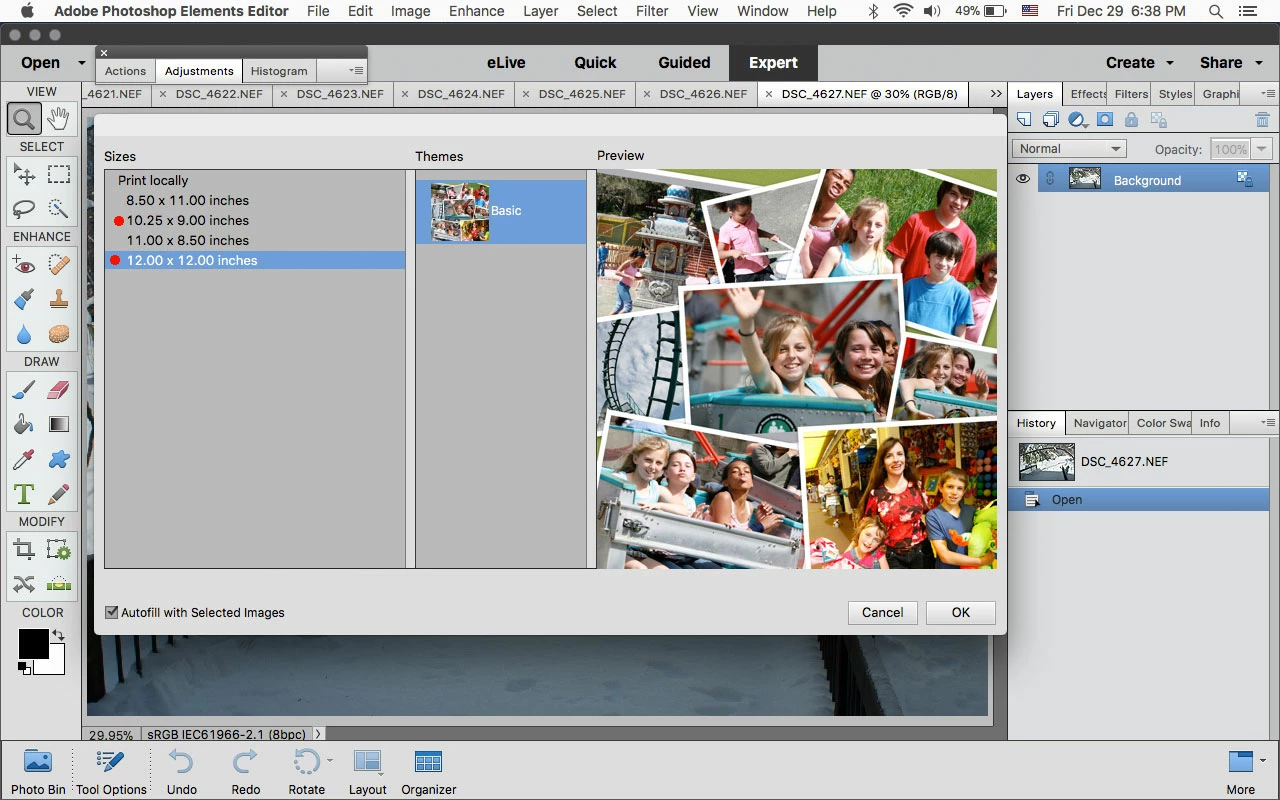
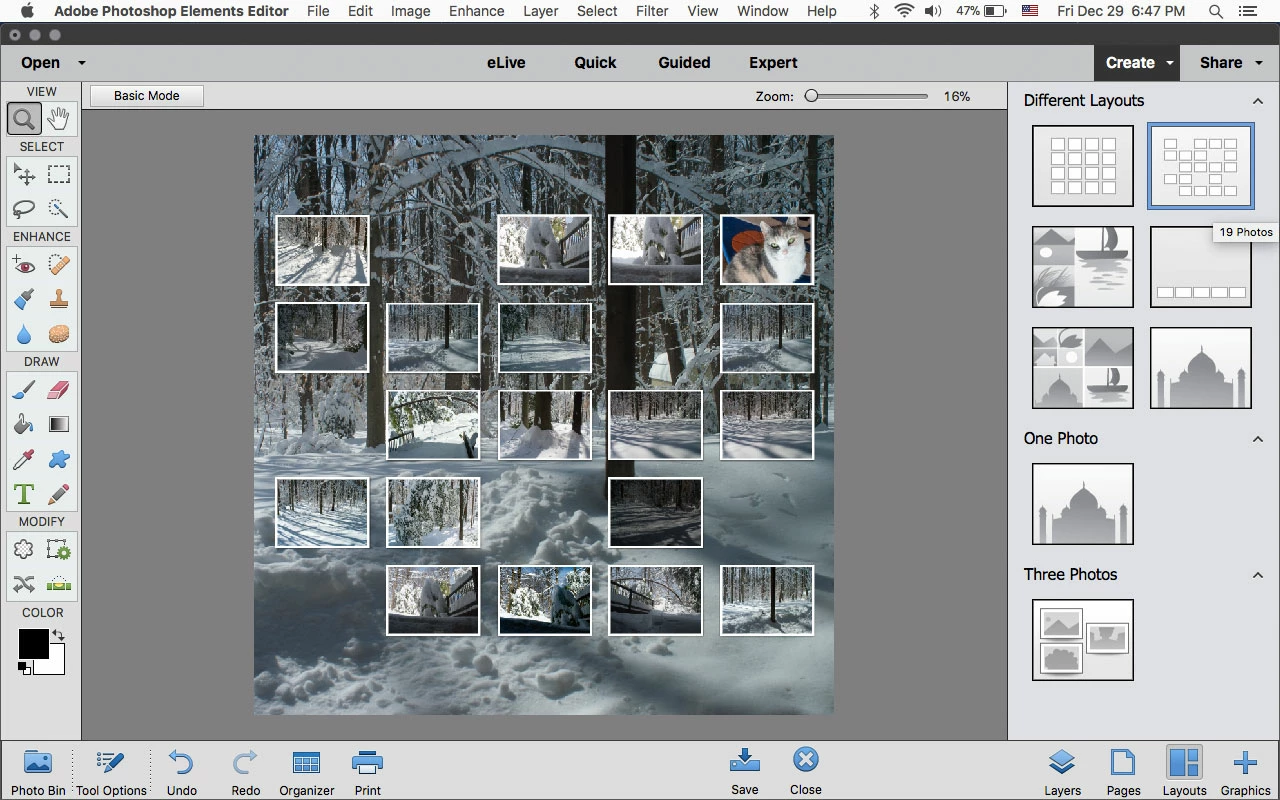
I have had a Photoshop Elements 7.0 that I used to make a New Years collage every year. There was a template that allowed for the insertion of 15 or 18 images. Windows 10 has made my 7.0 inoperable, so I have opted to try the Photoshop Elements 2018. In this new version, there only seems to be one collage option with a maximum of 8 images? How do I make a collage with more than 8 images with this new software? Also, the new version seems to have white borders on the images, and I prefer my images to be borderless.
I am on the 30 day trial of the Elements 2018, so if I have the wrong product, I guess I would have to uninstall this version, and try yet another?
Outside of photo touch-ups and collages, I am not a prolific or proficient Photoshop user, so I really do not need something with lots of bells and whistles.
Any help would be sincerely appreciated.
Thanks, and Happy New Year!
-Willy-

 AdChoices