davidcushworth
Participant
March 3, 2021
Question

Contact Sheet II in PSE 2021 (the latest upgrade) will not work.

  • March 3, 2021
  • 2 replies
  • 717 views

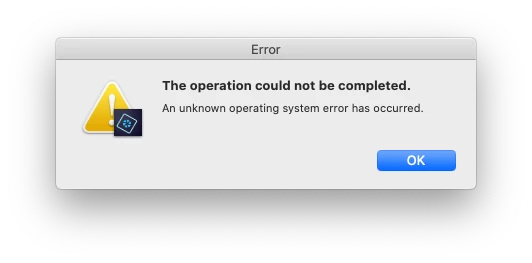
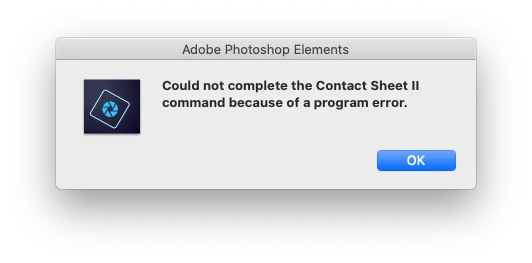
I upgraded to the latest release last month and went to use the Contact Sheet II, only to get an error message saying there was a program error, which was then followsed by a further message stating an unonown operating system error.


The Contact Sheet worked fine before the upgrade.


I am using a 2017 MacBook Pro, 3.1Ghz, 16 MGB of Ram, 1TB hard drive, running Catalina.
This topic has been closed for replies.

2 replies

Jeff Arola
Community Expert
Community Expert
March 4, 2021

If you go to (user) ~/Library/Preferences/Adobe/Elements/19.0/Adobe Contact Sheet II
and delete the Adobe Contact Sheet Prefs hopefully you should be able to use the

Contact Sheet II plugin again.


To see your user Library, in the Finder Go menu press the Option key and then you

should see Library listed on the Go menu.


Or


Click on your desktop, in the Go menu click on Go To Folder, paste ~/Library/Preferences/Adobe/Elements/19.0/Adobe Contact Sheet II and click Go.


davidcushworth
Participant
March 4, 2021

Brilliant, all working now.


Many thanks

Greg_S.
Community Expert
Community Expert
March 4, 2021

Not many of us on this forum are familiar with Macs.  Since nobody has answered your question yet, I suggest you contact Adobe Support. You can start a chat session by clicking on the blue Contact Us button under the Support menu at Adobe.com.