
convert issue 2024
I have PSE 2024 installed on a new computer. I have/had my previous catalog backed up then restored on an external hard drive, all done on a previous version of PSE. I have not converted it yet in PSE 2024, it seems to function as is right now with 2024.
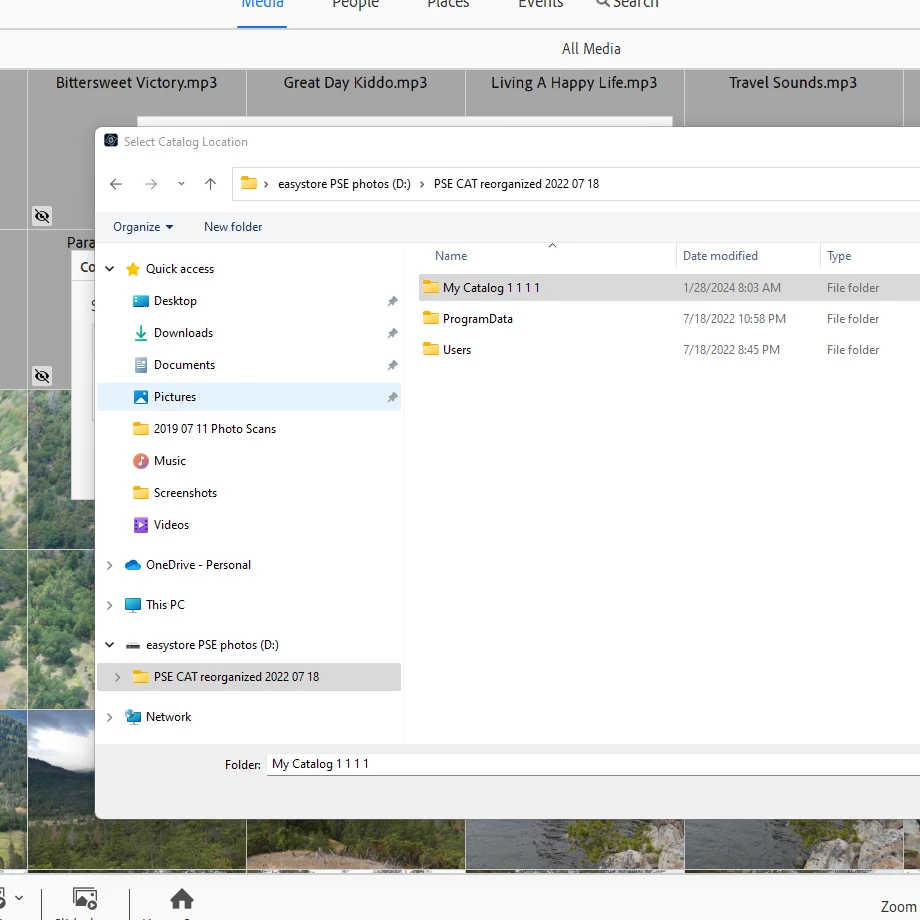
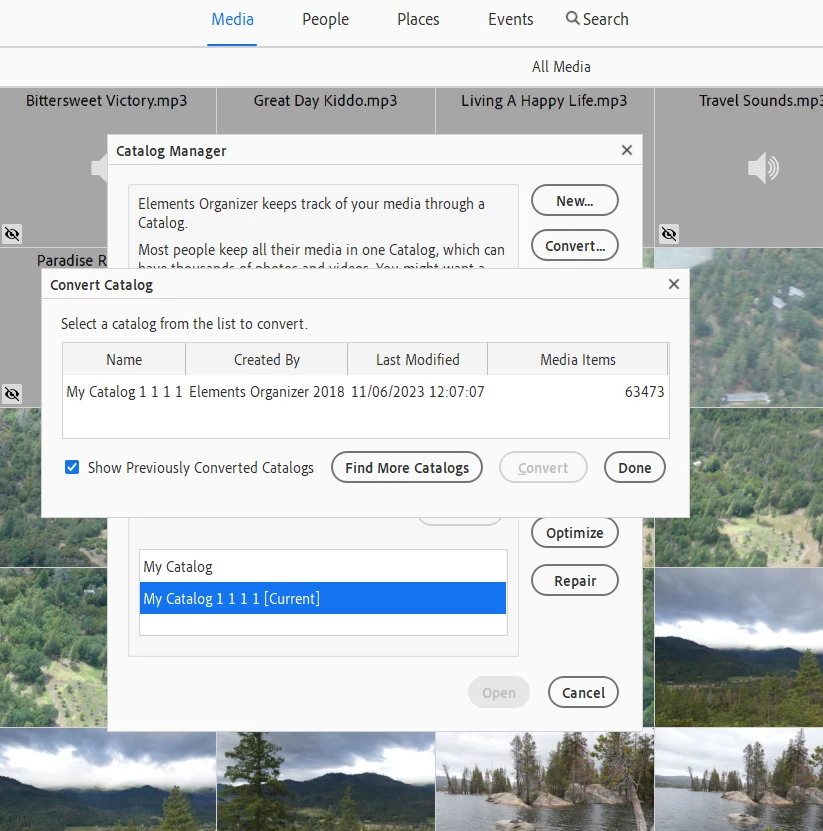
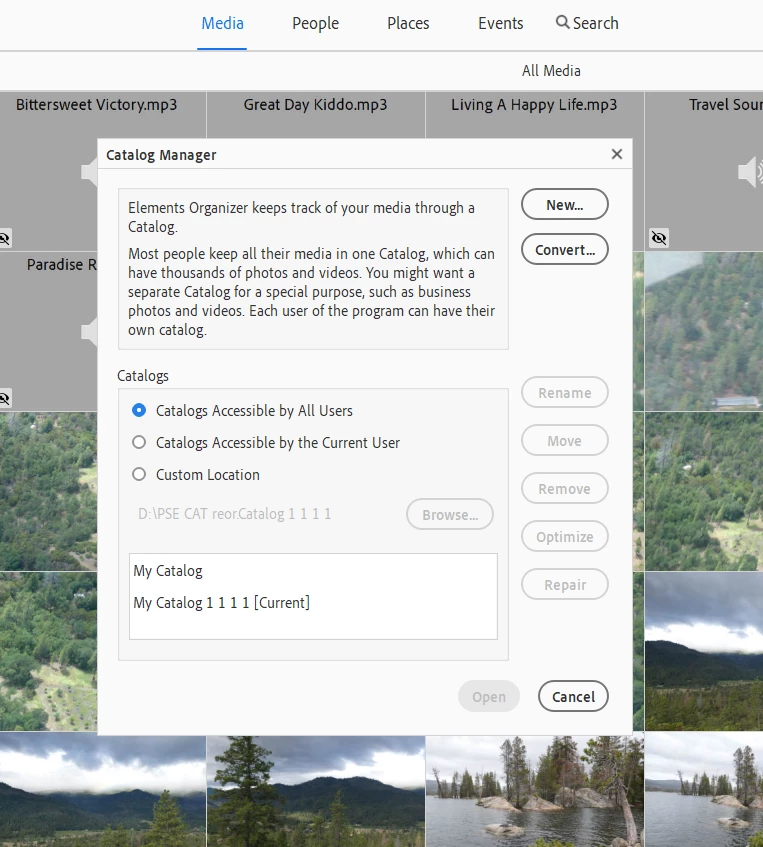
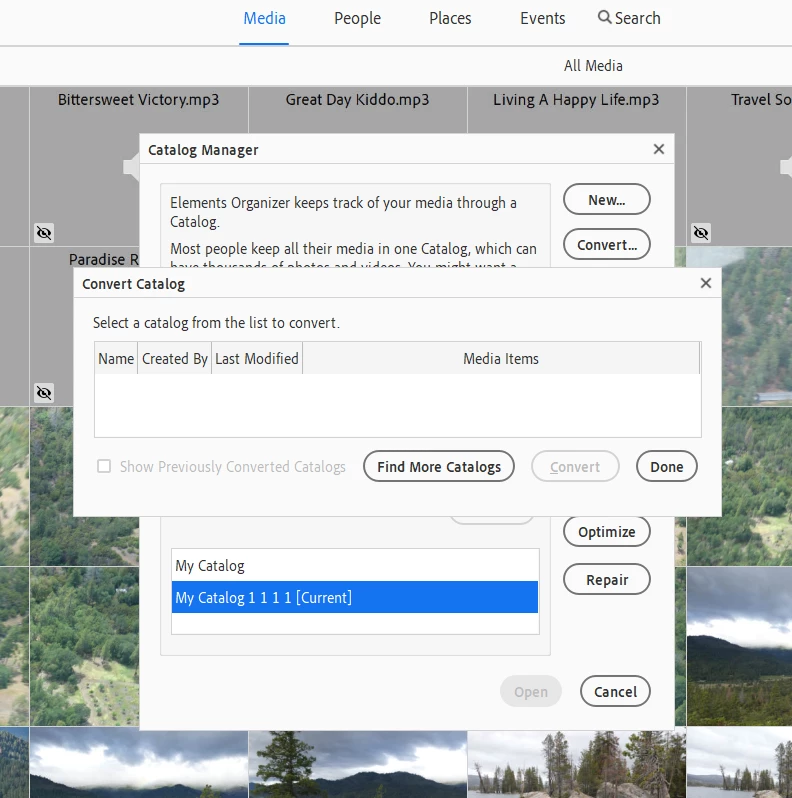
when I do go to convert (see screen shots) when I pick it out from the list nothing much happens. A empty convert catalogs dialog box pops up. if I click find more catalogs box I go to a windows file explore window. If I highlight and click my catalog 1111 there I go back to an empty convert catalog dialog box, but now it shows previous converted catalogs option check box! If I click that my Catalog 1111 pops up, but with a converted date from way way before I even installed PSE 2024 on my computer....? My old PSE was 2018 I believe...? (that computer crashed) Question is I thought each years version of PSE required a catalog convert when upgrading to a newer version. My catalog name is still the same as it was before. Can anyone tell me what is happening here...? I am confused..?


 AdChoices