
Participant
December 1, 2019
Question

Converting Photo to drawing for Coloring Book

  • December 1, 2019
  • 4 replies
  • 39490 views

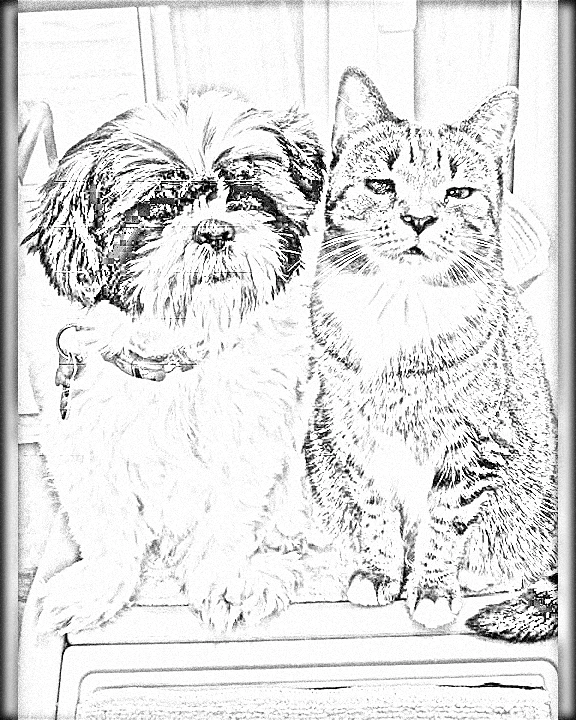
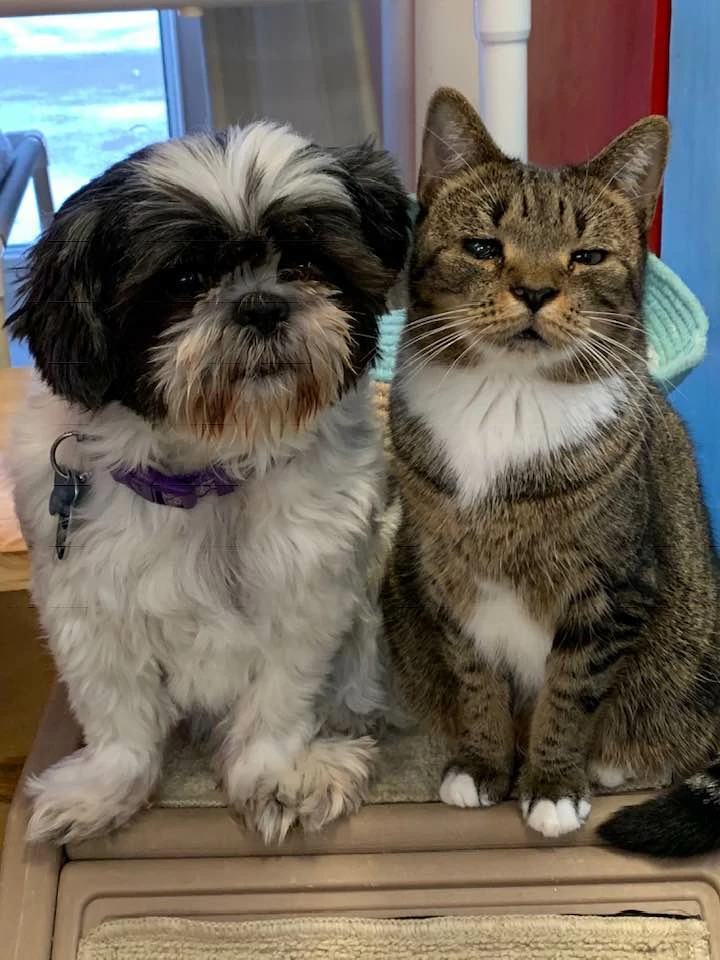
I am having problems getting my lines to a consistent level and getting rid of shading on the drawing.  I am new to photoshop elements  Attached are pics of the photo I am using and the results I came up with.  Any tips on what to do to improve welcomed.  This is going to be a coloring book for adults for a cage free no kill feline rescue center
4 replies

Participant
May 22, 2022

I do  Filter>Sketch>Photocopy  settings 18 and 48

then invert color Ctrl + I on Windows, or Command + I 

and finally I go to Image>Adjustments>Threshold settings 200

Jeff Arola
Community Expert
Community Expert
December 2, 2019

I didn't do anything to your posted color image before using Filter>Sketch>Graphic Novel.

Jeff Arola
Community Expert
Community Expert
December 1, 2019

You could try Filter>Sketch>Graphic Novel>Hard Edges.


Participant
December 2, 2019

new at all this, So at what step did you use the Filter>Sketch>Graphic Novel>Hard Edges?  Or could you walk me thru the steps please

hatstead
Inspiring
December 1, 2019

I openend the b/w sketch in PSE Editor, and opened a Brightness/contrast adjustment layer above the Background layer.  Set the contrast slider all the way to the right, and the brightness slider all the way to the left.

Consider creating this project at a higher resolution. For printing, it is desirable to have the resolution in the 240-300px/in range. Yours=72px/in.

Participant
December 4, 2019

thanks