
PhotographybyNicoleN
Participant
Dec 25, 2023 10:51 PM UTC
Answered

copy and paste symbols

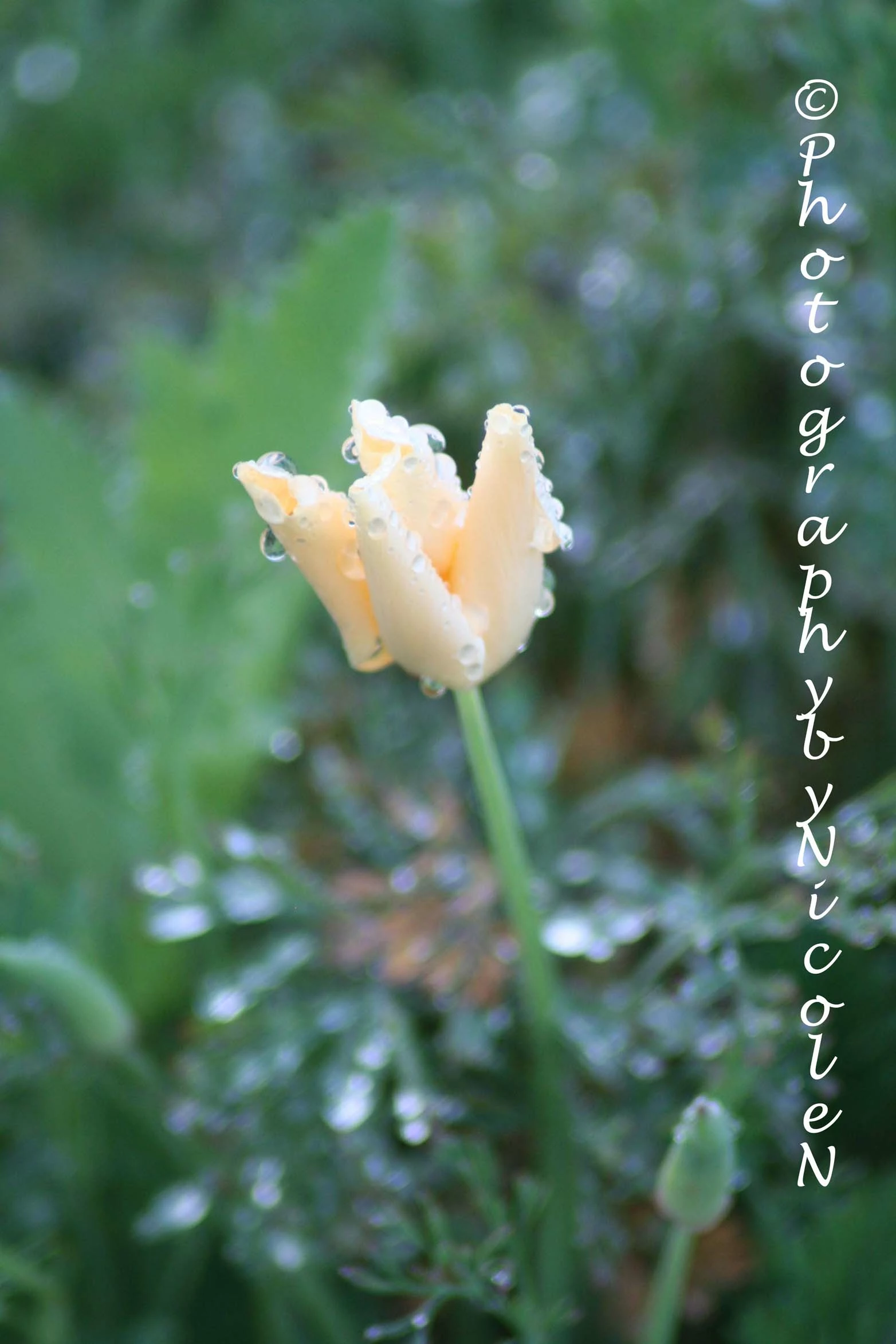
I've copied and pasted for years, with the older Photoshop that I used to have. Now I have the 2023 version.   Where are symbols of the copyright, that I usually use on my photgraphy that I post and sell online.  Thank you!   My Flickr account is ~~~   https://www.flickr.com/photos/photographybynicolen/collections             
This topic is closed to new replies. Start a new post to keep the conversation going.
hatstead
hatsteadCorrect answer
Inspiring
Dec 26, 2023 12:59 AM UTC

In Windows, open the Character map. © is readily available to copy/paste.


3 replies

Jeff Arola
Community Expert
Community Expert
Dec 26, 2023 5:58 AM UTC

On Windows 10 and 11 you can pull up an alternate character panel by pressing the

Windows key + . (period), then click on Symbols and find and click on the copyright symbol.


Translate
Jeff Arola
Community Expert
Community Expert
Dec 26, 2023 4:30 AM UTC

What operating system are you using?


Do you have photoshop elements 2023 or photoshop cc 2023?


To insert the Copyright Symbol:


Windows press Alt + 0169 on the numeric keypad


Mac press Option + G

Translate
hatstead
hatsteadCorrect answer
Inspiring
Dec 26, 2023 12:59 AM UTC

In Windows, open the Character map. © is readily available to copy/paste.


Translate