
Answered
Cropping
how can I get the cropping tool to show pixels and not inches?

how can I get the cropping tool to show pixels and not inches?
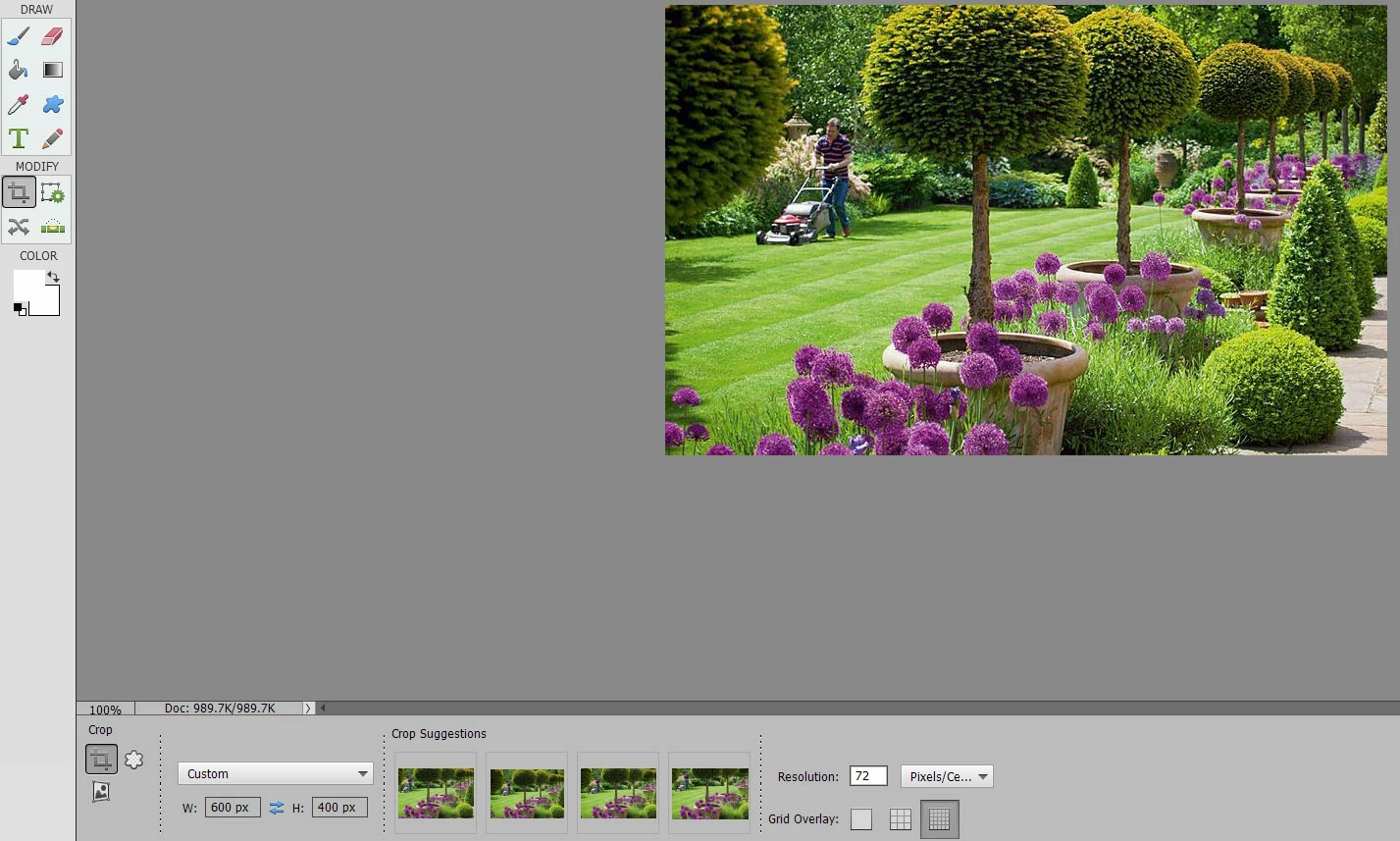
Choose Custom. Then type the pixel dimensions you want and resolution. Then drag out the crop tool over the photo. See image below.
Already have an account? Login
Enter your E-mail address. We'll send you an e-mail with instructions to reset your password.
 AdChoices