
Custom psd template to be applied to many photos
I have a PSD template that I wish to apply to many (275) photos.
Firstly, I am a novice at Photoshop Elements. I have the 2019 version.
The PSD has a border around it and a couple of graphics (logos). I attach a snapshot of the template I am using. 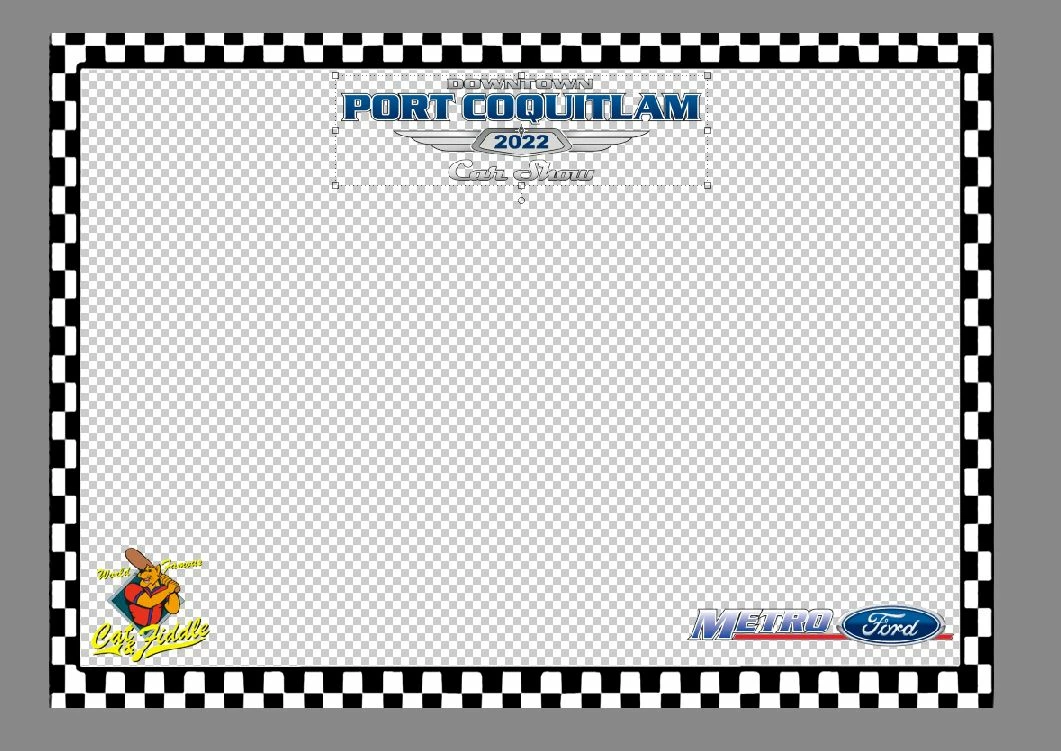
I wish to print the resulting images (after applying the template to all the photos) as 7" x 5" photos.
I thought I could simply drag & drop the photo(s) on to the PSD but it appears it's not that simple (why not?)
Then there is the matter of the number of times to be done (275). Is there a batch processing element to Photoshop that I can use to do this - and NOT do it manualy?
Any assistance or guidance would be appreciated. I have searched YouTube and other places for hints but nothing seems to match what I am trying to do - well as far as I can see, but as I said I AM an absolute novice at this.
Thanks team!


 AdChoices