

Answered
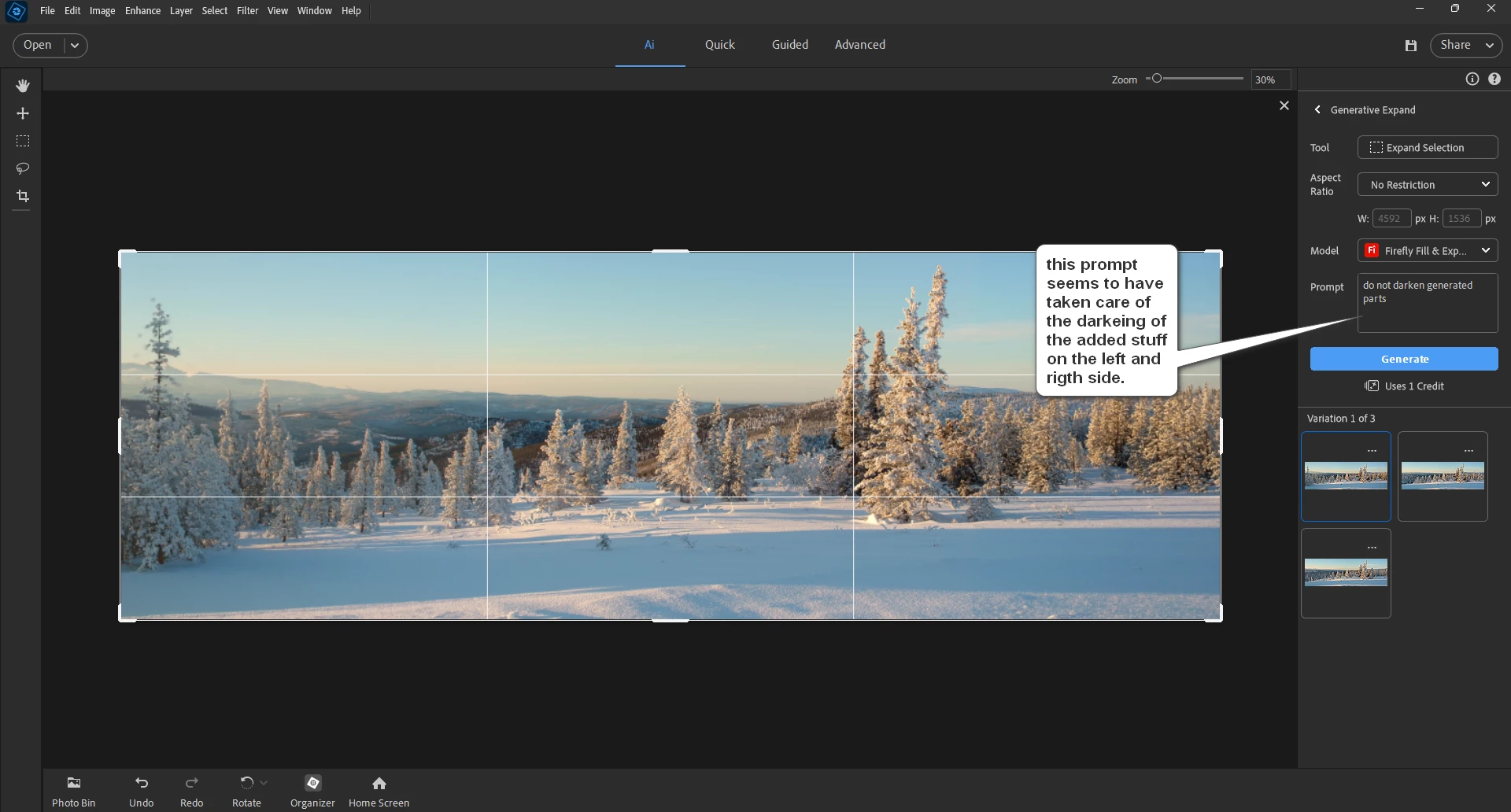
Darkened areas when using the new Generative Expand tool
I’ve done quite a few “generative expands” using the new generative expand tool (I don’t care about keeping track of generative credits- I subscribe to photoshop go I get something like 375 credits a month-- currently I have 180 credits left and my roll over date is around september 26th) (Generative credits do not add up / roll over from one month to the next- your generative credit amount is reset each month).
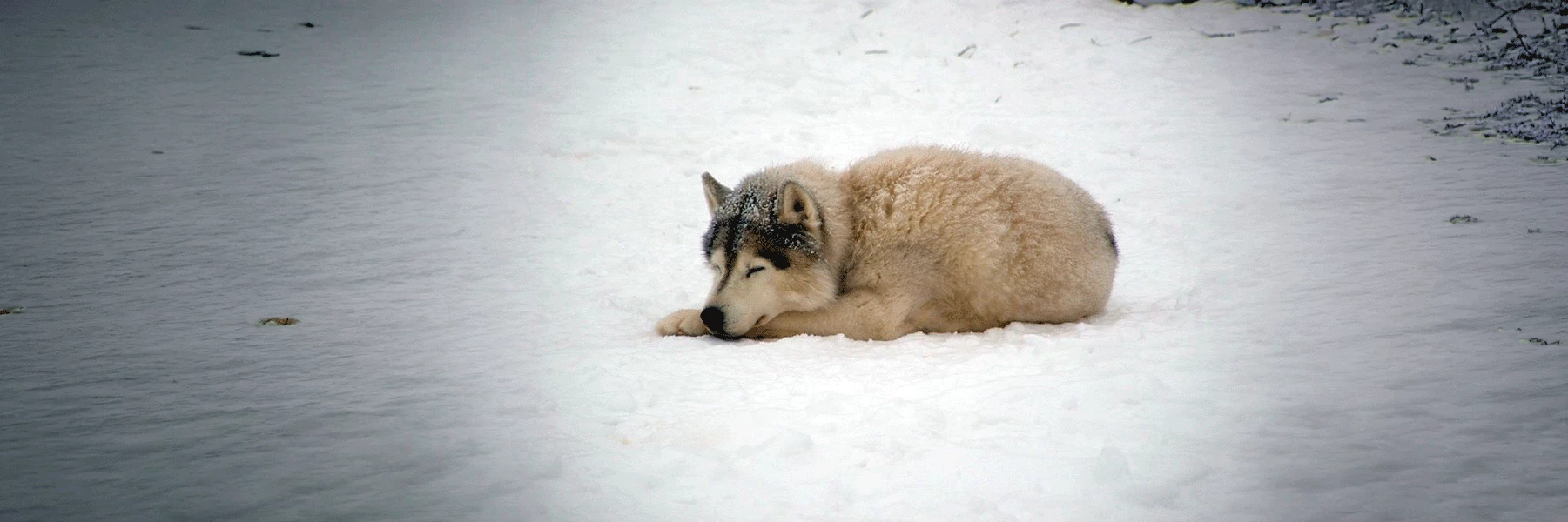
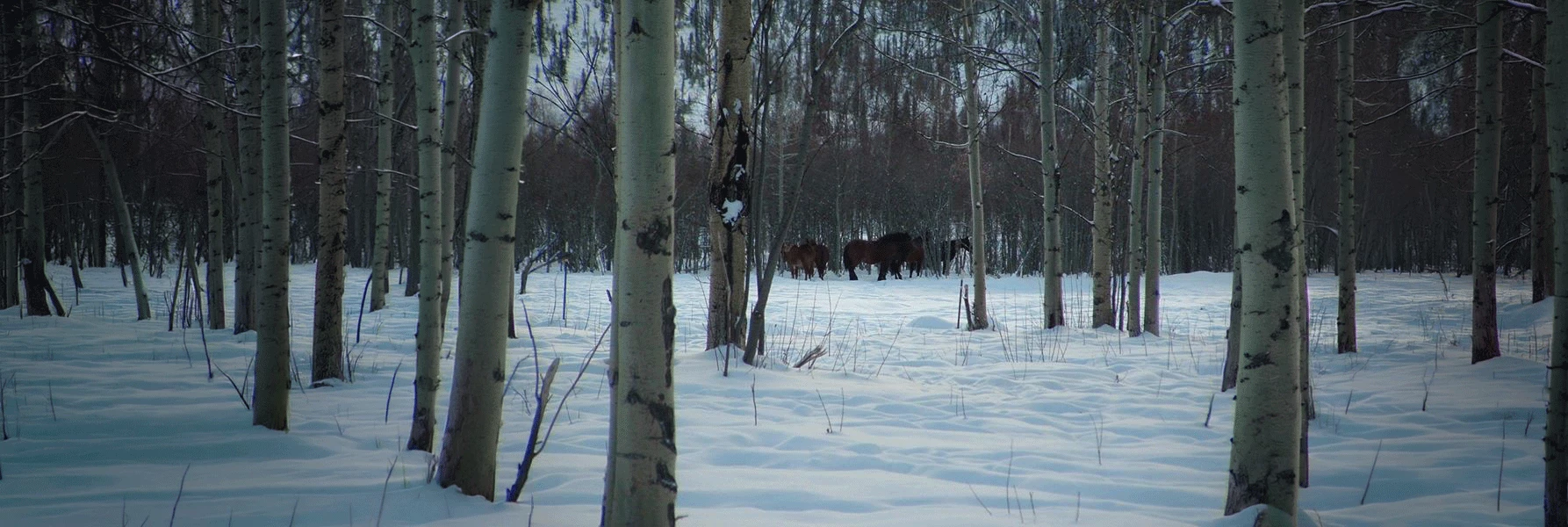
What I’ve noticed: The parts that are added tend to be a bit darker than the original part- it’s a nice looking dark area- compare it to a vignette effect.
MY QUESTION: Are others noticing this darked effect when using the generative expand tool?



 AdChoices