
Delete old catalog in PSE
PSE 2018 running on Windows 10 desktop.
I have an old, full backup catalog saved to an external harddrive where all my photos are saved.
I created a new full backup saved to the same external hardrive. I want to delete the old full back up. How do I do this so that PSE knows which new catalog to read?
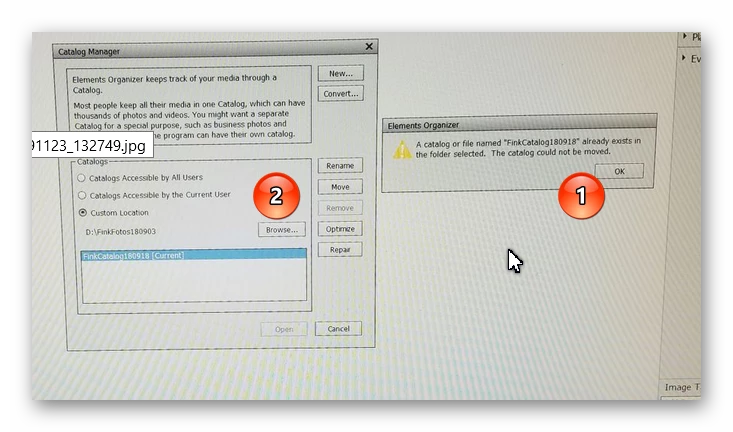
Currently, I have both catalogs and the program opens normally, showing the old catalog name in the bottom right corner of the main media screen. When I go to File/Manage Catalogs, the window shows the old catalog name in window below Custom Location: OLDCATALOG [Current]. If I select Browse to the right of Custom Location, I can find the new catalog in the same external harddrive, and when selected the file path correctly shows the new catlog under Custom Location. However, nothing else happens. The buttons (Rename, Move, Remove, Optimize, Repair and Open) remain unlit and cannot be selected. I essentially have no option except to Cancel. Suggestions?
Thanks,
 AdChoices