
Answered
Deleting multiple keywords in Photoshop Elements
When I installed PSE2019 in my new computer, it imported many, many keywords that were setup by me on my old computer. I think there may literally be over a thousand random words, perhaps as a result of it importing photos/graphics from screenshots, etc that I didn't know were on my computer. I was able to identify and delete those images - but I think their keywords remain (with no images).
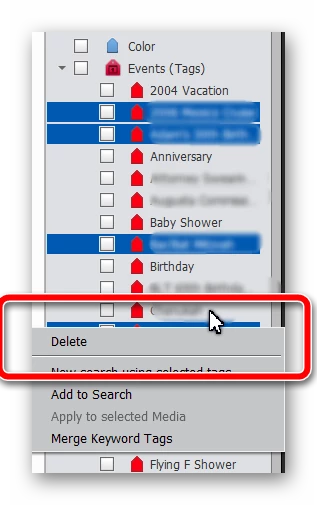
Is there any way to delete multiple keywords at once? So far I have only been able to select them one at a time to delete them - which means it might be a never ending task.
Appreciate any insights, help.



 AdChoices