
Deleting music from PSE catalog
Having purchased a new desktop computer and having a photo project pending, I purchased a new copy of Photoshop Elements 2025 (PSE). This is at least the ninth version I have purchased, starting back with PSE 10. I am beginning to regret my purchase.
I found the installation program to be badly behaved. I recently copied my photo libary from the default Windows 11 location on my primary C: drive to a separate data drive. I haven't deleted the photos from the C: drive yet, pending confiormation tnat everything got transferred. The program tried to load both drives into the catalog. I stopped that, but after seeing a bunch of music files appearing in the download progress window I stopped the process. I found that PSE had also located and loaded into the catalog all of my music files up to the point that I stopped the process.
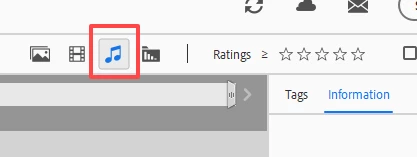
Now, I see folders that are clearly music files. I don't want music files in PSE. I have iTunes for that. I can delete them from the catalog, but I can choose only one folder at a time, and have to confirm each deletion with another mouse click. This is going to take freaking forever to edit. Is there some way to expedite the process and tell PSE to get rid of all the non-photo files?


 AdChoices