
Question
Editing Photoshop cc 2015 files using Photoshop Elements 12
Hello,
I have Photoshop Element 12 and have had no problems opening files my graphic artist has sent me in the past and able to make edits to text boxes within the page as necessary. Recently, he upgraded his software to Photoshop cc 2015 on windows 10 64x system. Now when I open the files he sends me I get a dialogue box below:
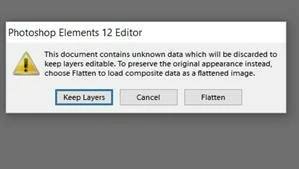
If i select Keep Layers, the file opens but the layout is off and I cannot click in the text box to make any changes.
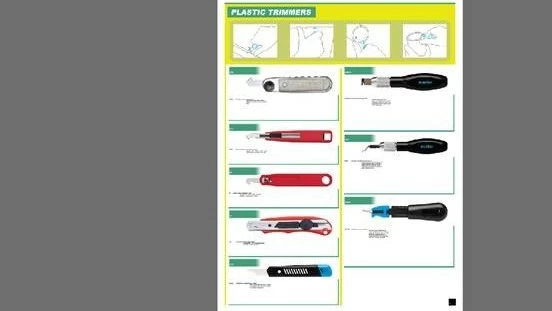
A very novice Photoshop user would appreciate some guidance.
thanks


 AdChoices