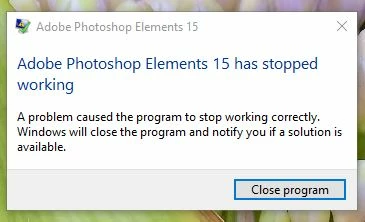
This is sometimes caused by a component of free anti-virus or ad-aware software which may have been installed when bundled with another product update or browser add-on. Look for errors in the crash log by going to event viewer.
https://helpx.adobe.com/photoshop-elements-editor/using/find-crashlogs.html
You may see something like:
Faulting module: LavasofTcpService64.dll
If so, remove the Lavasoft program and try launching Elements again. It may be listed as Web Companion.
- -Go to the Windows Control Panel >> Programs (Uninstall a Program)
- -Find and select Web Companion.
- -Click Uninstall.




 AdChoices